Facebook's default Messenger auto-reply says "Thanks for reaching out! We will get back to you soon." It's free, it's built into every Page, and by itself it converts almost nothing. Here is how to set up native Messenger automation correctly, and the Meta rules - the 24-hour window, message tags, comment-to-DM policy - that decide what you're allowed to send and when.
Native auto-replies vs. AI replies#
Facebook Pages get two tiers of automation. Native tools (Instant Reply, Away Message, FAQ shortcuts) live inside Page Inbox settings, are free, and send a fixed piece of text. They don't read the customer's message - they just fire on a trigger.
AI-powered replies read the actual message, pull an answer from your business knowledge, and hold a real conversation. That requires a third-party platform connected through the official Messenger Platform API. This guide covers the native, free side end to end. For the AI setup, see Facebook Messenger AI: how to set up AI replies for your business page.
How do I turn on automated messages in Facebook Messenger?#
- Go to your Facebook Page and click Inbox in the top navigation
- Click Automations in the left sidebar
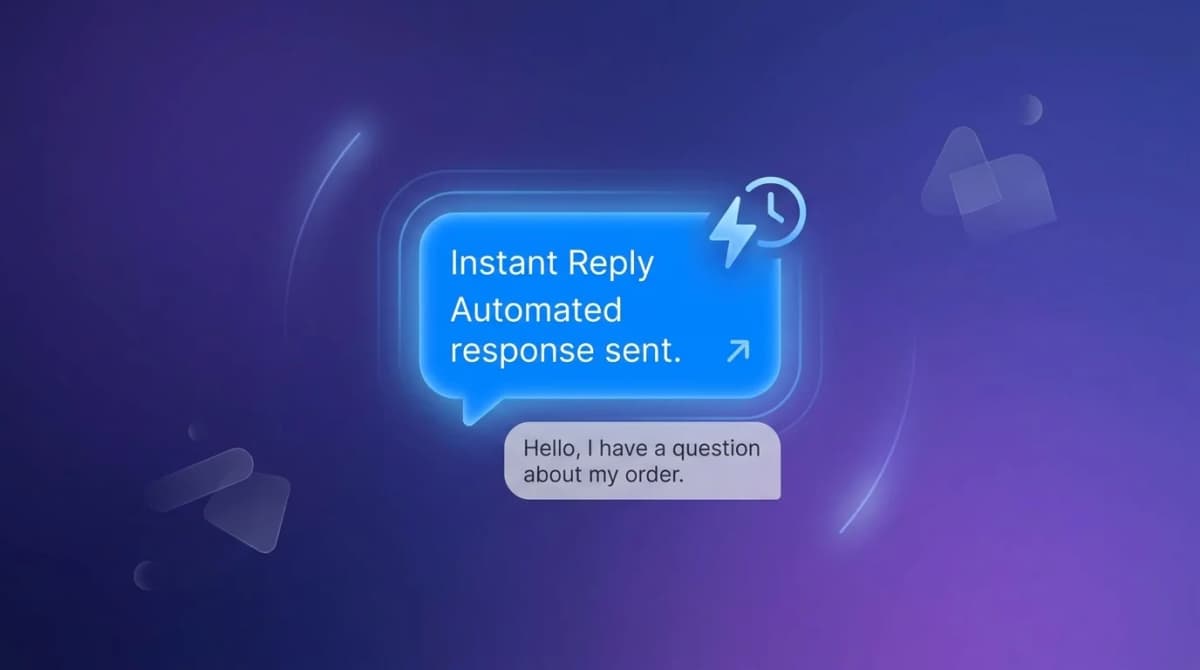
- Toggle on Instant Reply to send a message the first time someone contacts your Page
- Toggle on Away Message and set your business hours so it fires automatically outside those hours
- Under Frequently Asked Questions, add up to 5 common questions with your answers - customers tap one instead of typing
- Click Preview to see how each message looks before saving
Make the default text worth reading#
- Don't open with "Thank you for reaching out." Open with something useful.
- Put your actual hours, a link, or a specific answer in every auto-reply - not just an acknowledgment
- In the away message, say exactly when you'll reply: "Back Monday 9am - I'll answer your message then"
- Use the 5 FAQ slots for your team's most-asked questions, with complete answers, not teasers
Is Facebook Messenger auto-reply free?#
Yes. Instant Reply, Away Message, the FAQ shortcuts, and keyword-triggered comment DMs are all included with any Facebook Page - no Business Manager tier or ad spend required. What's not free is the part that reads and answers the actual question: that needs a connected AI platform, typically a paid monthly plan.
How long do I have to reply to a customer on Messenger?#
The 24-hour customer care window: once a customer messages your Page, you can send any content back - promotional, informational, whatever - for 24 hours. Each new message from the customer resets that clock. A follow-up question or next-step prompt from your side, if it gets a reply, keeps the window open.
This is why an auto-reply that invites a response ("What are you looking for today?") is worth more than one that just acknowledges - a reply extends your selling window, silence lets it close.
Can I message customers after the 24-hour window closes?#
Only with a message tag, and only for the specific purpose the tag covers - this is not the same system as WhatsApp's pre-approved message templates, and mixing the two up is a common setup mistake. Message tags let you send one specific, narrowly-scoped message outside the 24-hour window, for things like a confirmed event update or a human agent picking up a case. They are not a general "send anything, anytime" pass, and Meta enforces the scope strictly - using a tag for a message it wasn't meant for risks the tag being revoked for your Page.
Check Meta's current Messenger Platform documentation for the exact list of available tags before you build anything on top of one - the categories change, and building automation against an outdated list is the fastest way to have a message silently fail to send.
How do I auto-DM people who comment on a Facebook post?#
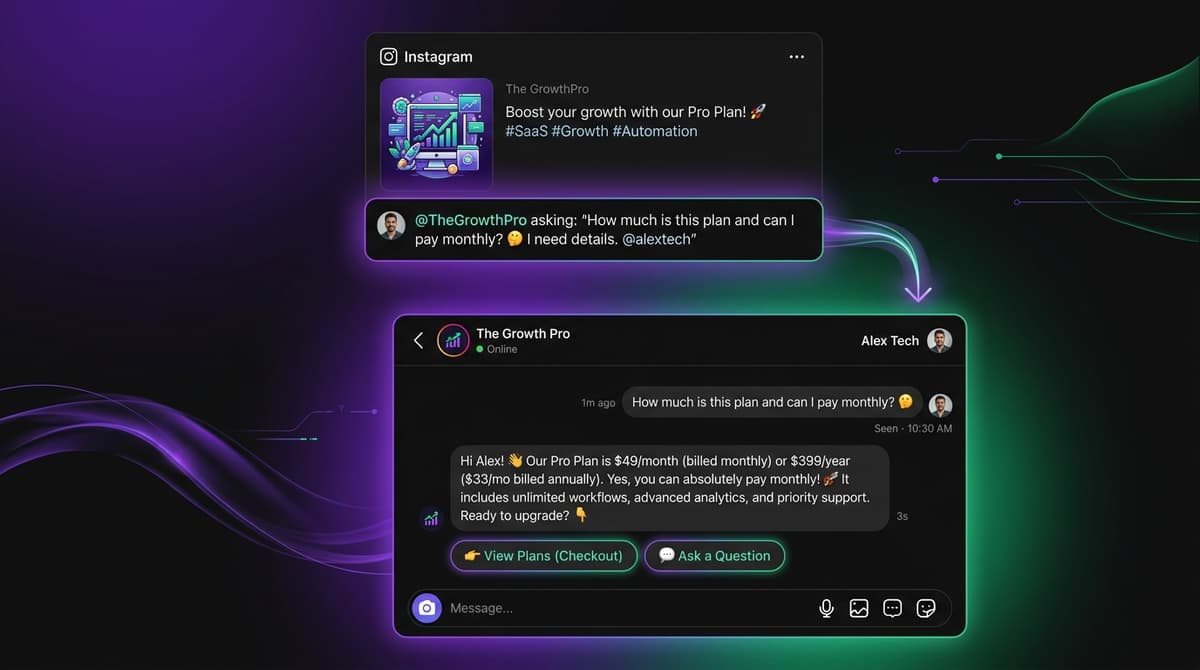
Native Facebook tools support keyword-triggered comment-to-DM: a post says "Comment PRICE for our pricing," someone comments "PRICE," and they get an automatic DM with your pricing and a link.
Why it works:
- A comment is a low-friction signal of real interest
- The DM lands while that interest is still fresh
- It moves the conversation from public comments to a private thread, where it's easier to actually sell
Native tools handle the keyword-to-DM trigger. Whether the AI-powered follow-up conversation continues intelligently after that DM opens depends on whether you've connected an AI platform on top - see the AI setup guide linked above for that piece.
What should a Facebook Messenger auto-reply actually say?#
The most common mistake is generic acknowledgment with no information in it.
Weak auto-reply: "Hi! Thanks for reaching out to [Business Name]. We will get back to you as soon as possible."
Better (DTC brand): "Hey! You've got questions, we've got answers. Our most popular product right now is [Product Name] starting at $[Price]. Free shipping over $[Amount]. What are you looking for today?"
Better (service business): "Thanks for reaching out! We [do X] for [type of customer]. Next available appointment is [day]. What brings you here today?"
The difference is information density: one version gives the customer something to act on immediately, the other asks them to wait and offers nothing while they do.
Can my Page get banned for automating Messenger?#
Only if you use the wrong tools. Meta's Messenger Platform API is the only sanctioned way to automate a Page inbox, and integrations built on it are fully allowed. Browser extensions or scripts that automate Messenger by controlling your personal login or scraping the Facebook website violate Meta's terms of service - and the enforcement is account suspension, not a warning. Stick to native Page settings or platforms that connect via official OAuth, and this isn't a risk.
When native auto-replies aren't enough#
Native tools cover the first message and the simplest FAQs. They can't read an unexpected question, hold a multi-turn conversation, or know your actual pricing and policies. For that you need an AI inbox connected through the same official API - here's the setup guide for connecting one to Facebook Messenger, Instagram DMs, and WhatsApp in a single inbox.
Start a free 7-day trial - no credit card required - or take the product tour to see it handle a real Messenger conversation.