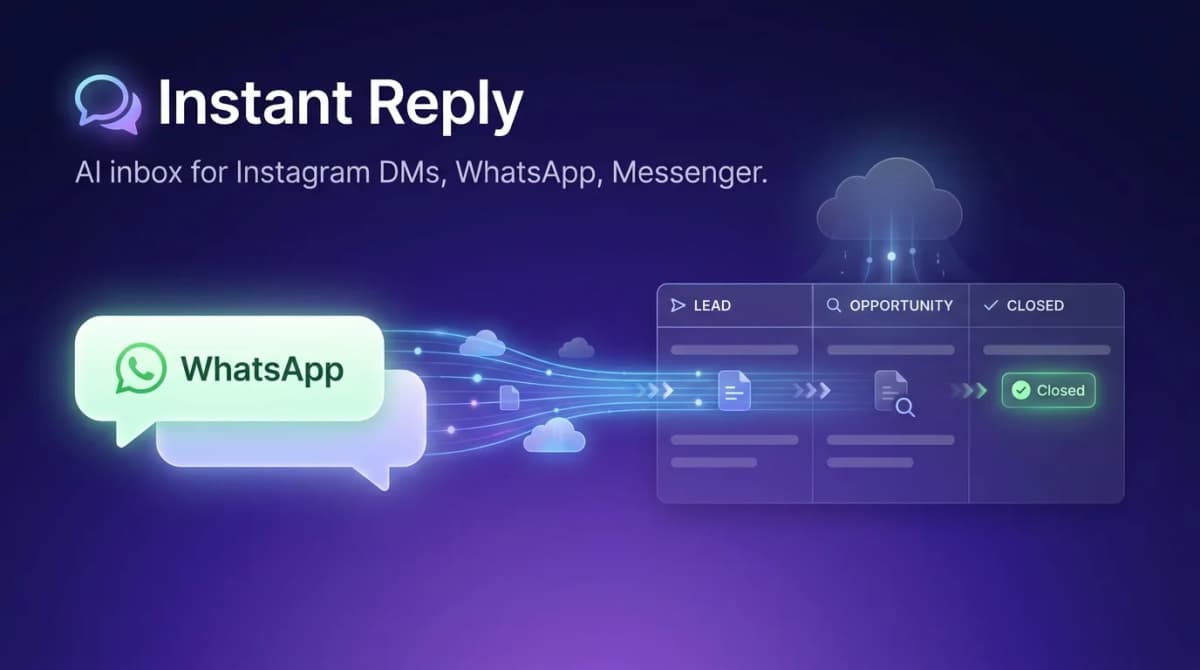
Salesforce WhatsApp integration is possible, but the native route is built for service teams on Service Cloud. Here are the options in 2026, what to check on cost, and which one fits your team. One note up front: Instant Reply does not connect to Salesforce yet. Salesforce is listed as coming soon on our integrations page.
Your 3 Options for Salesforce WhatsApp Integration#
Option 1: Native Salesforce Messaging (Service Cloud)#
Salesforce's built-in WhatsApp support lives inside Salesforce Messaging for In-App and Web, a feature of Service Cloud. What you get:
- WhatsApp conversations visible and actionable inside Salesforce case and contact records
- Send and receive WhatsApp messages from Omni-Channel in Salesforce
- Trigger WhatsApp messages via Salesforce Flow automations and Apex
- Full conversation history synced to records
- Einstein AI features (Service Cloud-native, not WhatsApp-specific)
Requirements and cost:
- A Service Cloud edition that includes messaging; check Salesforce's current edition list and per-user pricing
- Any messaging or digital engagement add-on Salesforce requires for WhatsApp
- WhatsApp Business API access via a BSP
- Meta's per-message fees on top
Best for: large support teams already deep in Salesforce who need WhatsApp inside their existing Service Cloud workflow.
Option 2: AppExchange Partner Solutions#
Salesforce's AppExchange lists dozens of WhatsApp connectors. Common options include Twilio Flex (powerful, developer-heavy), 360dialog (direct WhatsApp BSP with Salesforce connector), and WATI (WhatsApp-first with a Salesforce sync).
Costs depend on the connector's pricing model plus Salesforce licensing. Check each listing for the Salesforce editions it requires.
Option 3: Dedicated WhatsApp Platform + CRM Sync#
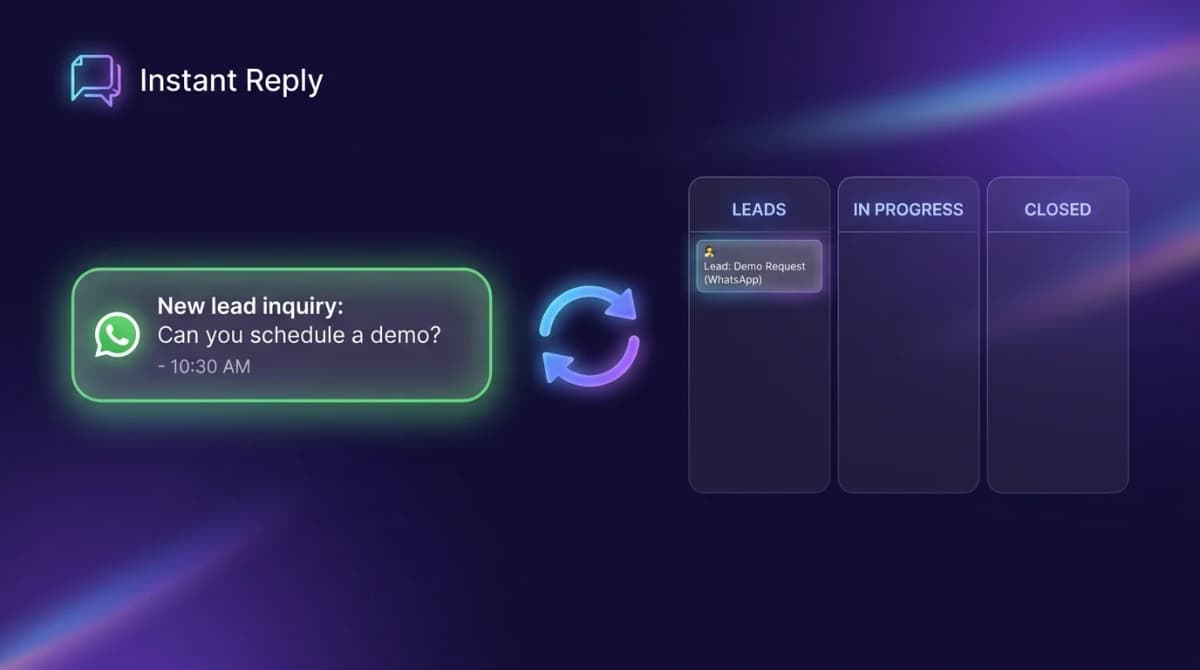
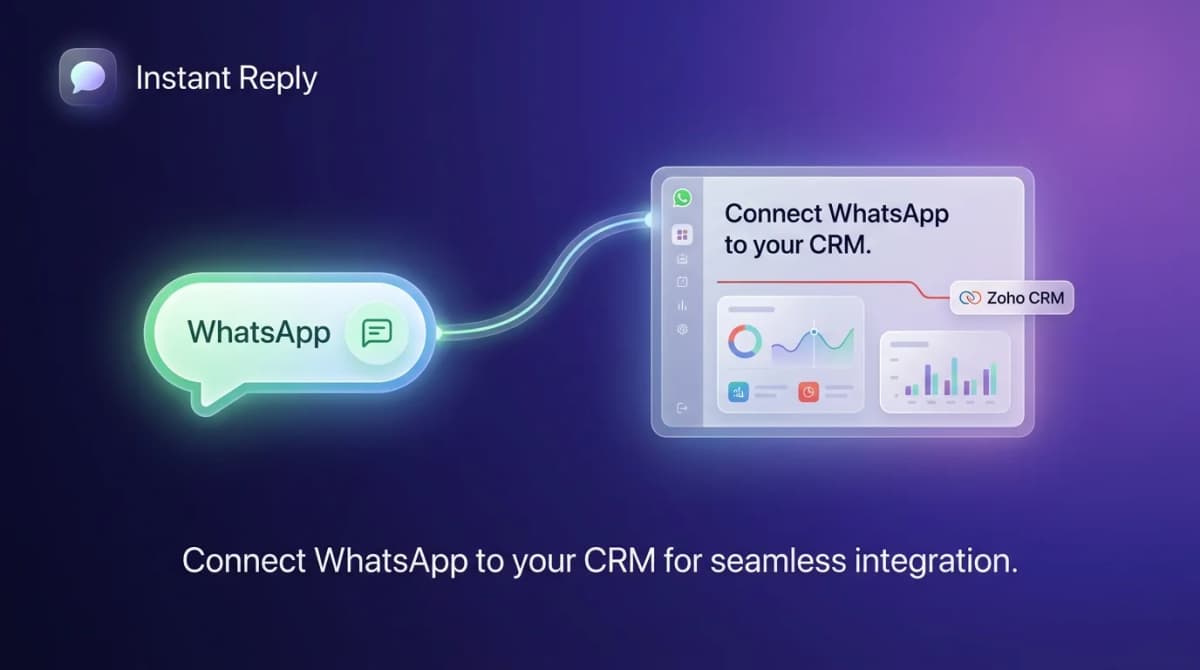
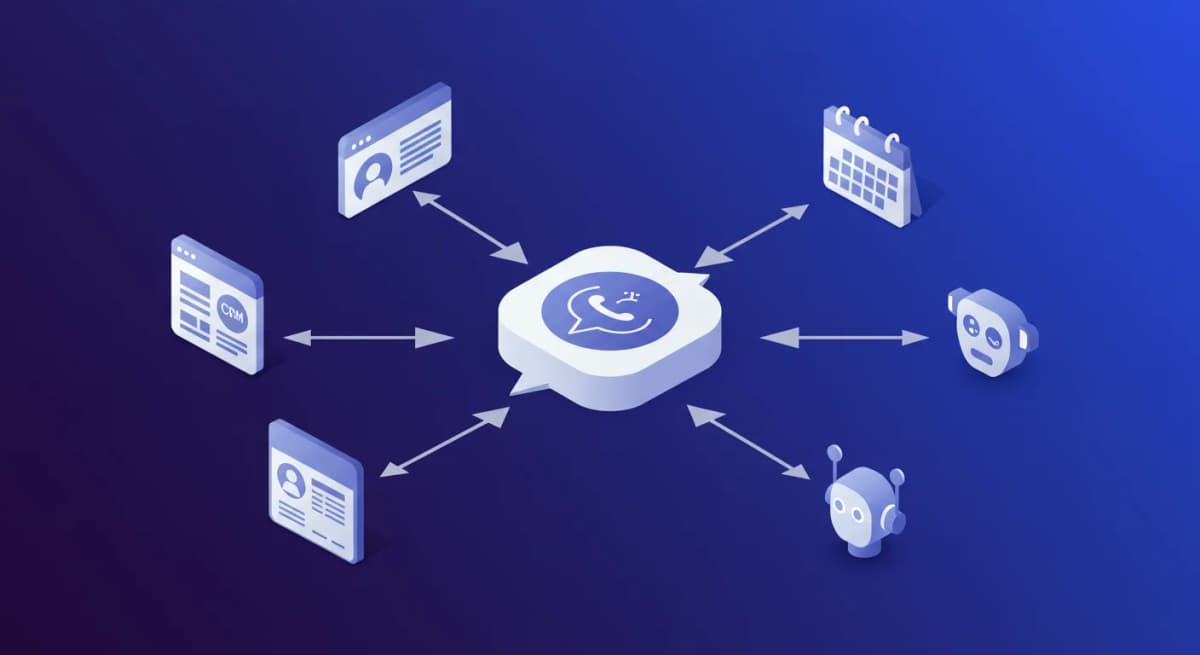
A dedicated WhatsApp inbox platform such as Instant Reply handles WhatsApp activity with AI and team inbox features, then syncs lead details to a supported CRM. Today that list is HubSpot, Pipedrive, Notion, Airtable, and Zoho CRM, and CRM sync is part of the Pro plan ($349/month, unlimited members). The WhatsApp inbox and AI replies start on Growth ($129/month, 5 members).
Salesforce is not supported yet. It is listed as coming soon and cannot be connected in the current release. If Salesforce is your CRM of record, use the native route or an AppExchange connector today, and check the integrations page for status.
Best for: sales-led teams where WhatsApp is the primary channel for new business and the CRM of record is one of the supported systems.
The Cost Comparison: Native vs Dedicated Platform#
Build the comparison for your own team with current prices from each vendor:
- Native Salesforce WhatsApp: per-user license for the required Service Cloud edition x number of users, plus any messaging add-on x users, plus Meta's per-message fees.
- Dedicated platform + CRM sync: the platform's plan price (Instant Reply Pro is $349/month for CRM sync) plus your existing CRM licenses, plus Meta's per-message fees.
Native pricing scales with the number of users; plan-based pricing scales with the plan and its member limits. The right choice depends on your team size and which CRM you use.
What the Native Integration Does Well#
If you are already on Service Cloud Enterprise and your primary use case is WhatsApp support (existing customers, case management), the native integration is the right call. You get:
- Zero context-switching for support agents already living in Salesforce
- WhatsApp cases automatically created and routed with existing case assignment rules
- Salesforce reporting and analytics covering WhatsApp alongside email, phone, and chat
- Einstein AI summaries on WhatsApp conversations
What the Native Integration Does Poorly#
For sales teams using WhatsApp to close new business, Salesforce's native integration has real limits:
- No AI-trained-on-your-business reply drafting. Einstein's AI is generic without custom training, and the training requires significant setup and a separate data strategy.
- No WhatsApp-specific team inbox features. No unread queue by agent, no conversation tagging, no priority routing based on WhatsApp-specific signals.
- No Instagram and Messenger in the same inbox. If you also sell via Instagram DMs or Messenger, you still need separate tooling.
- Per-user pricing scales with headcount. Adding an agent for a busy period adds a license. A plan-based platform like Instant Reply prices by plan and member limit instead (Growth 5 members, Pro unlimited).
Setting Up a Dedicated Platform + CRM Sync#
If the dedicated platform route fits your team and your CRM is one of the supported systems, here is the setup:
- Sign up for Instant Reply and connect your WhatsApp Business number through Meta's embedded signup (timing depends on Meta and your business verification status).
- Connect your CRM from the integrations panel (Pro plan; HubSpot, Pipedrive, Notion, Airtable, or Zoho CRM).
- Map fields: Which WhatsApp data creates or updates which CRM fields? (phone, name, conversation summary, lead source, custom qualification fields)
- Set sync triggers: When does a WhatsApp conversation push to the CRM? Options: when AI qualifies the lead, when an agent triggers it, or both.
- Test end-to-end: Message your WhatsApp number and verify the contact appears in the CRM with the right fields populated.
For Salesforce, follow Salesforce's own setup guide or your AppExchange connector's instructions until Instant Reply's Salesforce connector is released.
Which Path is Right for Your Team?#
Use this decision framework:
- Already on Service Cloud Enterprise, WhatsApp is a support channel: Use native Salesforce Messaging. You're paying for it already.
- WhatsApp is your primary sales channel, Salesforce is your CRM: Use the native route or an AppExchange connector today. Check back for Instant Reply's Salesforce connector, which is coming soon.
- WhatsApp is your primary sales channel and you can choose a CRM: Use a dedicated WhatsApp platform with one of the supported CRMs (Pro plan).
- Small team, Salesforce is too expensive: Use Instant Reply with built-in pipeline management. Skip Salesforce until you outgrow it.
Start a free 7-day Instant Reply trial and see the inbox and AI replies before committing. The 7-day trial starts on Pro, so you can also test a supported CRM sync end to end. Or take the interactive product tour to see the inbox and integrations panel before signing up.
Salesforce WhatsApp integration works through Salesforce's own products and partners. The question is which setup fits your team size, CRM, and budget. Price it with current vendor numbers before you decide.
Test the integration boundary#
Use a sandbox contact and record what creates a Salesforce record, which system owns consent, whether attachments and template status are visible, and how failed writes are retried. Confirm the exact Salesforce edition and WhatsApp product with Salesforce documentation or your account team before committing production data.