Reviewed August 11, 2026. We checked current vendor product and pricing pages. This guide focuses on one operating question: how can a team centralize WhatsApp, Instagram, Messenger, email, and web conversations without losing ownership, history, or reporting?
What is shared inbox software?#
Shared inbox software gives several people one controlled queue for customer conversations. A useful inbox shows the owner, status, complete thread, internal notes, customer context, and next action before anyone replies. It should also prevent two teammates from sending conflicting answers and preserve context when a conversation moves from automation to a person.
Some products begin with email and tickets. Others begin with WhatsApp, Instagram, Messenger, live chat, or CRM pipeline. The right category matters more than the number of channel logos on a comparison table.
Quick comparison#
| Platform | Best fit | Cost model to check |
|---|---|---|
| Instant Reply | Small and midsize teams qualifying and following up live Instagram, WhatsApp, and Messenger leads. | Plan, channels, reply capacity, WhatsApp reach, and actions. |
| Respond.io | Broad messaging operations with routing, calls, workflows, and configurable AI Agents. | Plan, users, Monthly Active Contacts, AI, and WhatsApp fees. |
| Tidio | Website-led support combining live chat, helpdesk, Flows, Lyro, and social channels. | Human conversations, Lyro conversations, Flows, and agents. |
| Trengo | Multichannel customer-service teams handling email, messaging, social, live chat, and SMS. | Plan, included users, conversations, extra usage, and AI. |
| WATI | WhatsApp-led BSP, campaign, calling, and inbox work with eligible social channels. | Regional plan, users, messages, channels, Astra, and add-ons. |
| Gallabox | WhatsApp-led commerce with Instagram, web chat, catalogs, payments, and forms. | Tier, users, channels, AI credits, WhatsApp, and voice. |
| Kommo | Teams that want messaging, sales pipeline, CRM automation, and booking together. | Per-user tier, six-month commitment, leads, AI credits, and channels. |
Instant Reply: shared ownership for live DM sales#
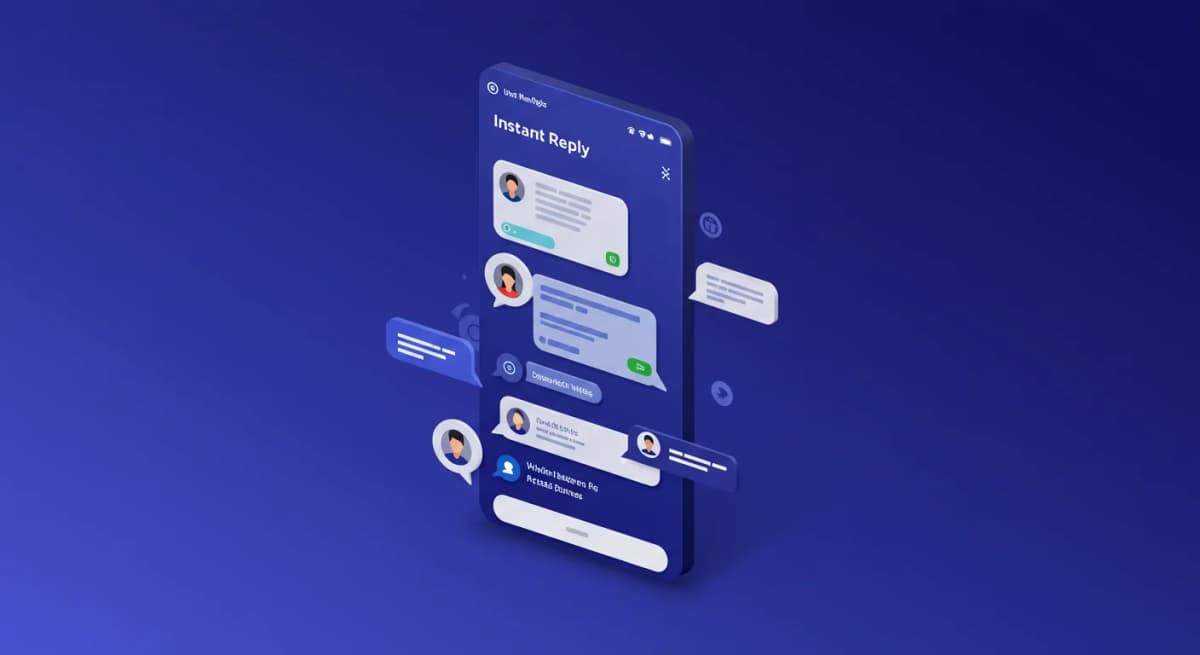
Instant Reply is built around Instagram, WhatsApp, and Messenger conversations that need qualification, follow-up, and human review. The thread keeps the owner, internal notes, channel history, AI draft, and next step together. Growth and Pro include the three-channel workflow; Starter includes Instagram and Messenger.
Use the shared inbox page to inspect ownership and handoff. Test two teammates opening the same thread, a channel switch, an AI draft correction, and a conversation that must move from support to sales.
Respond.io: broad routing and workflow operations#
Respond.io supports a broad mix of messaging connections, email, web chat, and calls with routing, workflows, and plan-dependent AI Agents. It suits teams that need channel breadth and configurable operations more than a narrow sales-inbox workflow.
Read the official platform overview and pricing. Model the exact users, Monthly Active Contacts, AI entitlement, and WhatsApp fees.
Tidio: website and helpdesk first#
Tidio combines live chat, helpdesk features, Flows, Lyro AI, and a multichannel inbox with supported email and social messaging. It is a strong shortlist candidate when the website is the main support entry point and social channels need to join that service workflow.
Review Tidio's multichannel page and current usage meters. Test how one identity appears across website chat and social messages.
Trengo: multichannel customer service#
Trengo brings email, WhatsApp, Instagram, Facebook, live chat, SMS, and other supported channels into a service inbox. Its model combines the selected plan with included users and conversations; added usage and AI can change the total.
Use the current Trengo pricing page. Check the conversation definition, peak-volume overage, supervisor access, reporting, and the exact automation required by the queue.
WATI: WhatsApp-led inbox and campaign work#
WATI centers WhatsApp messages, templates, calling, and BSP operations. Its current Team Inbox documentation also covers eligible RCS, Instagram, and Messenger access. Astra adds plan-dependent AI workflows, including documented WhatsApp text, image, and audio input on eligible configurations.
Use WATI's Inbox guide and regional pricing. Confirm the channel and AI entitlement in the exact plan.
Gallabox: commerce inside the conversation#
Gallabox combines a shared inbox with WhatsApp-led commerce, Instagram, web chat, catalogs, payments, forms, and plan-dependent AI or voice features. It fits businesses whose agents need commerce actions close to the thread.
Check the current plan matrix. Test users, channel eligibility, assignment, image or voice cases, booking, AI credits, and pass-through costs.
Kommo: messaging inside a sales CRM#
Kommo is a messenger-first CRM that combines a unified sales inbox with pipeline, automation, and plan-dependent AI agents. Current Pro materials include voice-message handling, booking calendars, booking automation, and AI appointment booking. Public pricing is per user with a minimum commitment.
Use current Kommo pricing. Check lead limits, AI credits, channel allowances, agents, booking, and the six-month minimum against the expected team.
Run the ownership scorecard#
- Send the same customer from two channels and inspect identity matching.
- Have two teammates open the thread and attempt a reply at the same time.
- Assign, reassign, mention, and leave an internal note.
- Trigger automation, then take over as a person and send another message.
- Escalate a sensitive case and inspect what context follows it.
- Export or review the owner, response, resolution, and failure trail.
- Price the exact plan, users, contacts or conversations, AI, channels, and messaging fees.
The best inbox is the one that keeps ownership obvious when the happy path breaks. Use the interactive team-inbox scorecard and the 18-platform comparison to run the next pass.