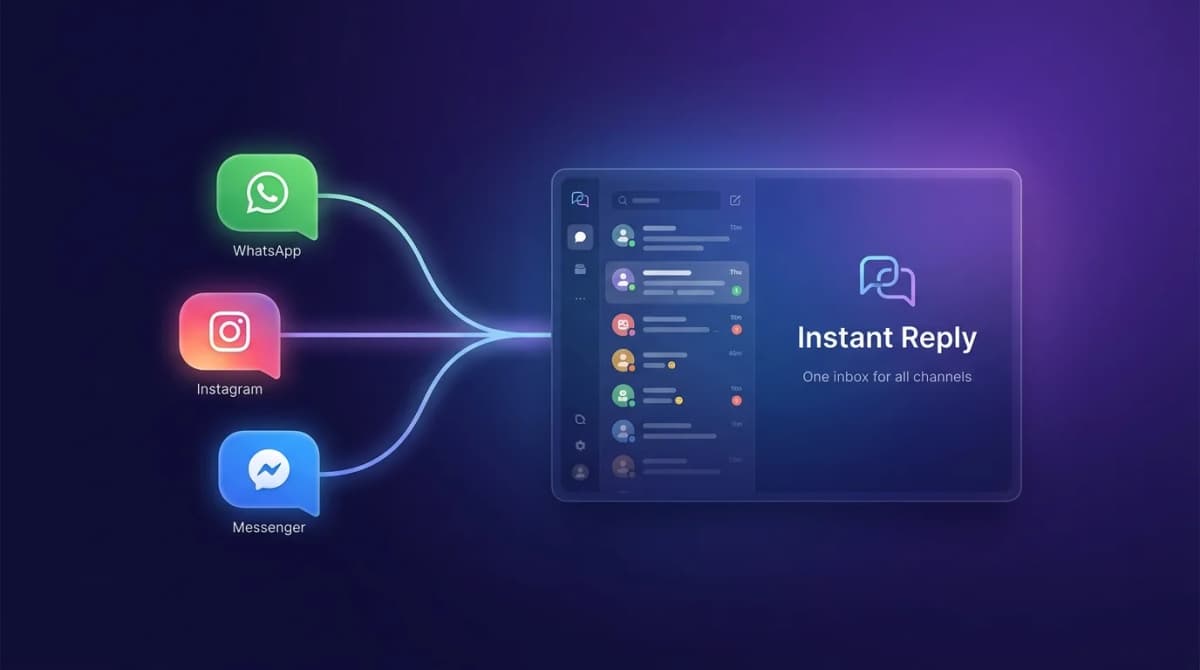
A shared inbox gives your team one place to handle Instagram, WhatsApp, and Messenger conversations. Separate apps can work at low volume, but they break down when more than one person owns replies, follow-up, and customer history.
You Are Losing Time Every Day to Tab Switching#
Open Instagram. Check DMs. Switch to WhatsApp. Read messages. Open Facebook. Check Messenger. Back to Instagram. New message. Over to WhatsApp. Did you reply to that one person? Check again.
This is how most small businesses handle social messaging. It is chaos disguised as a workflow. And it is costing you more than you think.
Context switching has a visible cost: people reread threads, reopen profiles, and lose track of which customer is waiting. For a team member handling customer messages across three platforms, even a few minutes of switching per conversation can turn into hours each week.
The Real Cost of Separate Apps#
Tab switching is just the visible cost. Here is what is really happening:
Messages get missed#
When you are bouncing between three platforms, things slip through. A WhatsApp message sits unread while you are deep in Instagram DMs. A Messenger inquiry gets buried under personal notifications. Each missed message is a potential customer who went to your competitor instead.
Response times spike#
Your average response time across separate apps usually rises because nobody has one queue to watch. In a shared inbox, the next unanswered customer is visible to everyone with ownership rules attached.
Team collaboration breaks#
When two team members both have the Instagram app open, who replies to what? You get duplicate responses. Or worse, both people assume the other person handled it and nobody replies. With separate apps, there is no assignment, no tracking, and no accountability. Team visibility fixes this with shared ownership.
Customer history disappears#
A customer messages you on Instagram last week and WhatsApp today. Are you connecting those conversations? With separate apps, no. You are treating them like two different people. That is a bad experience for a customer who expects you to remember them.
What a Shared Inbox Actually Looks Like#
A shared inbox pulls all your messaging channels into one screen. Instagram DMs, WhatsApp messages, Facebook Messenger, all in one feed. One place to read. One place to reply. One place to manage.
Here is what changes:
- One screen, all channels. No more switching. Every message from every platform appears in your inbox. Reply to a WhatsApp message and an Instagram DM without changing tabs.
- Assign conversations. Route messages to the right team member. No more duplicates. No more "I thought you were handling that."
- See full history. Every interaction with a customer, across all channels, in one thread. They messaged on Instagram last month? You can see it while replying on WhatsApp today.
- Team visibility. Managers can see response times, open conversations, and team workload. No more guessing who is overloaded or which messages are waiting.
Shared Inbox vs Separate Apps: What to Compare#
We do not quote benchmark numbers here, because they depend on your team and volume. Measure these four things for a week in your current setup, then again after a trial of a shared inbox:
- Average first-response time across all channels.
- Messages that went unanswered for more than a day.
- Duplicate replies, where two people answered the same customer.
- Time spent switching between apps and looking up earlier conversations.
Separate apps make each of these harder to see and fix. A shared inbox puts assignment, history, and status in one place, so you can measure and improve them. Put a cost on the time saved using your own payroll figures.
But What About Learning a New Tool?#
Fair concern. Nobody wants to add complexity. The good news: a shared inbox is simpler than what you are doing now. You are replacing three apps with one. The learning curve is a few hours, not weeks.
Most teams are fully productive within their first day. Because the concept is simple. Messages come in. You reply. The only difference is they all come to one place now.
When Separate Apps Make Sense#
Honestly? Almost never for business messaging. If you are a solo operator getting fewer than 10 messages per day across all platforms, sure, separate apps work fine. You can keep up.
But the moment you have a team, or the moment message volume crosses 20 per day, the cracks show. Separate apps do not scale. A shared inbox does.
The Three Costs Separate Apps Hide#
Beyond the obvious time loss, separate apps carry three hidden costs:
- Onboarding tax. Every new hire has to learn three apps, three notification systems, and three quirks. With a shared inbox, training is one tool.
- Reporting tax. Want to know average response time across all channels? With separate apps, you cannot answer that question without exporting CSVs. Conversation analytics answers it in one chart.
- Compliance tax. WhatsApp's 24-hour window, Meta's customer-care rules, opt-in tracking. Separate apps make compliance manual. Shared inboxes enforce it automatically.
Migration: How to Move Without Breaking the Team#
The biggest fear with switching tools is breaking what already works. Here is the proven sequence:
- Run both for one week. Old apps stay open while you onboard the team into the shared inbox.
- Move one channel at a time. Start with WhatsApp (highest message volume), then Instagram, then Messenger.
- Set up assignment rules and routing before sending out the kill-switch for the old apps.
- Do a daily 5-minute sync the first week to surface anything weird.
- Decommission the old apps once everyone confirms the new inbox handles their workflow.
How long migration takes depends on how many channels and team members you move, so start with one channel and expand.
Unify Your Inbox. Unify Your Team.#
Every minute your team spends switching between apps is a minute they are not spending on customers. Every missed message creates risk. Every slow reply gives the customer more time to look elsewhere. Work from one screen when the inbox becomes a shared responsibility.
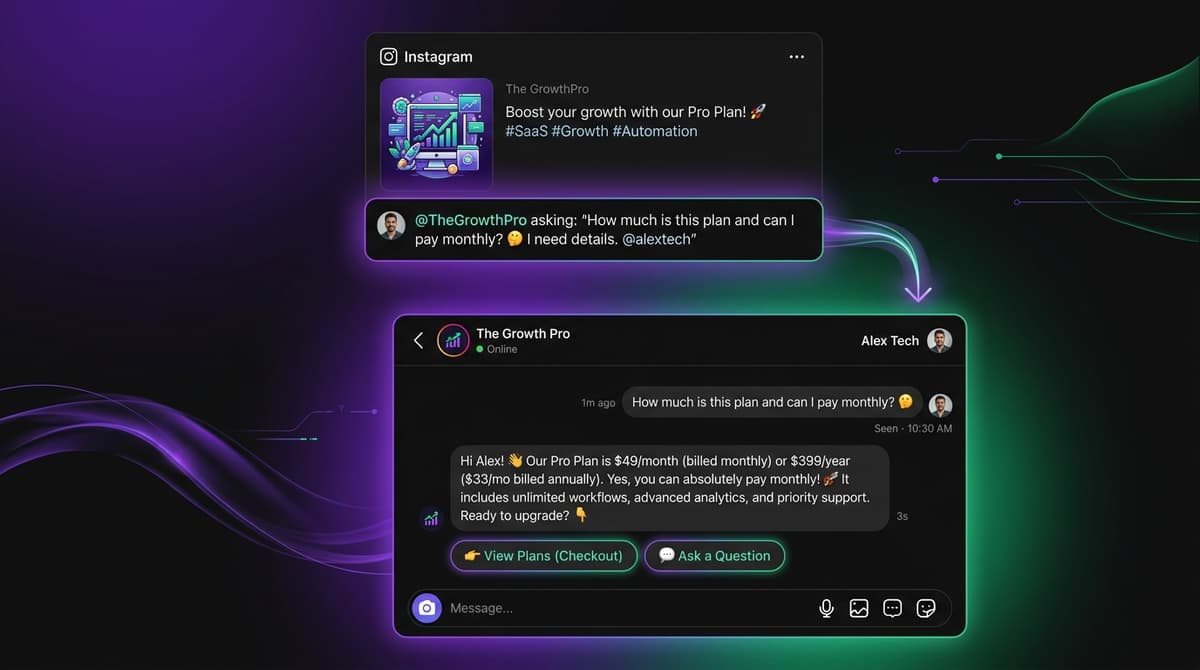
Instant Reply brings your Instagram, WhatsApp, and Messenger conversations into one shared inbox. AI-drafted replies. Team assignments. Full conversation history. One place for everything. Start your free trial and see what your team looks like without the tab chaos, or see the head-to-head.