WhatsApp broadcasts can reach opted-in customers through approved templates. The free WhatsApp Business mobile app caps broadcast lists at 256 contacts, while the WhatsApp Business API supports larger, governed campaigns with templates and delivery controls. Here is how to run one without putting your number at risk.
The Two WhatsApp Broadcast Paths#
Path 1: WhatsApp Business mobile app (free, capped)#
- What you get: Broadcast lists up to 256 labeled contacts. Each recipient sees the message individually (private from each other).
- Limits: 256-contact cap per list, no automation, no template management, no opt-in tracking, no analytics, no team inbox.
- Fits: Solo operators sending a few hundred messages a month, where 256 contacts is enough.
Path 2: WhatsApp Business API (paid, unlimited scale)#
- What you get: Broadcasts to thousands or hundreds of thousands, template management, opt-in tracking, delivery analytics, multi-user inbox, AI replies on inbound responses.
- Cost: Meta message rates vary by category and market. Software pricing varies by provider and billing model. Instant Reply Growth is $129/mo ($107.50 per month billed annually) with broadcasts plus the AI closer included.
- Fits: Any business sending more than 256 broadcast messages or running automation alongside broadcasts.
What It Costs to Send a Real WhatsApp Broadcast#
Two cost layers: Meta's message pricing, plus your software subscription.
Meta's message pricing#
- Marketing templates: Meta bills each delivered message (per-message billing since July 1, 2025, not per conversation); the rate depends on the recipient's country.
- Utility and authentication templates: also billed per delivered message at their own rates by country.
- Since October 1, 2026: Meta also bills service messages and in-window utility templates per message; see what changed on October 1, 2026.
To estimate a broadcast, multiply the number of contacts you expect to be delivered by the per-country rate on Meta's rate card, or enter your numbers in the pricing calculator. Marketing messages to some countries are restricted by Meta, so check current rules for your audience before planning a send.
Software subscription (the part you control)#
- WATI: tiered subscription with included users, extra-user fees, per-message charges on top, and metered AI credits (WATI pricing page, checked September 29, 2026).
- Respond.io: plan plus included users plus Monthly Active Contacts, with on-demand overage past the included contacts; WhatsApp fees are not included (respond.io pricing page, checked September 29, 2026).
- Gallabox: per-plan subscription with included users; check its pricing page for current tiers.
- Instant Reply Growth: $129/mo ($107.50 per month billed annually) for 5 team members. Broadcasts, the AI closer, voice transcription, and image understanding are included. There is no per-message or per-contact fee from Instant Reply; AI replies are capped at 35,000 a month, with add-on packs available.
See the full WATI alternative comparison, respond.io comparison, or Gallabox comparison for the receipts.
The Compliance Rules That Keep Your Number Alive#
Meta is strict about WhatsApp broadcast compliance. Cross the line and your number gets suspended; in extreme cases, your entire Meta Business Account gets restricted.
Rule 1: Explicit opt-in for marketing templates#
Every contact you broadcast a marketing template to must have given explicit opt-in. Store the opt-in source and timestamp for every contact. Common compliant opt-in points:
- Website signup form with a checkbox: "Yes, I'd like to receive WhatsApp updates from [brand]."
- Click-to-WhatsApp ad: the click counts as opt-in if the ad copy makes it clear.
- In-person sign-up at point of sale with a clear opt-in line on the receipt or form.
- Existing customer post-purchase opt-in via the order confirmation.
What doesn't count: purchased lists, scraped numbers, "implied" opt-in from any other channel.
Rule 2: Honor opt-outs immediately#
Every broadcast must include a clear opt-out path: "Reply STOP to unsubscribe" or a button. Process opt-outs in real time. A user who replies STOP and gets another marketing message in 24 hours reports your number, drops your quality rating, and triggers a suspension review.
Rule 3: Use only approved templates outside the 24-hour window#
Inside the 24-hour customer-care window (after a customer messages you), you can send any free-form content. Outside it, you can only send Meta-approved templates. Trying to send free-form content outside the window fails silently or triggers a compliance flag.
Rule 4: Keep your quality rating green#
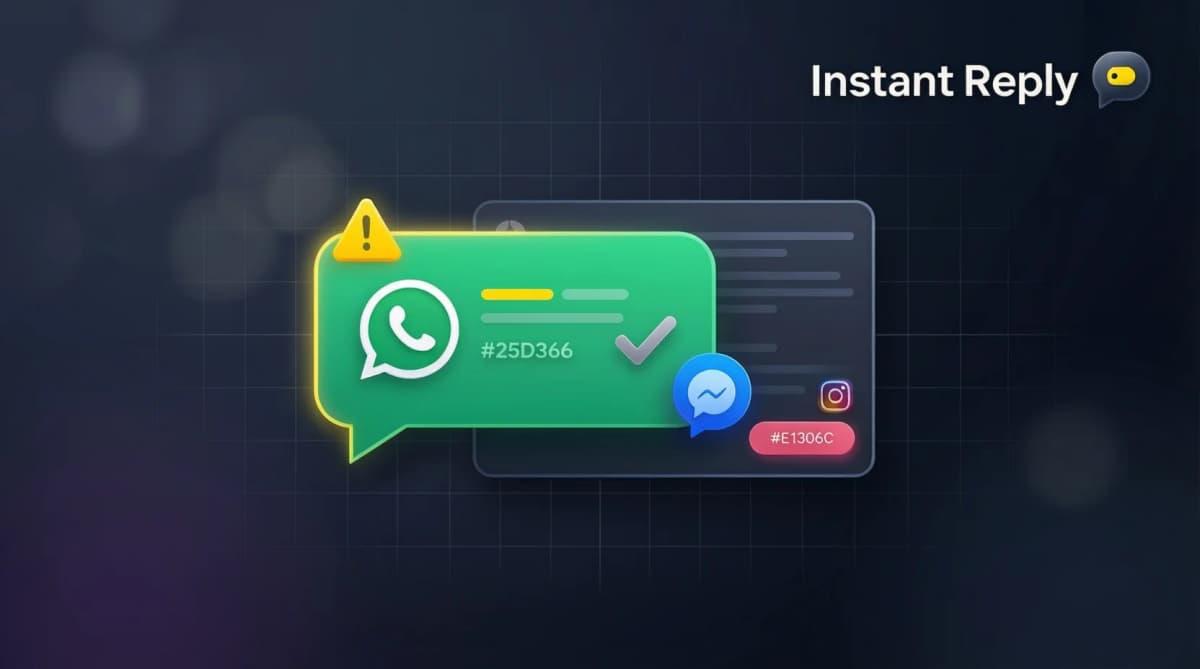
Meta scores every business number on quality (Green / Yellow / Red). Drops happen when users block, report spam, or your delivery rate tanks. Green keeps you at higher messaging tiers; Red restricts your sending limits and can lead to suspension. Quality is the single most important metric to monitor.
Rule 5: Match template content to category#
Submitting promotional copy as a utility template to obtain a different category can lead to rejection or policy problems. Marketing is promotional content. Utility is transactional, such as an order, appointment, or billing update. Authentication covers verification messages. Describe the real purpose of the message and let Meta make the final category decision.
Template Approval: What Gets Approved, What Gets Rejected#
Templates that get approved fast#
- Order confirmations, shipping updates, delivery alerts (utility)
- Appointment reminders and confirmations (utility)
- Promotional offers with clear product/price (marketing, opt-in required)
- Account-related authentication codes (authentication)
- Customer survey or review requests (utility/marketing depending on framing)
Templates that get rejected#
- Misleading claims ("Guaranteed 10x ROI in 30 days")
- Prohibited content (gambling in some markets, alcohol in others, adult content)
- Free-form sales pitches that look like cold outreach
- Templates with broken variables or unclear button actions
- Marketing content submitted as utility (and vice versa)
Pro tip: write the template, get it Meta-approved, then variabilize the dynamic parts ({name}, {order_id}, {discount}). Don't submit ten variations of the same template; submit one well-built template with variables.
What to Send in a WhatsApp Broadcast (Templates That Convert)#
Abandoned cart recovery (highest-ROI use case)#
"Hey {first_name}, you left {product_name} in your cart. We're holding it for 24 hours. Want to grab it? [Complete order button]"
Send it soon after abandonment while the customer still remembers the cart, and measure the recovery rate on your own audience.
Flash promotion / new product drop#
"{first_name}, our new {collection_name} just dropped. First 100 buyers get {discount}% off. Tap to shop: [link button]"
Best practice: short, urgent, single CTA, clear discount or scarcity.
Appointment reminder (utility)#
"Reminder: your {service} is scheduled for {date} at {time}. Reply C to confirm, R to reschedule, X to cancel."
Reminders with a clear confirm, reschedule, or cancel reply help reduce no-shows; track your own no-show rate before and after.
Review request#
"{first_name}, thanks for choosing us. Quick favor: would you take 30 seconds to rate us? [5-star button][1-star button]"
Pair with conditional logic: 5 stars → public review link. 1-4 stars → internal feedback form. Automate this with Instant Reply.
Order shipped (utility, transactional)#
"Your order #{order_id} just shipped. Tracking: {tracking_link}. ETA: {delivery_date}."
Highest deliverability category. Use as the foundation broadcast template for any commerce business.
Handling the Replies (This Is Where Most Tools Fail)#
A WhatsApp broadcast to 5,000 people generates inbound replies. Reply rates vary a lot by audience and offer, but a large broadcast can generate a wave of replies. Most BSPs hand off the replies to your team and walk away. That's where the AI closer matters.
Instant Reply's WhatsApp AI handles the inbound reply storm: transcribes voice notes, reads attached photos, frames replies with closer logic, and escalates only the conversations that need a human. The same plan that runs the broadcast handles the replies. AI auto-replies handle the routine questions, leaving your team focused on the conversations that need judgment.
Send Your First Compliant Broadcast#
WhatsApp broadcasts done right are the highest-converting channel available to a small business in 2026. Done wrong, they hurt your quality rating and can get your number restricted. The difference is opt-in discipline, template hygiene, and a tool that enforces compliance automatically.
Instant Reply ships the WhatsApp Business API access, template submission, opt-in tracking, broadcast scheduling, and the AI closer that handles inbound replies, all on one plan. Start your 7-day Pro trial and run your first broadcast within the week, or see the WhatsApp Business API setup page for the technical walkthrough.