WhatsApp is one of the most useful DM channels for small businesses in markets where it is widely used. But the free WhatsApp Business app has a hard ceiling: no shared team inbox and no AI automation.
If your business is past the solo stage, you need a proper WhatsApp inbox. Here is how to set one up in 2026.
Why the Free WhatsApp Business App Is Not Enough#
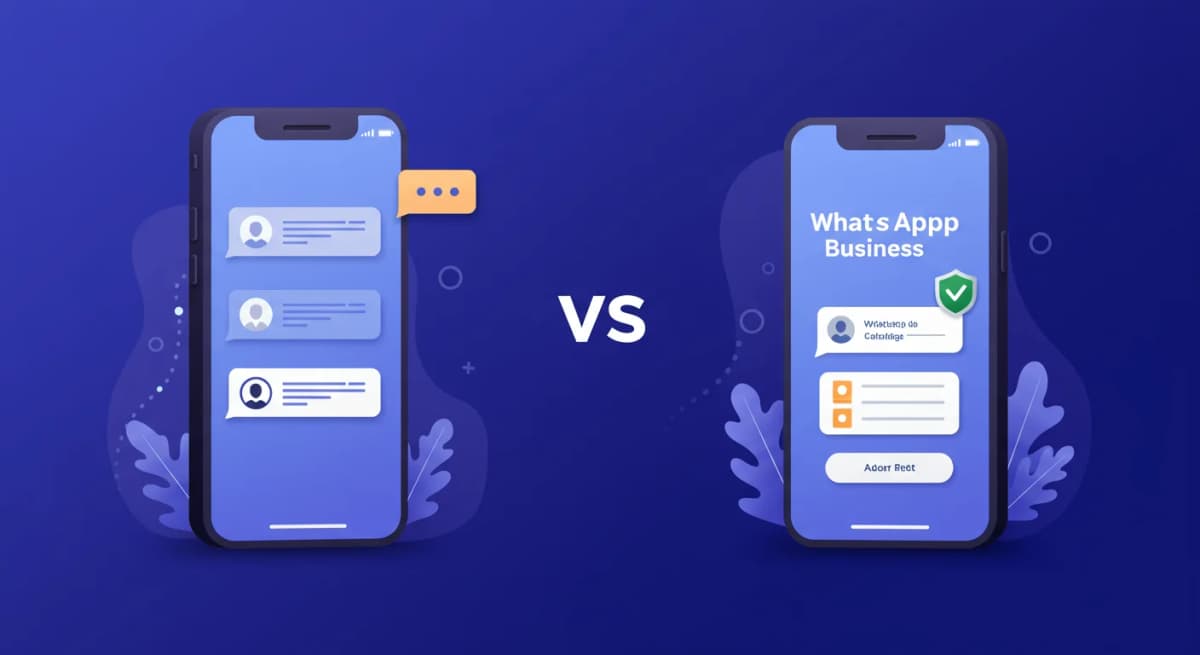
The WhatsApp Business app (the free download from the app store) is fine for solopreneurs replying from their phone. It breaks down the moment you hire a second person:
- Only one device can be logged in at a time (limited multi-device beta aside).
- No way to assign conversations to specific team members.
- No automation beyond saved quick replies.
- No integration with CRMs, calendars, or other business tools.
- No analytics on response times or conversation volume.
The fix is WhatsApp Business API, accessed through a Business Solution Provider (BSP). API access unlocks multi-user inboxes, automation, and integrations. The free app stays single-user forever.
What a Proper WhatsApp Inbox Includes#
A team-ready WhatsApp inbox needs:
- A shared workspace. Every team member logs in with their own credentials and sees the same conversation queue. Conversations are assigned, claimed, or left open so nothing falls through.
- Conversation assignment. When a new lead comes in, someone owns it. Ownership should be visible so two reps don't reply to the same customer at the same time.
- AI or automation for routine replies. Many incoming WhatsApp messages are repetitive: pricing questions, hours, booking requests, delivery status. AI can draft or send these replies quickly, leaving the team for the conversations that need judgment.
- Lead tracking. A WhatsApp inbox without lead context is just a chat window. You need to see the customer's name, what they asked, where they are in the buying process, and what the next step is.
- CRM sync. High-intent leads from WhatsApp should land in HubSpot or Pipedrive automatically, not after a manual export.
Weighing a unified inbox like this against just running separate WhatsApp, Instagram, and Messenger apps? See our shared inbox vs separate apps breakdown for where each approach holds up.
How to Set Up a WhatsApp Business Inbox in 30 Minutes#
The fastest path to a production-ready WhatsApp inbox follows these steps:
Step 1: Get a Dedicated WhatsApp Number#
You need a phone number that is not already connected to a personal WhatsApp account. Options:
- A new SIM with a real number (most common for established businesses).
- A virtual number from a VoIP provider like Twilio or Google Voice (fine for testing, may have verification issues).
- An existing landline number that can receive SMS or voice calls for verification.
Do not use your personal mobile. If the WhatsApp Business number ever gets restricted, you want it separate from your personal messaging.
Step 2: Connect Through a BSP#
Sign up with a WhatsApp Business Solution Provider. The BSP handles the Meta approval process and gives you API access. With Instant Reply's WhatsApp API setup, you use Meta's embedded signup: sign into your Meta account, pick the number, and connect it. How long Meta's steps take depends on your business verification status.
What you get immediately: a shared inbox for your team, AI ready to train on your business, and the ability to receive and send WhatsApp messages from any browser.
Step 3: Train the AI on Your Business#
Paste your FAQ, pricing, return policy, hours, and tone examples into the AI training panel. The AI reads this context and uses it for every reply. A customer asks "how much does the premium plan cost?" -- the AI quotes the right number from your pricing doc, not a generic answer.
You do not write prompts or build flows. You paste your existing business knowledge.
Step 4: Invite Your Team#
Add team members by email. Each person gets their own login and can see the shared inbox. Set up assignment rules: new leads from the WhatsApp number go into an unassigned queue, or auto-assign by round robin, or route by keyword (messages about "pricing" go to the sales rep).
Step 5: Set Up Lead Tracking and CRM Sync#
Connect HubSpot or Pipedrive. Every time a new conversation starts, a contact is created in the CRM with the customer's name, number, and what they asked. High-intent conversations (leads that asked about pricing or booking) can trigger pipeline stage changes automatically.
See the CRM integration page for the full setup walkthrough, or the HubSpot and Pipedrive integration pages for the field-by-field sync.
The 3 Setup Mistakes That Get WhatsApp Numbers Banned#
Meta's quality rating system is real. Low-quality messaging gets numbers restricted, then banned. Three mistakes cause most of the bans:
Mistake 1: Bulk Messaging Non-Opt-In Contacts#
Sending promotional messages to people who did not explicitly opt in to receive WhatsApp messages from your business violates WhatsApp's policy. The open rate looks good for a day. Then report rates climb and your quality rating drops. Meta restricts the number. Usually irreversible.
Fix: Only message people who opted in through your website, lead form, or in-person sign-up. Keep opt-in records.
Mistake 2: Using Templates as the Only Reply#
Template messages are required for outbound messages (messages you initiate or send after the 24-hour window closes). But teams that use templates for all replies, even inbound ones inside the 24-hour window, frustrate customers and see high block rates.
Fix: Use AI for inbound replies inside the 24-hour window. Use approved templates for outbound. The AI handles the conversation naturally; templates are the compliance safety net for outbound.
Mistake 3: Letting Response Times Slip#
WhatsApp's quality score factors in response behavior. Long gaps, unanswered messages, and high abandon rates signal low-quality messaging. The irony: slow response is a bigger ban risk than moderate message volume.
Fix: Use AI to draft a reply to every inbound message right away. Humans can review and edit, and routine questions can be auto-sent, so the customer gets an answer quickly. See AI auto-reply setup for how this works.
What a Good WhatsApp Inbox Looks Like in Practice#
A dental clinic running Instant Reply's dental automation setup typically sees this flow:
- Patient messages asking about Invisalign pricing at 9:47 PM.
- AI replies right away with the pricing range and a question about their timeline.
- Patient replies. AI responds with the consult process and availability.
- Patient asks to book. AI sends the booking link inline (no redirect to a form page).
- Patient books the consult. AI sends a confirmation and adds the contact to the CRM.
- The human team sees this in the morning: lead is booked, note is in HubSpot. No manual work required.
The same flow works for real estate, law firms, ecommerce, coaches, and any other service business that gets inbound DMs. The channel is WhatsApp. The result is a booked appointment at 9:47 PM with zero staff involved.
Tools That Give You a WhatsApp Business Inbox in 2026#
Here are the main options, ranked by fit for small teams:
- Instant Reply -- Instagram + WhatsApp + Messenger in one inbox. AI included. Unlimited contacts. WhatsApp starts on the $129/mo Growth plan. See pricing.
- WATI -- WhatsApp-focused, with tiered plans, included users, and per-message charges on top. Check WATI's pricing page for current plans.
- Interakt -- Strong for the India market. Regional plans, with an Instagram-only starter tier. Check Interakt's pricing page for current plans.
- Respond.io -- Enterprise-grade multi-channel. More setup, higher cost, more channel options.
If you are running Instagram DMs alongside WhatsApp, Instant Reply covers both channels in one AI inbox (WhatsApp starts on the Growth plan). Running them in separate tools means your team context is split and leads fall through channel gaps.
Start Your WhatsApp Business Inbox#
Setup runs through Meta's guided flow, and timing depends on your Meta verification status. Start the 7-day Pro trial -- no credit card required -- and connect your WhatsApp inbox. Or read the WhatsApp API setup guide if you want to understand the technical plumbing before connecting.
If your team still runs WhatsApp from someone's personal phone, you are one sick day away from a dead lead pipeline. The inbox fixes that permanently.