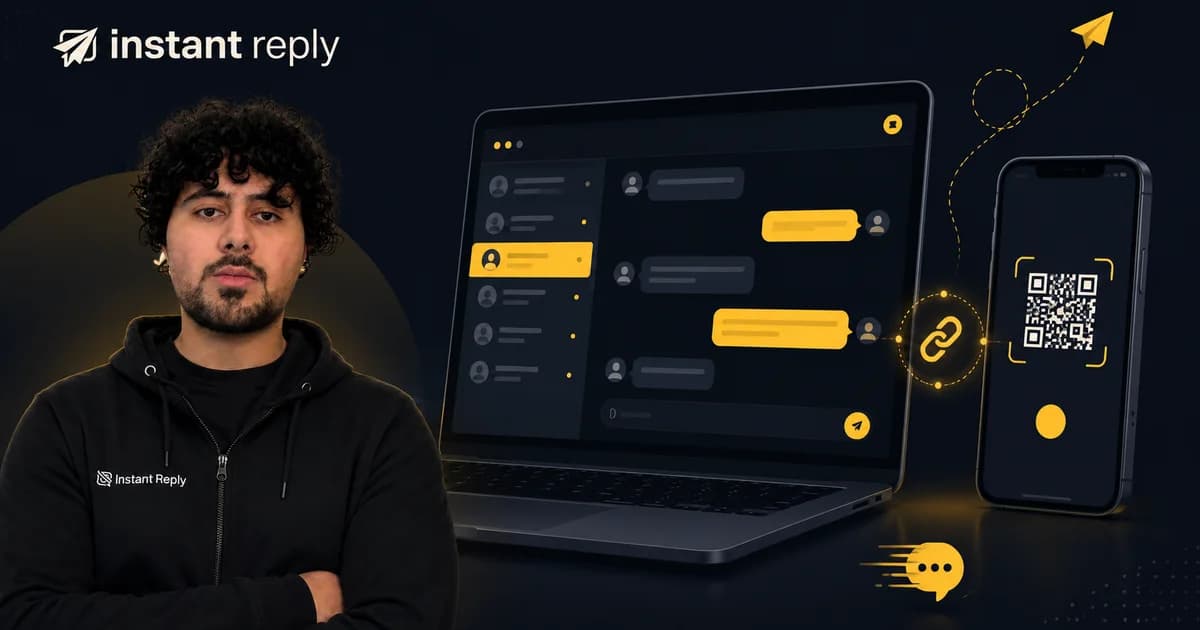
WhatsApp is a major customer channel for businesses that already have opted-in audiences. This playbook covers automation, consent, response speed, and the decisions that affect conversion.
How does WhatsApp Business automation work for a small business?#
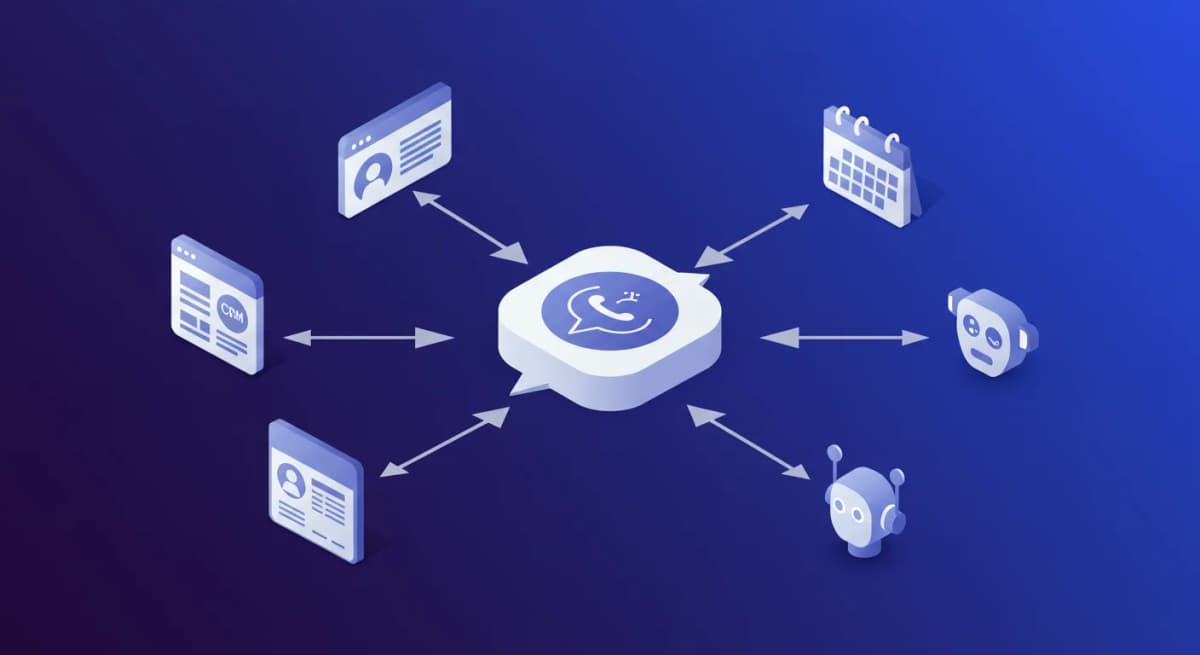
WhatsApp Business automation works by connecting an approved WhatsApp Business API number to software that can answer routine messages, send approved templates, route chats, and sync customer data. The free WhatsApp Business app can handle simple greeting and away messages, but real automation starts at the API tier.
For a small team, the first useful setup is usually simple: one shared inbox, a greeting message, AI or rule-based answers for common questions, and a human handoff rule for complaints, quote requests, and anything the automation cannot answer confidently.
Should a small business use WhatsApp automation?#
Use WhatsApp automation if customers already ask you the same questions on WhatsApp: pricing, availability, order status, booking slots, location, returns, or product fit. Do not start with broadcasts or complicated flows. Start by answering inbound messages faster and keeping a record of every conversation.
The strongest fit is a business where missed messages have a clear cost: salons, clinics, restaurants, local services, ecommerce stores, agencies, and real estate teams. If WhatsApp is not yet a real sales or support channel for you, build the channel before you automate it.
This is the playbook.
What WhatsApp Business API Actually Lets You Do#
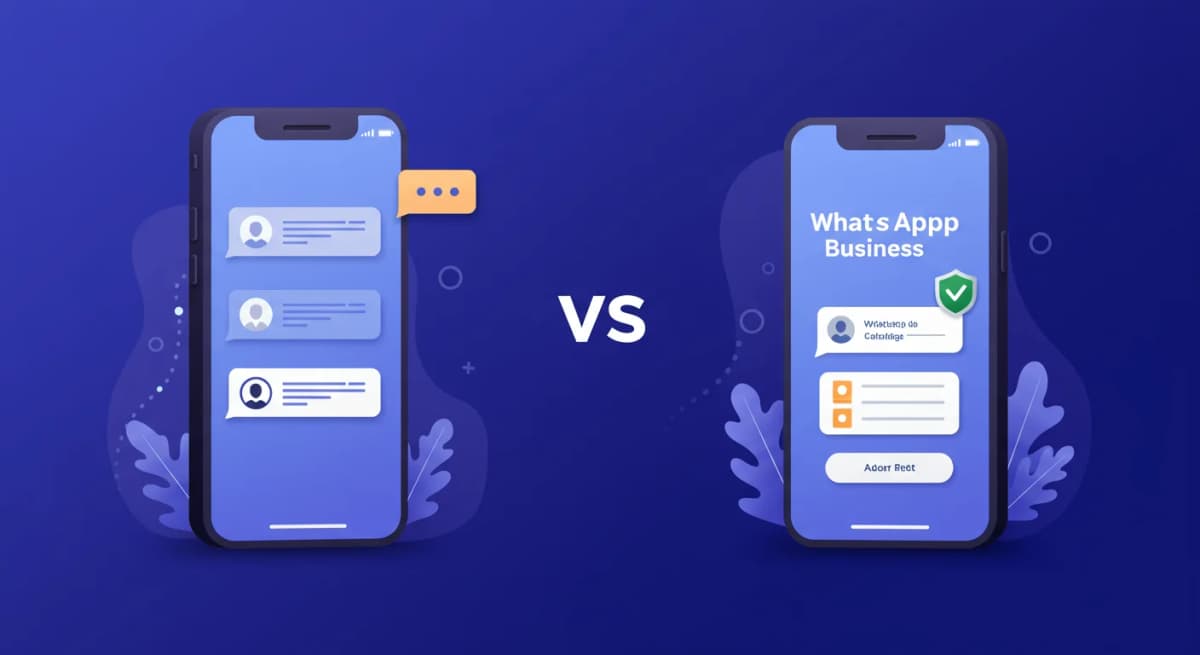
There are three versions of WhatsApp for business:
- Regular WhatsApp. Not for business. Do not use it for business. You will get banned.
- WhatsApp Business App. Free. Basic. Good for one person handling a few messages a day. No real automation.
- WhatsApp Business API. The API supports multiple team members, AI replies, message templates, broadcasts, and integrations.
The API lets you send template messages (pre-approved by WhatsApp), respond to customer-initiated conversations within a 24-hour window, and automate replies using AI or rule-based logic.
The 24-hour rule is important. When a customer messages you, you have 24 hours to reply freely. After that, you can only send pre-approved templates. This means speed matters. A lot.
What should you automate first on WhatsApp?#
Automate the questions your team answers every day before you automate sales follow-up. Start with business hours, location, pricing ranges, booking instructions, order status, return policy, delivery timing, and the first qualification question your team asks every new lead.
A good first automation does not pretend to close every sale. It collects enough context for the next reply: service needed, date, location, budget, order number, or product name. That keeps the chat useful without trapping the customer in a long flow.
Setting Up Auto-Replies That Feel Personal#
This is where most businesses fail. They set up WhatsApp automation and it feels like calling a phone tree. Press 1 for sales. Press 2 for support. Press 3 to lose the will to live.
Personal auto-replies need three things:
1. Context awareness#
The reply should match what the customer asked about. "Tell me about your catering menu" should not get the same response as "Is the restaurant open on Sundays?" This sounds obvious. You would be surprised how many businesses get this wrong.
2. Your actual information#
Feed your automation your real data. Menu items. Service packages. Pricing. Business hours. Location details. The more the AI knows, the better it replies. Do not make it guess.
3. Conversational tone#
WhatsApp is informal. People send messages like "hey, u guys open tmrw?" Your automation should not reply with "Dear valued customer, thank you for your inquiry regarding our business hours." Match the energy. Keep it human.
The Revenue Math: What Speed Is Worth#
WhatsApp can be a direct, high-attention channel, but results depend on consent, audience fit, message quality, and delivery. Use your own delivery, read, reply, and conversion data to judge performance.
Track these four numbers before and after you automate:
- Median first-response time for WhatsApp inquiries.
- Percentage of chats answered inside the 24-hour customer-care window.
- Reply rate on first-touch sales or support questions.
- Conversion rate from WhatsApp inquiry to booking, checkout, quote, or resolved ticket.
Then run the math on your own funnel. For a small business doing $50,000 per month in revenue, even a modest lift in WhatsApp inquiry conversion can matter if WhatsApp is a meaningful lead source. The point is not to assume a universal conversion bump. The point is to measure whether faster answers create more booked jobs, paid orders, or resolved support tickets.
Example: a medspa gets 30 WhatsApp inquiries per day, has a $400 average treatment, and currently converts 20 percent of those inquiries. That is 30 x 20 percent x $400 = $2,400 in booked treatment value per day. If faster, better replies lift that conversion to 25 percent, the same lead volume becomes $3,000 per day. Replace those inputs with your own numbers before making a hiring or software decision.
When to Hand Off to a Human#
Automation should handle repetitive questions and gather context. Humans should handle judgment, emotion, exceptions, and any conversation where the customer asks for a person.
Hand off to a human when:
- The customer is upset or frustrated. AI should not handle complaints alone.
- The question requires judgment. Custom quotes. Special requests. Edge cases.
- The customer explicitly asks for a human. Respect that. Always.
- The AI is not confident in its answer. A good system knows when it does not know.
The human agent should see the full conversation history. The customer should not have to repeat themselves. Nothing kills trust faster than "Can you explain your issue again?" That is what team visibility solves: shared inbox ownership with the full context attached.
Your 30-Minute Setup Checklist#
- Get WhatsApp Business API access through an official provider and complete the embedded Meta onboarding checks.
- Connect your WhatsApp number to your unified inbox.
- Upload your business info: services, pricing, hours, policies, FAQ.
- Set up your greeting message for first-time contacts.
- Configure AI auto-replies with your business knowledge.
- Set handoff rules for when a human should take over.
- Test it. Send yourself a message. See how it responds.
Common WhatsApp Automation Mistakes (and How to Avoid Them)#
- Using the consumer app for bulk messages. Hard ban risk. Always use the API.
- Sending marketing templates without opt-in. Meta requires explicit opt-in for promotional content. Skip this and your business number gets restricted.
- Ignoring the 24-hour window. Reply within 24 hours or use approved templates. Tools should warn you automatically.
- Treating WhatsApp like email. WhatsApp is conversational. Short messages. Quick replies. Voice notes are normal. Adapt your tone.
- Skipping handoff rules. When AI cannot help, a human needs to be there. Configure handoff before going live.
WhatsApp Automation by Vertical: Where It Pays Off Fastest#
Setup is universal. ROI is not. WhatsApp automation usually pays back fastest in these verticals:
- Local services -- restaurants, hair salons, fitness studios fielding daily booking questions.
- Ecommerce -- DTC brands handling pre-purchase and shipping questions.
- Medical spas and aesthetics -- high-ticket consultations driven by pricing inquiries.
- Real estate -- listing inquiries that go cold within 30 minutes of silence.
- Dental clinics -- appointment confirmations and rescheduling at scale.
- Home services -- plumbers, HVAC, and electricians fielding quote requests and dispatch questions.
- Law firms -- qualifying intake before a consultation is booked.
How do you choose WhatsApp automation software?#
Choose WhatsApp automation software by checking the connection method first. It should use the official WhatsApp Business API, support the 24-hour customer-care window, store conversation history, and make human handoff easy. Then check whether it connects to the channels and CRM your team already uses.
Instant Reply connects WhatsApp Business API conversations to a shared inbox, AI replies trained on your business, and CRM routing for HubSpot or Pipedrive. The WhatsApp AI chatbot can handle common customer questions, and the WhatsApp CRM keeps sales context attached to the conversation. Start your free trial, or see pricing.