WhatsApp Business API pricing in 2026 is not one fixed monthly fee. The real bill has three parts: Meta's per-message charges, the fee from the platform or BSP you use to access the API, and any AI or tooling cost around it.
Meta changed the model on July 1, 2025 (from per-conversation to per-message billing) and changed it again on October 1, 2026. Many older guides still explain the old per-conversation model. This guide shows what Meta bills, what stays free, and where BSP costs change the total.
If you are comparing API vendors, separate Meta charges from software fees before you choose. Meta bills message delivery. Your inbox tool bills the workflow around it: shared agents, AI replies, templates, routing, CRM sync, and reporting.
Checked October 1, 2026 against Meta's WhatsApp Business Platform pricing page and Meta's service and utility message pricing update. Rates and rules change; confirm them on Meta's pages before budgeting.
WhatsApp API pricing short answer#
- Delivered template messages: billed per message by Meta, with rates based on recipient market and category (marketing, utility, authentication).
- Service messages (replies inside the 24-hour window): free through September 30, 2026. Since October 1, 2026, billed per message at the utility and authentication rate for the market.
- Utility templates inside an open window: free through September 30, 2026. Since October 1, 2026, billed per message.
- Click-to-WhatsApp entry points: messages inside the 72-hour free entry point window (from click-to-WhatsApp ads or Facebook call-to-action buttons) stay free.
- BSP or platform fee: billed separately as a monthly plan, seat fee, or message markup depending on the provider.
What changed on October 1, 2026#
Per Meta's developer documentation, effective October 1, 2026 Meta charges on a per-message basis for service messages and for utility messages sent in response to users inside an open 24-hour customer service window. Meta's page says service messages can be powered by a person or by a third-party AI solution, so an AI reply tool does not change the billing.
| Message type | Through Sept 30, 2026 | Since Oct 1, 2026 |
|---|---|---|
| Marketing template | Billed per delivered message | Billed per delivered message (rate card) |
| Utility template outside a window | Billed per delivered message | Billed per delivered message (rate card) |
| Utility template inside an open window | Free | Billed per delivered message |
| Authentication template | Billed per delivered message | Billed per delivered message (rate card) |
| Service message (free-form reply inside the window) | Free | Billed per message at the utility and authentication rate for the market; no volume tiers |
| Messages inside the 72-hour free entry point window | Free | Free |
For the full walk-through, see what the October 1, 2026 change costs.
The big change in July 2025: per-conversation to per-message#
Before July 1, 2025, Meta charged per 24-hour conversation window: you paid once, and every message inside the window was included. Since July 1, 2025, Meta charges per delivered template message. Each outbound template is billed individually, with the price set by its category and the recipient's country.
This shift raised costs for businesses that sent many templates per window and lowered them for businesses that sent few.
The message categories#
1. Marketing messages#
Promotional content, offers, product announcements, re-engagement campaigns. Typically the most expensive category. Billed per message delivered.
2. Utility messages#
Transactional content: order confirmations, delivery updates, appointment reminders, payment receipts. Usually cheaper than marketing. Billed per delivered message; inside an open window they are billable since October 1, 2026.
3. Authentication messages#
One-time passwords and verification codes only. Billed per delivered message.
4. Service messages#
Free-form replies to customers who messaged you first, sent inside the 24-hour customer service window. Billable since October 1, 2026 at the market's utility and authentication rate.
Per-country rates#
Meta publishes its rates as downloadable rate cards (in USD and other currencies) on its pricing page, and Meta only changes pricing on the first day of a quarter with advance notice. Rates differ a lot by market, so use the current rate card for the countries you message rather than a number quoted in a blog post. To turn your own volumes and countries into a monthly estimate, use the WhatsApp API pricing calculator, which has an "After Oct 1, 2026" mode.
How to estimate your Meta bill#
- Count business-initiated templates per month by category and destination country.
- Also count the service messages and in-window utility templates you send, by country (billable since October 1, 2026).
- Multiply each count by the rate for that country and category from Meta's rate card.
- Subtract the messages that fall inside a 72-hour free entry point window.
- Add your BSP or platform fee and any AI reply cost.
BSP fees: the cost most guides skip#
To use the WhatsApp Business API you need either direct access through Meta's Cloud API (technical setup required) or a Business Solution Provider (BSP) that manages access for you. BSPs charge in different ways:
- Per-message markup: the provider adds its own fee to each message. At high volume this can be a large share of the bill. Twilio, for example, lists a $0.005 handling fee per message on top of Meta's charges (Twilio WhatsApp pricing page, checked September 29, 2026).
- Monthly platform fee: a flat monthly fee that covers access, inbox, and automation. Instant Reply uses a plan price: WhatsApp starts on the Growth plan at $129 per month ($1,290 per year, about $107.50 per month billed yearly), with two WhatsApp numbers included. Instant Reply does not add a per-message fee; Meta's charges are billed through your Meta account.
- Hybrid: a monthly fee plus per-message, per-seat, or per-contact charges.
Ask every provider the same questions: are Meta's rates passed through unmarked, what is billed per seat, contact, or AI reply, and what happens when you pass a plan limit.
How to reduce your WhatsApp API costs#
1. Keep conversations inside the window#
If a customer messages you and you reply inside the 24-hour window, you avoid sending a paid re-engagement template later. AI replies help you answer quickly, but since October 1, 2026 those in-window replies are billable messages too, so budget for them.
2. Classify templates correctly#
If a message is transactional (shipping update, appointment reminder, payment confirmation), submit it as utility rather than marketing, following Meta's category definitions. Do not disguise promotional content as utility; Meta can reclassify templates.
3. Build an inbound-first strategy#
Click-to-WhatsApp ads and Facebook call-to-action buttons open a 72-hour free entry point window. Website chat is a different channel that is not part of the WhatsApp Business Platform, so its cost is not set by Meta; see the website chat widget.
4. Compare total cost, not plan price#
Add Meta charges, BSP fees, seat fees, and AI costs for your real volume before you compare providers.
Getting started with the WhatsApp Business API#
- Create a Meta Business Account if you do not have one.
- Complete Meta's embedded signup to connect your WhatsApp Business account. Timing depends on Meta and your business verification status.
- Connect to a BSP or Meta's Cloud API directly. Direct access needs a developer to handle webhooks, message formatting, and inbox management. A platform like Instant Reply handles that with a no-code setup.
See the WhatsApp API features overview and BSP setup guide for how Instant Reply handles the technical setup. If you are comparing it with Meta's own agent layer, see Instant Reply vs Meta Business Agent pricing.
WhatsApp Business API vs the WhatsApp Business app#
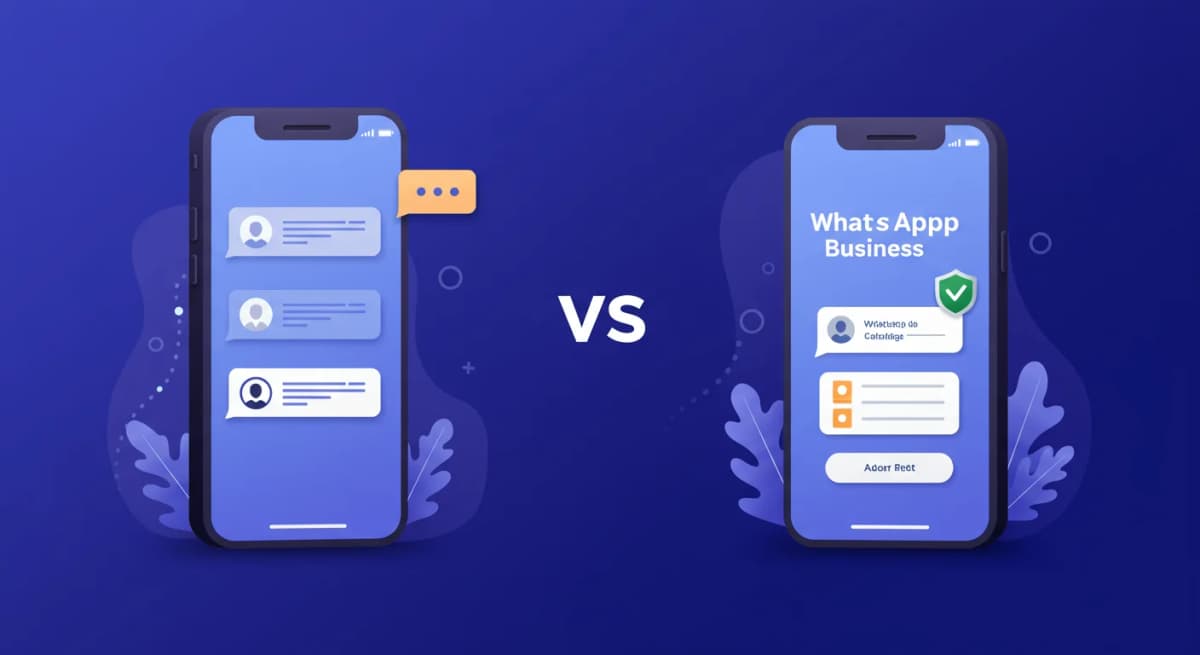
The WhatsApp Business app is free and runs on your phone. It has no API and no automation platform, and it is not designed for shared team inboxes or CRM integrations. The API is accessed through software and supports message templates, automation, and integrations. If you handle a steady volume of conversations across a team, the API is usually the better fit. If you want to keep your existing app number, see the coexistence guide.
Start a free 7-day trial on Instant Reply to see what connecting WhatsApp looks like, or see how the WhatsApp chatbot works before signing up.