Direct answer: the WhatsApp Business API is Meta's programmatic business-messaging interface. Your application sends an outbound request to the Graph API. Meta returns a message identifier, then posts inbound messages and delivery-state changes to your webhook. Everything around that transport—agent assignment, retries, CRM updates, consent evidence, and reporting—belongs to your application or software provider.
This guide maps the actual system so a business owner, marketer, and developer can review the same design before launch.
The names: Business Platform, Cloud API, and "Business API"#
WhatsApp Business Platform is the product family for programmatic business messaging. Cloud API is Meta's hosted API implementation. "WhatsApp Business API" remains the phrase many buyers and teams use for the overall capability.
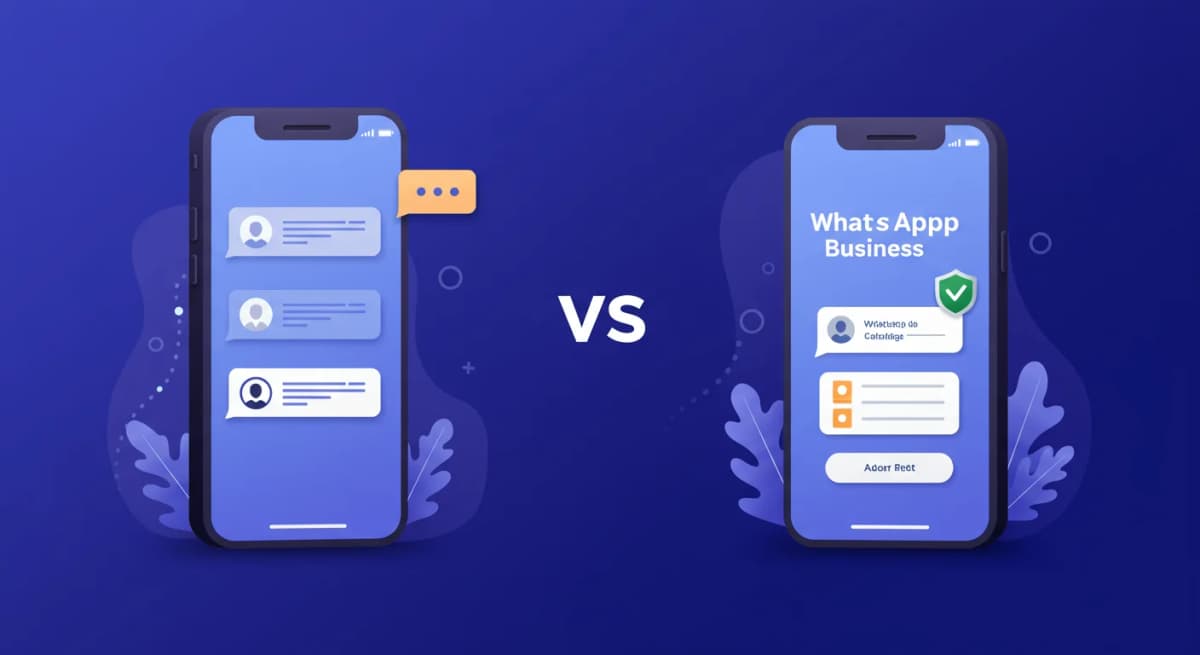
It is different from the WhatsApp Business App. The app is an end-user product with a built-in inbox. The API is an interface that another application calls. An API does not give a sales team a usable queue by itself.
Meta's official WhatsApp Business Platform collection is a useful living reference because it exposes the real request groups for phone numbers, messages, templates, webhooks, and business assets.
The request-to-webhook architecture#
- Customer or business action: a person sends a message, or an approved workflow decides a business message may be sent.
- Policy and consent gate: the application checks message type, consent state, customer-service window, suppression, and template requirements.
- Outbound request: the application sends a message object to the phone-number
/messagesendpoint. - Immediate response: a successful request returns a WhatsApp message identifier. This means accepted by the API, not necessarily delivered to the recipient.
- Status webhook: later events report status changes. Persist them against the message identifier.
- Inbound webhook: a customer reply arrives at the subscribed endpoint and enters the conversation workflow.
- Human or automated handling: the inbox assigns an owner, automation runs within its release rules, and the CRM receives only defined events.
Meta's official messages collection documents the endpoint and message types. The webhooks collection shows the subscription surface.
The assets and their jobs#
| Asset | Job | Failure if ownership is unclear |
|---|---|---|
| Meta business | Business identity and permissions | Onboarding or access blocks |
| WhatsApp Business Account | Container for numbers and templates | Wrong assets connected across brands |
| Phone-number ID | API sender identity | Messages sent from the wrong number |
| Access token | Request authorization | Outage or security exposure |
| Webhook endpoint | Inbound and status event receiver | Lost, duplicated, or delayed work |
| Template | Reviewed reusable message structure | Rejection, miscategorization, or wrong wording |
| Consent record | Evidence of allowed communication | Unauthorized outreach and complaints |
| Conversation owner | Person responsible for the next action | Duplicate or orphaned replies |
The webhook receiver: five rules#
- Verify: complete the webhook verification flow and validate request authenticity using Meta's current guidance.
- Acknowledge quickly: return the required success response before doing slow enrichment or AI work.
- Persist first: store the raw event and its identifiers before asynchronous processing.
- Deduplicate: assume delivery may be retried. A repeated event must not create a second reply, ticket, or deal.
- Observe: measure receive time, processing time, retries, dead letters, and unmatched identities.
Webhook handling is where many "WhatsApp integrations" become unreliable. A demo proves the happy path; an idempotency key and replay procedure prove the operating system.
Template workflow without folklore#
Before sending a template, the application needs the approved template name, language, and matching components. Meta's official templates collection shows create, retrieve, edit, and delete actions and example component structures.
Use this release sequence:
- Write one specific purpose and choose the likely category.
- Make every variable meaningful and supply realistic sample values.
- Verify consent and suppression rules for the intended recipients.
- Submit through the supported management surface.
- Store the template ID, language, status, reviewed copy, and owner.
- Send to an internal test audience and inspect status webhooks.
- Monitor quality and pause when the audience or use case no longer matches.
The 345-message draft library can help with wording, but a draft is not pre-approved and no checklist can guarantee approval.
Build directly or use a platform?#
| Responsibility | Direct Cloud API build | Managed inbox or provider |
|---|---|---|
| Meta onboarding and permissions | Your team owns it | Provider guides or manages parts |
| Webhook receiver and retries | Your engineering system | Provider system; verify evidence |
| Agent inbox and assignment | You build or integrate it | Usually part of the product |
| CRM field mapping | Custom contract | Native connector or configurable map |
| Security and audit evidence | Your controls | Shared responsibility |
| Change management | Your release process | Provider release plus your configuration |
Use a managed platform when the organization wants messaging outcomes but does not want to operate a webhook and inbox product. Build directly when the API behavior is core intellectual property and the team can own production reliability.
System-of-record map#
Write one owner for each data type:
- Customer identity: CRM, identity service, or messaging platform.
- Consent and suppression: one authoritative ledger, never "whichever updated last."
- Raw message event: immutable event store with provider IDs.
- Conversation state: inbox workflow.
- Ticket or deal: CRM/help desk under explicit create and update rules.
- Knowledge answer: versioned source with an owner and review date.
The WhatsApp CRM architecture worksheet expands this map into fields, events, conflicts, and recovery.
Ten-test prelaunch gate#
- Valid inbound text creates one conversation.
- A repeated webhook event does not create a duplicate action.
- Image, document, reply, and unsupported payloads enter the expected path.
- A template request uses the correct language and variable order.
- Accepted, delivered, read, and failed states attach to the same message ID.
- An opted-out or unknown-consent contact is blocked as designed.
- A customer reply cancels any conflicting scheduled automation.
- An agent handoff preserves context and prevents a second writer.
- An expired or revoked credential triggers an alert and recovery owner.
- A webhook outage can be replayed without double-sending.
Pricing: separate the layers#
Model cost in two ledgers. The first is Meta messaging charges, which depend on current rules, category, recipient market, and other conditions. The second is software or provider cost, which may be a subscription, seat fee, service fee, or markup. Do not copy a rate from an old article into a forecast.
Use the WhatsApp API pricing calculator as a worksheet and verify the final inputs against the current Meta and provider rate cards.
The practical next step#
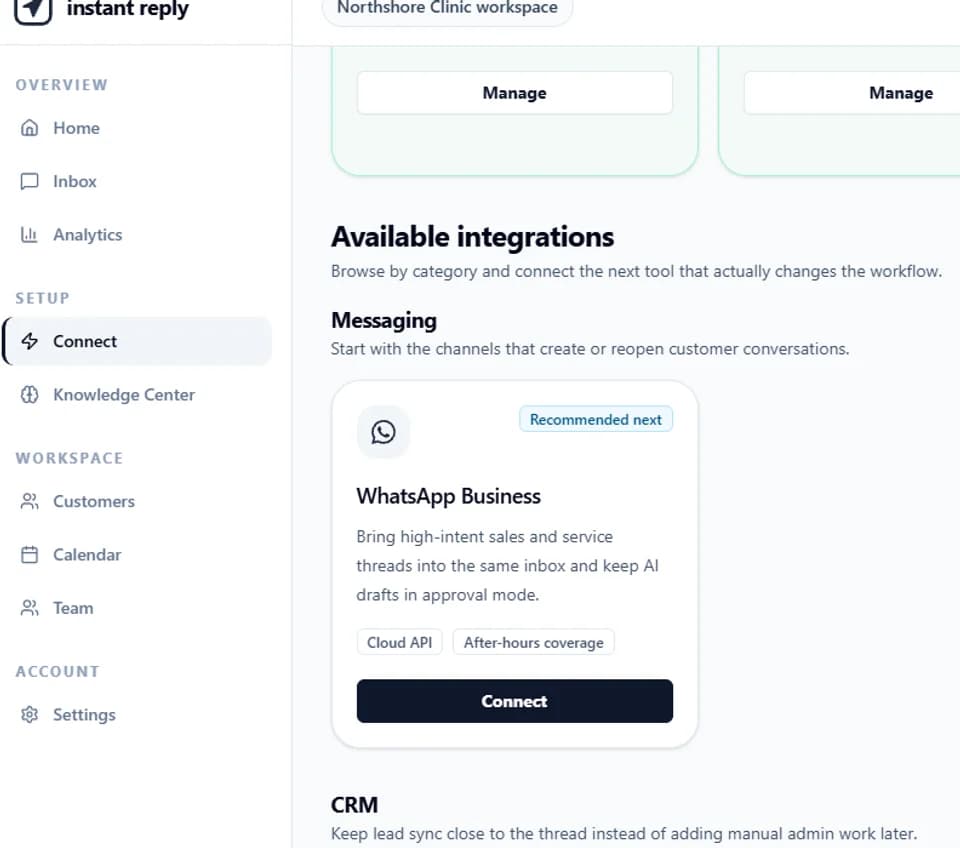
If you want to operate the API directly, start with Meta's official Postman collection and build the webhook tests before the inbox UI. If you want a managed operating layer, review the Instant Reply WhatsApp API workflow, the team inbox, and the current software plans. In either path, launch only after the failure tests pass.