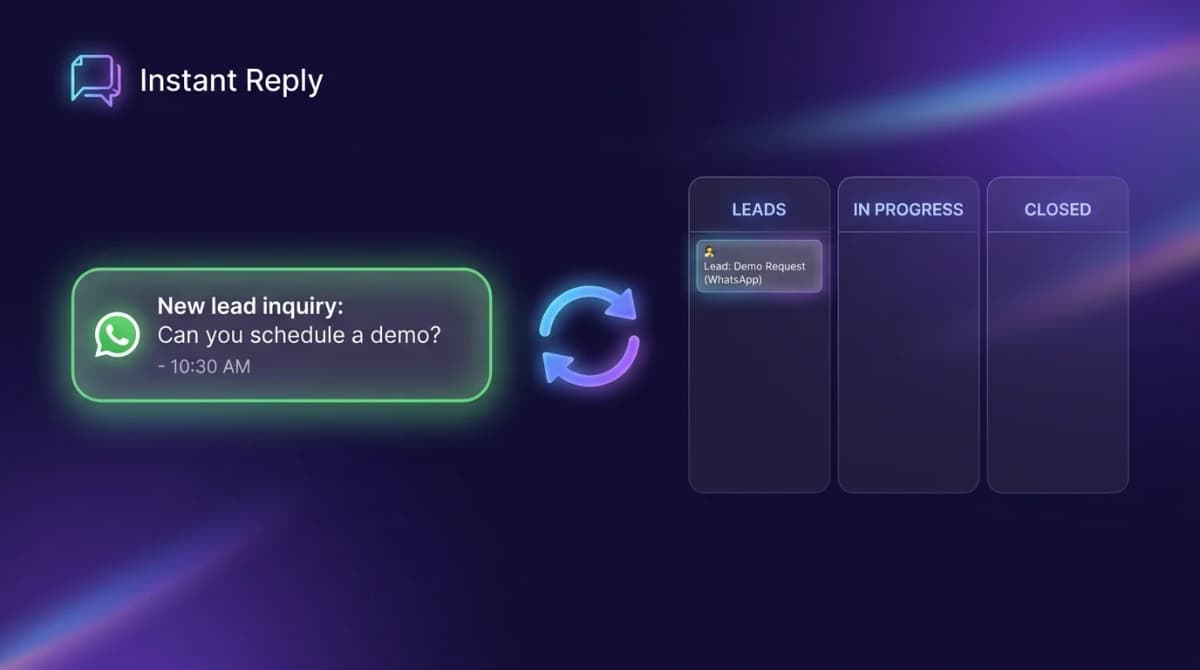
“No middleware” should mean fewer moving parts, not missing integration design. A direct connector still has to receive WhatsApp events, match a person, decide what may change, write to the CRM, retry failures, and show an operator what happened.
This worksheet helps you make those decisions before a broad “sync everything” toggle damages CRM data.
Choose the smallest architecture that owns the job#
| Architecture | Use it when | Who owns failures |
|---|---|---|
| CRM's native WhatsApp channel | The CRM inbox is the operating surface and its channel limits fit the team. | CRM administrator and vendor support |
| Messaging inbox with direct CRM sync | The team works in a messaging inbox but needs selected contacts, notes, or stages in the CRM. | Inbox owner and connector vendor |
| Automation or middleware platform | An event must branch, transform, wait, or coordinate several applications. | Automation owner |
| Custom integration | The data model or workflow is unique enough to justify engineering and on-call ownership. | Your engineering team |
HubSpot now documents both a standard WhatsApp channel and a coexistence option on qualifying plans. The coexistence path can keep the same number in the WhatsApp Business app and HubSpot, with specific limitations. That makes “a third-party layer is required” an outdated blanket claim. It does not make every external inbox unnecessary.
The six decisions to write down#
1. System of record#
Choose where the authoritative person, company, deal stage, owner, and consent status live. “Both” is not a conflict policy.
2. Identity key#
A WhatsApp phone number is useful but not sufficient by itself. Numbers can be formatted differently, shared, reassigned, or entered twice. Normalize the number, retain the WhatsApp identifier supplied by the channel, and define what happens when email and phone point to different CRM records. HubSpot's current Contacts API guidance recommends email as a primary unique identifier where available and supports custom unique identifiers.
3. Sync direction#
Write whether each field is inbox-to-CRM, CRM-to-inbox, or bidirectional. Bidirectional is not automatically better; it creates more conflict states.
4. Field ownership#
Separate observed facts from model inference. A phone number received from the channel, a name supplied by the customer, an agent-applied tag, and an AI-inferred buying stage should not share the same overwrite rule.
5. Conflict policy#
Decide whether an existing value wins, a newer verified value wins, a human reviews the change, or the connector stores a suggestion without overwriting. Do not let an AI-derived value silently replace a field your team verified.
6. Failure and consent ownership#
Name the person who handles expired OAuth tokens, permission changes, rate limits, duplicate records, partial writes, revoked consent, and dead-letter events. Meta's official WhatsApp webhook documentation describes the event-delivery layer; your integration still owns processing and recovery.
The field map#
| Destination | Source | Write rule | Do not do |
|---|---|---|---|
| Phone / channel ID | WhatsApp event | Normalize, then match against a documented key. | Create a new contact on every message. |
| Name | Customer-provided or channel profile | Fill an empty value or queue a conflict. | Overwrite a verified legal name automatically. |
| Conversation summary | Current thread | Append as a timestamped note with source link. | Replace the raw conversation history. |
| Lead stage | Agent action or defined rule | Move only through permitted transitions. | Promote based on a vague sentiment label. |
| Owner | Routing rule | Assign when ownership is empty or explicitly transferred. | Reassign an active deal on every inbound message. |
| Consent | Recorded opt-in event | Store source, timestamp, scope, and revocation. | Infer consent from a CRM stage. |
Use an event contract, not a vague promise#
event_id: wa_msg_01K...
event_type: conversation.qualified
occurred_at: 2026-08-10T09:15:00Z
contact_identity:
  whatsapp_id: "971..."
  normalized_phone: "+971..."
source_conversation_id: "conv_..."
requested_writes:
  - object: contact
    property: lead_source
    value: whatsapp
    confidence: observed
  - object: note
    property: body
    value: "Customer asked for Tuesday availability."
idempotency_key: "conv_...:qualified:v1"
consent_reference: "optin_..."
The idempotency key prevents a webhook retry from creating the same note or deal twice. The source conversation ID gives an operator somewhere to investigate. The confidence label keeps observed facts separate from interpretation.
The pre-launch test pack#
- Send the same event twice and confirm only one CRM write occurs.
- Use the same phone in two formats and confirm the identity rule behaves as designed.
- Create a name conflict and confirm no verified value is silently overwritten.
- Expire the CRM token and confirm the event enters a visible retry queue.
- Remove a required permission and confirm the error says which scope is missing.
- Fail the second step of a multi-object write and confirm the partial state is recoverable.
- Revoke consent and confirm future marketing workflows stop without deleting the service history you must retain.
- Disconnect and reconnect the channel, then confirm ownership and cursor state do not duplicate records.
Where Instant Reply fits#
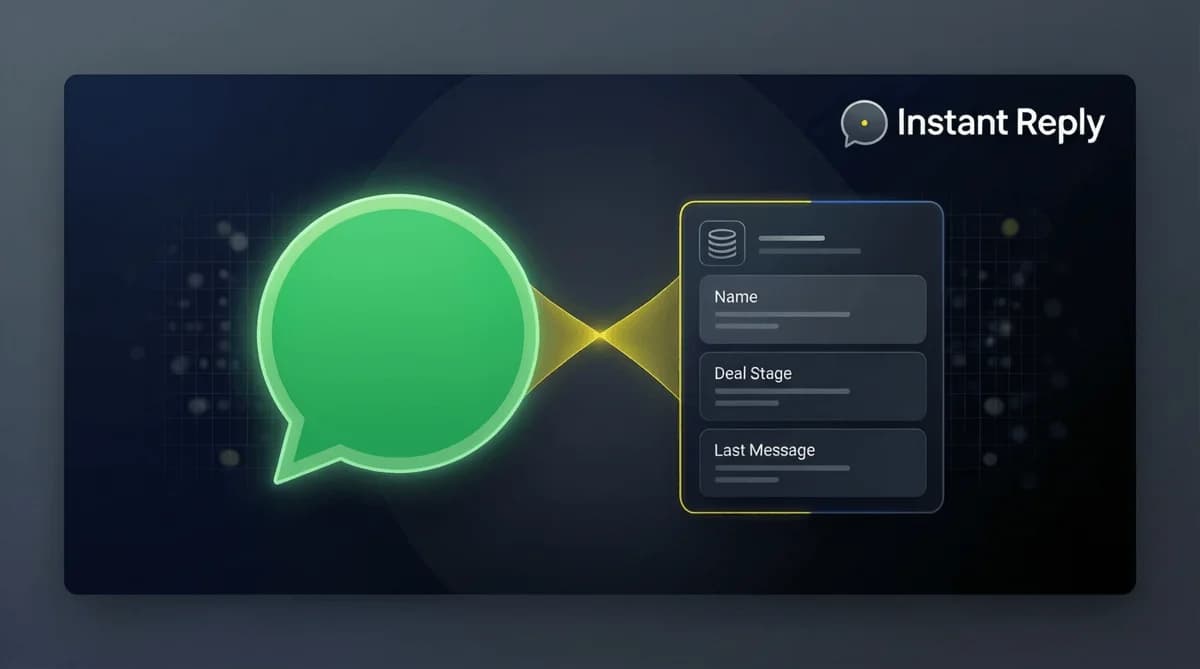
Instant Reply can act as the messaging inbox and sync selected conversation context to supported CRM destinations on the current Pro plan. Before enabling it, map the exact properties your team wants, decide which system owns each value, and use the CRM sync log to review failures. If your workflow must fan out across several unrelated systems, a separate automation layer may still be the cleaner design.
See the current CRM integration capabilities, pricing and entitlements, and security controls. For a native-CRM option, compare HubSpot's current WhatsApp documentation rather than relying on a static vendor comparison.
The bottom line#
Remove middleware when it removes unnecessary orchestration—not when it removes ownership. The strongest direct sync is deliberately small: a clear identity key, a narrow field map, explicit conflict rules, idempotent writes, visible failures, and a person responsible for the queue.