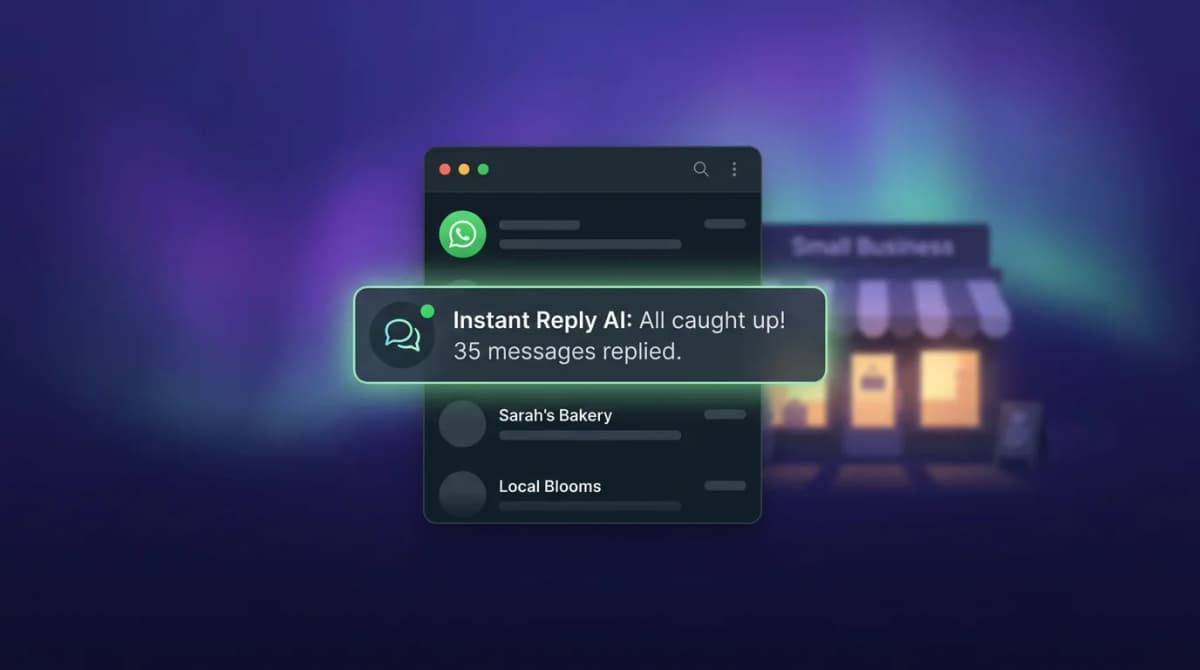
Pipedrive is a popular CRM for small sales teams. WhatsApp is where your leads are having conversations. This guide shows how to connect the two.
Does Pipedrive Have WhatsApp Integration?#
Short answer: no native integration. Pipedrive does not have WhatsApp built into the core product the way it has email sync or calendar integration.
But the Pipedrive API is excellent, and the integration market has filled the gap. Several platforms sync WhatsApp conversations to Pipedrive cleanly. The best approach depends on whether you want a lightweight connector or a full WhatsApp inbox with AI that also syncs to Pipedrive.
The Two Approaches: Connector vs Full Platform#
Approach 1: Lightweight Connector#
A connector (Zapier, Make, or a dedicated Pipedrive-WhatsApp Marketplace app) syncs basic contact data from WhatsApp to Pipedrive. You handle the WhatsApp conversation in WhatsApp Business or a separate tool, and the connector pushes contact info and basic notes to Pipedrive.
Cost: connector pricing varies by tool and task volume; check the vendor's pricing page. But this approach does not give you a team inbox, AI replies, or conversation-level data in Pipedrive. It only syncs contact records.
Approach 2: Full WhatsApp Platform with Pipedrive Sync#
A dedicated WhatsApp inbox platform (Instant Reply) handles all your WhatsApp conversations with AI-powered replies and a team inbox. It syncs everything to Pipedrive: contacts, deals, conversation summaries, lead scores, and activity notes.
Cost: Instant Reply Pro, $349/month ($3,490/year), which includes CRM sync to Pipedrive (the WhatsApp inbox and AI replies alone start on the Growth plan at $129/month). Leads captured in WhatsApp flow into Pipedrive immediately with full context.
What Gets Synced to Pipedrive#
With a full platform sync, here is what lands in your Pipedrive:
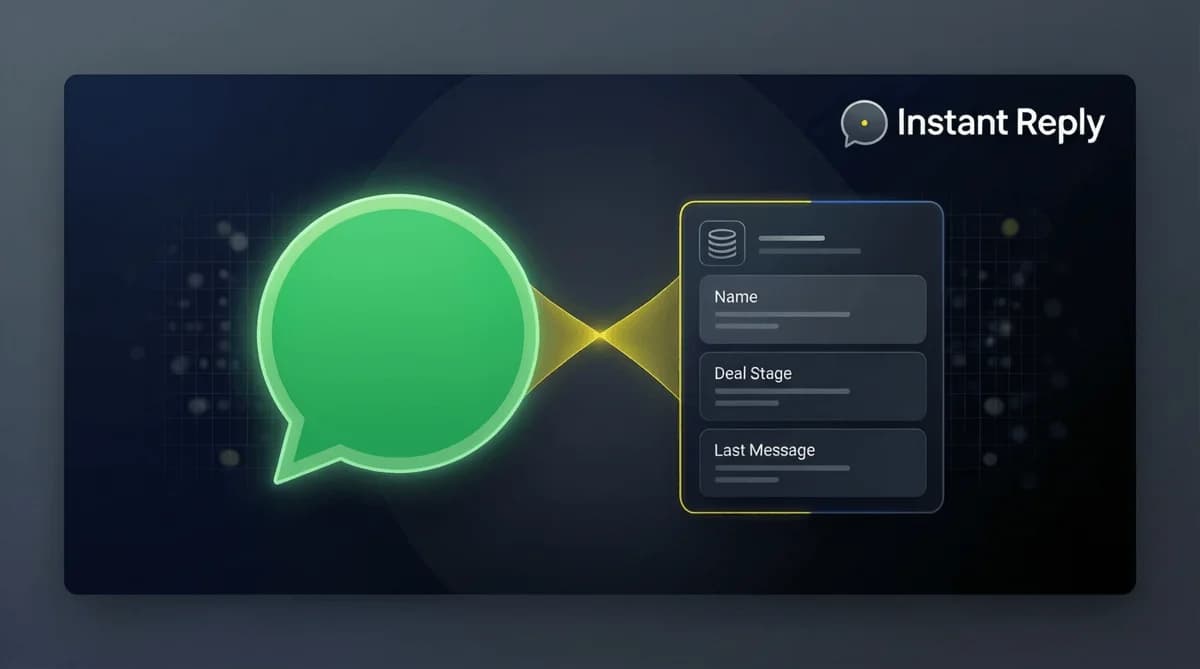
- Contacts: New WhatsApp contacts create Pipedrive contacts automatically with phone, name, and WhatsApp chat link
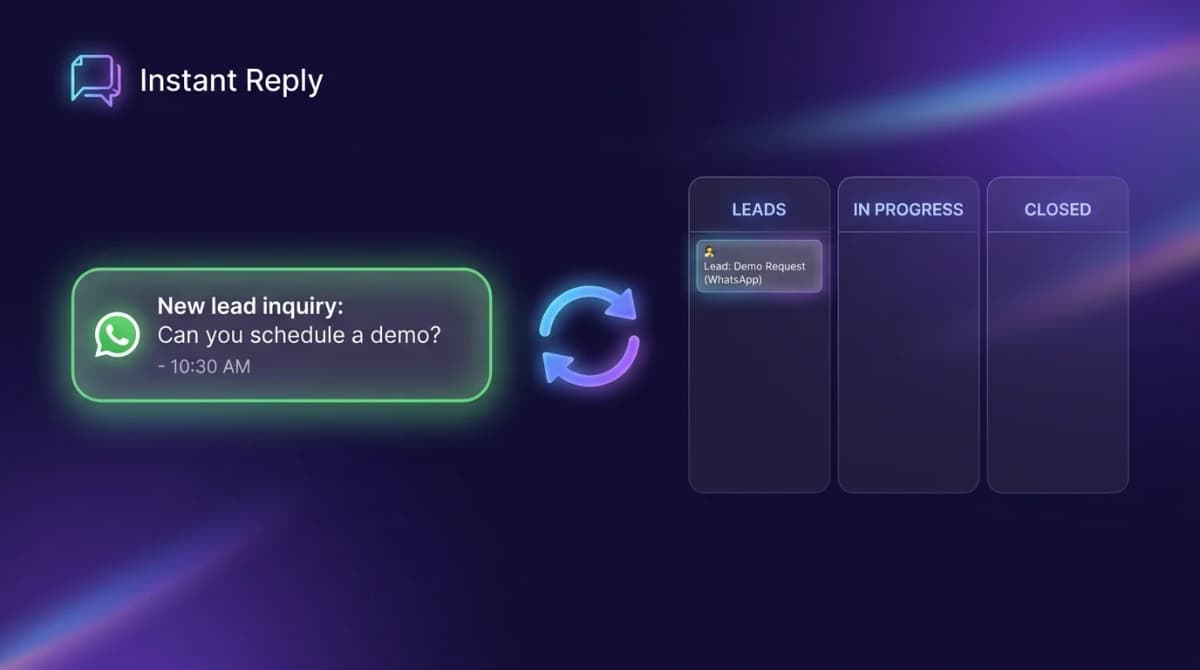
- Deals: When a WhatsApp lead is qualified (by AI or by your agent), a Pipedrive deal is created in the right pipeline stage
- Activity notes: Conversation summary with key messages, intent signals, and next steps
- Custom fields: Any qualification data captured in the WhatsApp chat (budget, timeline, project type) maps to Pipedrive custom fields
- Lead score: AI-generated qualification score based on conversation content
The result: your Pipedrive pipeline has complete WhatsApp context. No copy-pasting messages into notes. No leads lost in a chat app without a CRM record.
How to Connect WhatsApp to Pipedrive: Step-by-Step#
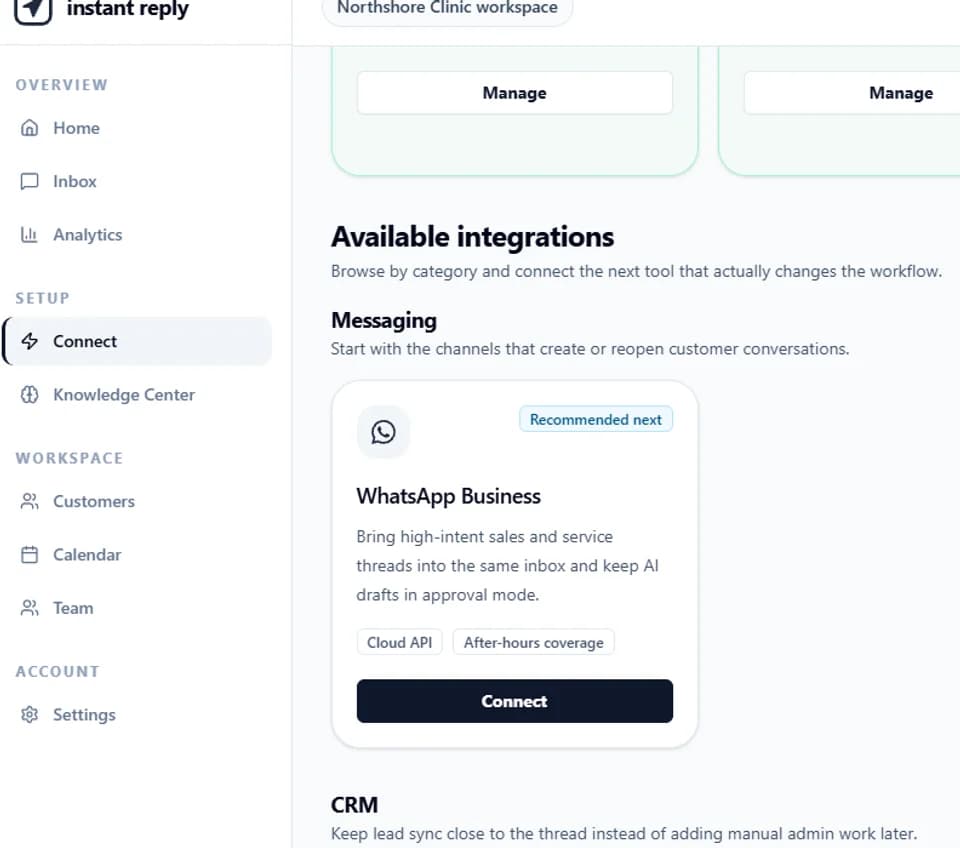
- Sign up for Instant Reply (Pipedrive sync requires the Pro plan) and connect your WhatsApp Business number via Meta's embedded signup flow. Timing depends on Meta and your business verification status.
- In Instant Reply, go to Integrations and select Pipedrive
- Authenticate with your Pipedrive account via OAuth. Instant Reply will request permission to create/update contacts and deals.
- Configure the sync rules:
- Which pipeline does a new WhatsApp lead enter?
- What stage should the deal start at?
- What triggers deal creation: first message, AI qualification, or manual agent action?
- Which WhatsApp conversation fields map to which Pipedrive fields?
- Test the integration: Send a WhatsApp message to your business number. Verify the contact and deal appear in Pipedrive with the right data.
- Train your AI: Upload your sales FAQ, product list, and pricing to Instant Reply so the AI qualifies WhatsApp leads before they hit Pipedrive.
The Revenue Case: Why WhatsApp-to-CRM Sync Matters#
Most sales teams using WhatsApp without CRM sync have the same problem. Someone messages on WhatsApp. The conversation happens there. The lead gets forgotten because it never entered the CRM.
Work out the value for your own team with this formula:
- WhatsApp leads per month x share that currently reach the CRM x close rate x average deal value = revenue you track today
- WhatsApp leads per month x share that reach the CRM with automatic sync x close rate x average deal value = revenue you can track with sync
Count how many WhatsApp leads reached Pipedrive over the last month to get the first share, and use your own close rate and deal value. The difference, set against the plan price, is the return. This is an illustrative formula, not a benchmark: we do not publish an average lead-capture rate because it varies widely by team.
Pipedrive + WhatsApp: Tips for Small Sales Teams#
Use one pipeline for WhatsApp leads. Create a "WhatsApp" pipeline in Pipedrive so you can see at a glance how much of your revenue comes from that channel. Segment by source, optimize by source.
Set a first-touch SLA. Configure Instant Reply to alert agents if a WhatsApp lead has not had a human touchpoint within 2 hours. Your AI handles nights and weekends. Your team closes during business hours.
Trigger Pipedrive activity follow-ups from WhatsApp milestones. When a lead responds positively on WhatsApp ("Yes, let's chat"), trigger a Pipedrive activity to schedule the call. The WhatsApp conversation and the CRM activity stay in sync.
Use the AI lead score to prioritize the queue. Instant Reply's AI scores each WhatsApp conversation for qualification. In Pipedrive, sort your pipeline by AI score to work the hottest leads first.
Start Your Pipedrive WhatsApp Integration Today#
The gap between "WhatsApp leads live in my phone" and "WhatsApp leads flow into my CRM automatically" is a short setup.
Start a free 7-day Instant Reply trial. Connect WhatsApp and Pipedrive in a single session. The 7-day trial starts on Pro, which includes CRM sync, so you can validate that leads are flowing before paying. See the Pipedrive integration page for the exact fields that sync, or take the product tour to see how the WhatsApp inbox and CRM sync work together.
Pipedrive is good at managing deals. WhatsApp is where your deals start. Connect the two and stop losing leads in a chat app.
Test one lead from message to deal#
Send a real opt-in test message, create or update a contact, assign an owner, move the deal, then change the source data. Record which direction each field moves and what happens on a duplicate number or failed write. A connector is useful only when ownership and recovery are explicit.