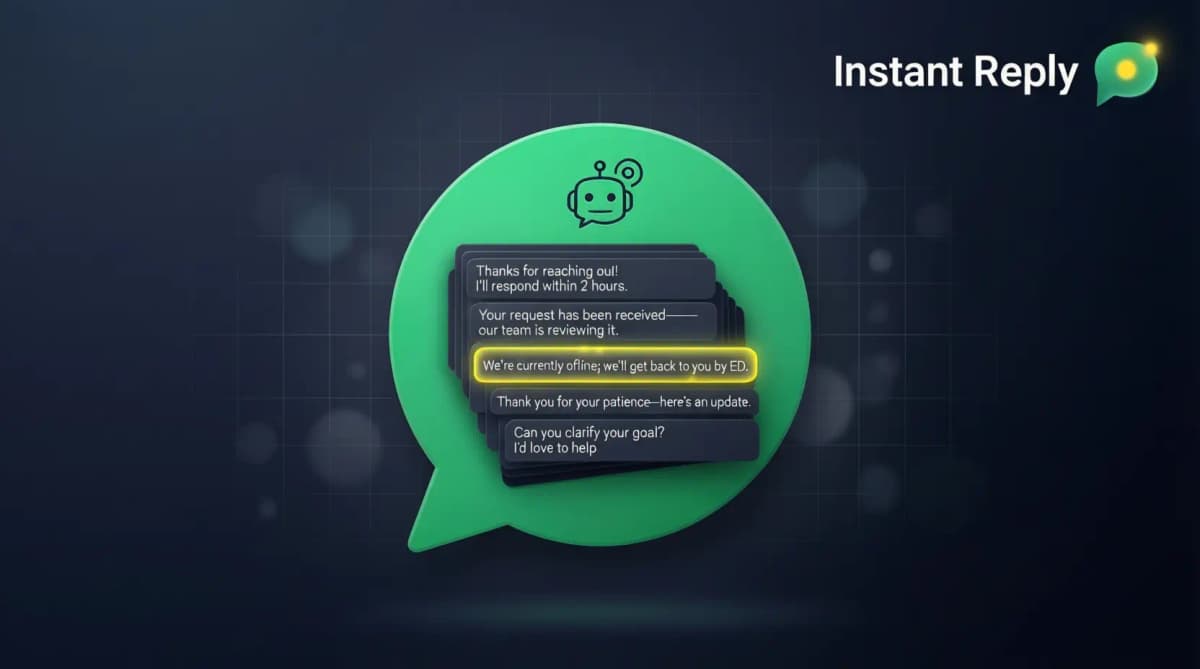
Every minute your WhatsApp goes unanswered is a minute a competitor has to respond first. A WhatsApp autoresponder closes that window. Here is how to set one up that actually converts leads instead of just acknowledging them.
Two Types of WhatsApp Autoresponders#
Built-in (free WhatsApp Business app): Static messages. One message for everyone. Works for after-hours acknowledgments. Does not answer questions, qualify leads, or learn from conversations.
API-based (WhatsApp Business API): Keyword triggers, working-hours routing, multi-step conversation handling, and AI that reads the message and responds with context. Requires WhatsApp Business API access, which you get through a BSP or a platform like Instant Reply.
This guide covers both. If you are just starting out, the free app setup is in Section 2. If you are ready for professional autoresponders, Section 3 onwards.
Free WhatsApp Business Autoresponder Setup#
Open WhatsApp Business > tap the three-dot menu > Business Tools.
Greeting Message: Sent to new contacts (or contacts inactive for 14+ days). Turn it on and write your message. Keep it personal: use the recipient's name variable ({first_name}) and tell them what your business does in one sentence.
Away Message: Sent during your off hours. Set your business schedule first (Business Tools > Business Hours), then configure the away message. Tell them when to expect a reply and give them a way to get information faster (a link to your FAQ or pricing page).
Limit: Both messages are static. Every customer gets the same text. No keyword triggers, no conversation handling, no qualification. For anything beyond acknowledgment, you need the API.
Professional WhatsApp Autoresponder: Step-by-Step Setup#
Professional autoresponders run on the WhatsApp Business API. Setup time depends on your Meta verification status and how many templates and rules you build.
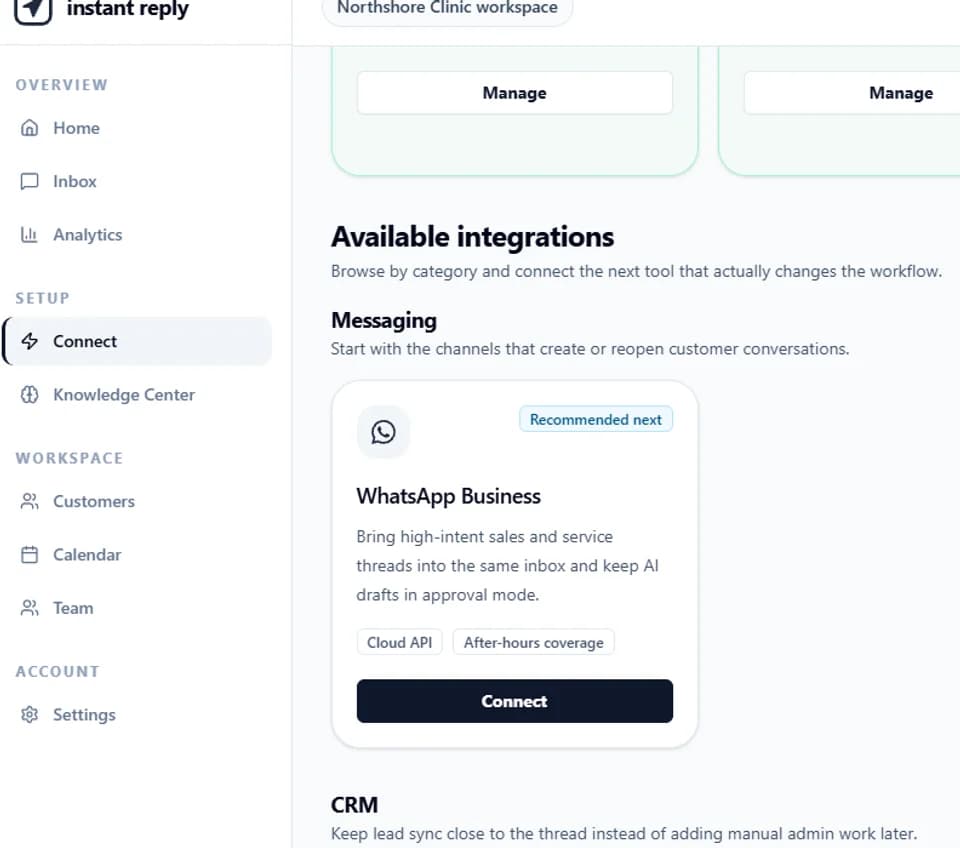
- Get WhatsApp Business API access. Sign up for Instant Reply's Growth plan (WhatsApp starts on Growth). You will connect your Facebook Business Manager, verify your business, and connect a dedicated WhatsApp number. Verification timing is set by Meta.
- Set your business hours. Define when human agents are available. The autoresponder handles everything outside those hours and optionally everything during hours for first response and qualification.
- Configure the greeting flow. Write your first-contact message. Include the contact's name, acknowledge what they likely want, and set expectation for response time.
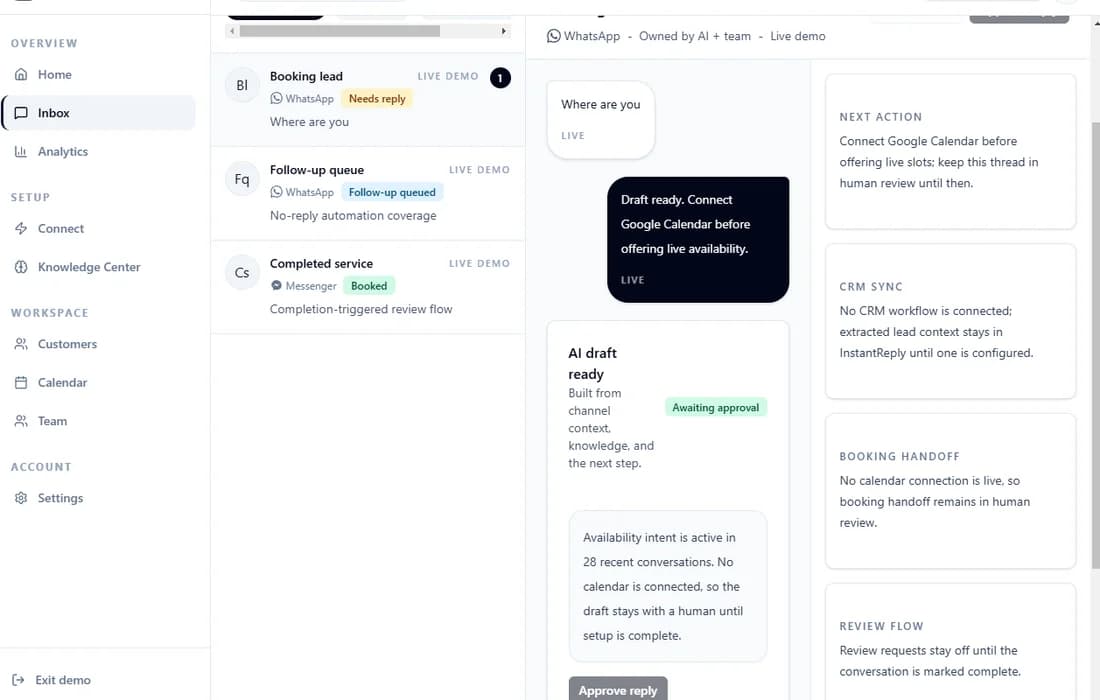
- Train the AI on your business. Upload your product FAQ, pricing, and common questions. Instant Reply's AI reads these and uses them to answer questions in your brand voice -- not generic placeholder text.
- Set escalation rules. Define which message types or keywords should route immediately to a human agent (e.g., "cancel", "refund", "urgent"). Everything else the AI handles.
- Test with real messages. Send 10-20 test messages covering your most common customer questions. Verify the AI's replies are accurate and on-brand before going live.
12 WhatsApp Auto Reply Templates#
Copy these directly. Replace the bracketed variables with your business specifics.
After-Hours Templates#
Template 1 -- Simple after-hours:
Hi [name], thanks for reaching out to [Business]. Our team is offline right now and will reply by [time] on [day]. In the meantime, check our FAQ: [link].
Template 2 -- After-hours with urgency handling:
Hi [name], we are currently closed (back at [time]). For urgent issues, email [urgent@email]. For everything else, we will pick this up first thing [day]. [Business] team.
Template 3 -- Weekend message:
Hi [name], it is the weekend! We reply Monday from 9am. Check our pricing page if you want to get started now: [link]. See you Monday.
First-Contact Templates#
Template 4 -- New lead greeting:
Hi [name], thanks for messaging [Business]. I am [AI name], here to help 24/7. What can I help you with today?
Template 5 -- Product inquiry greeting:
Hi [name], happy to help with info on [Product]. Can I ask: are you looking for [use case 1] or [use case 2]? That will help me point you to the right option.
Template 6 -- Pricing inquiry:
Hi [name], our [Product] starts at [price]. Here is the full pricing breakdown: [link]. Want me to walk you through which plan fits your setup?
Qualification Templates#
Template 7 -- Team size qualifier:
Good to hear from you, [name]. Quick question to make sure I give you the right info: how many people on your team will be using [Product]?
Template 8 -- Use case qualifier:
Hi [name], we work with a lot of businesses on this. Are you primarily looking to [use case A], [use case B], or something different? Helps me point you to the right plan.
Follow-Up Templates#
Template 9 -- No response follow-up (24h):
Hi [name], just following up on our conversation yesterday about [topic]. Did you get a chance to look at [what you shared]? Happy to answer any questions.
Template 10 -- Demo nudge:
Hi [name], you mentioned interest in [Product] last week. We have a 20-minute demo slot open [day] if you want to see it live. Want me to book it?
Support Templates#
Template 11 -- Support acknowledgment:
Hi [name], I have logged your issue and flagged it to our support team. You will hear from us within [timeframe]. Your reference is [#ID]. Is there anything else I can help with in the meantime?
Template 12 -- Resolution confirmation:
Hi [name], your issue has been resolved. [Short description of what was done]. Let me know if anything else comes up. [Business] team.
Why AI Outperforms Keyword Bots for WhatsApp Autoresponders#
Keyword autoresponders work like this: if the message contains "pricing," reply with the pricing message. They break the moment a customer writes "what does it cost" or "how much is it" or "price please" -- because those do not match the keyword.
AI autoresponders read intent. "What does it cost?" and "Is there a free trial?" and "Can I afford this?" all trigger the same underlying intent: the customer wants pricing information. The AI recognizes this and responds with the right context -- including following up with qualifying questions.
The difference: an AI autoresponder can handle many first-contact questions end to end, while a keyword bot only works while the customer stays on the script. Review the AI's drafts in your own account to see which categories it handles well before you let it send automatically.
Set Up Your WhatsApp Autoresponder Today#
Start a free 7-day Instant Reply trial. Connect your WhatsApp number, upload your FAQ, and let the AI autoresponder run on your real leads for a week. You will see exactly which messages it handles automatically and which it escalates to your team. No credit card required. Or take the product tour to see the AI reply quality before signing up.
The leads are already messaging you. The only question is who answers first -- and whether the answer is useful.
Continue the setup#
Review AI replies with human approval, compare the WhatsApp automation paths, and use the auto-reply message examples.