Use the exact situation, channel, and response window your customer is dealing with. The strongest auto responses are short because they do three jobs only: confirm what was understood, set the next expectation, and give the person one useful action.
What makes an auto response useful?#
Write the reply around four fields: [topic], [owner], [time], and [next step]. If one field is unknown, ask for it instead of filling the gap with a vague promise. Test the message from a second account so you can see the real line breaks, link preview, and reply path.
- Name the topic: "Thanks for asking about the Growth plan" is clearer than "We received your message."
- Use a time you can meet: write "by 3pm GST" or "within one business day," not "soon."
- Give one next step: ask for an order number, preferred date, product name, or another detail that moves the conversation forward.
- Keep a human path: complaints, refunds, sensitive requests, and low-confidence answers should have an owner.
Email auto response examples#
- General inquiry: "Thanks for your question about [topic]. [Owner] will reply by [time]. If you can share [useful detail], we can answer faster."
- After hours: "Our team is offline until [day and time]. Your message about [topic] is in the queue. For an urgent account issue, use [support path]."
- Vacation: "I am away until [date]. For [topic A], contact [person]. For [topic B], use [link]. I will review everything else when I return."
- Sales inquiry: "Thanks for asking about [product]. Current plan details are at [link]. A rep will reply by [time] with the best fit for [stated need]."
- Support ticket: "We opened ticket [ID] for [issue]. The next update is due by [time]. Reply to this email with screenshots or error text so the evidence stays in one thread."
- Application received: "We received your application for [role]. Reviews begin on [date], and selected candidates will hear from [team] by [date]."
- Invoice request: "Your invoice request for [period or order] is with [owner]. We will send the document or ask for missing details by [time]."
- Partnership inquiry: "Thanks for the proposal. Please send the audience, deliverables, timeline, and budget range. [Owner] reviews complete briefs every [day]."
- Press inquiry: "We received your request about [topic]. Please send the publication, deadline, and exact questions. [Contact] will confirm availability by [time]."
- Shared inbox receipt: "Your message is in the [team] queue. [Owner or role] will reply within [window]. Keep replies in this thread so the full context stays together."
SMS auto response examples#
- New lead: "Thanks for asking about [service]. Reply with your [location/date/budget] and we will recommend the next step by [time]."
- Appointment confirmation: "Confirmed: [service] on [date] at [time]. Reply C to confirm, R to reschedule, or X to cancel."
- Missed call: "Sorry we missed your call. Text the reason for calling and your preferred callback time. [Team] replies during [hours]."
- Delivery question: "Send your order number and postal code. We will check the latest carrier status and reply within [window]."
- Estimate request: "Thanks for contacting [business]. Send [three required details] for an estimate. We will confirm scope before quoting."
- Queue update: "You are in the support queue for [topic]. The current response window is [time]. We will text here when an agent takes the case."
- Event registration: "Your place for [event] is recorded. Doors open at [time] at [location]. Reply HELP for access questions."
- Opt-out line: "You are subscribed to [message type] from [business]. Reply STOP to opt out or HELP for support."
WhatsApp auto response examples#
- First message: "Hi, thanks for messaging [business] about [topic]. Send [one useful detail] and we will point you to the right option."
- After hours: "We are offline until [time], but your WhatsApp message is in the team queue. If this concerns an existing order, send the order number."
- Pricing: "The current price for [product] starts at [price] and includes [scope]. Tell us [qualifying detail] and we will confirm the right option."
- Availability: "We can check [product/service] availability. Send the date, location, and quantity you need."
- Booking: "To find an available slot, send your preferred day, time range, timezone, and service. We will confirm only after the calendar records it."
- Voice note received: "We received your voice note. A teammate will review the details and reply in this thread by [time]."
- Product photo received: "Thanks for the photo. Tell us what you want checked—fit, availability, compatibility, or damage—and we will review it."
- Order support: "Send your order number and the item affected. Please do not share card details or passwords in chat."
- Complaint: "I am sorry this happened. I have marked the conversation for a person to review. Please send the order or case number and the outcome you need."
- Campaign reply: "Thanks for your interest in [offer]. The current terms are [short terms]. Reply with [keyword] if you want the full details or a human answer."
Instagram DM auto response examples#
- Comment to DM: "You asked for [resource] on our post. Here it is: [link]. Reply with your use case if you want the relevant section."
- Story reply: "Thanks for replying to the story about [topic]. Are you looking for [option A] or [option B]?"
- Product question: "That is [product]. Current details: [price, size, availability]. Tell us your location before we confirm delivery."
- Creator inquiry: "Thanks for reaching out. Send your profile links, audience locations, proposed deliverables, timeline, and rate card for review."
- Service lead: "We can help with [service]. What result are you trying to get, and when do you need it?"
- Giveaway question: "The entry rules and closing time are at [official link]. We will announce the result only from this account."
- Out of stock: "[Product] is currently unavailable. Reply WAITLIST for a restock notice or tell us what matters most so we can suggest an alternative."
- Human handoff: "I have passed this DM to [team]. They will reply here by [time], so you will not need to repeat the details."
Facebook Messenger auto response examples#
- Page greeting: "Welcome to [business]. Choose pricing, availability, support, or booking—or type your question in your own words."
- Local business hours: "We are open [hours]. For today's availability, send the service and preferred time."
- Marketplace question: "Yes, this is about [listing]. Confirm the item, pickup area, and preferred day before we reserve it."
- Event question: "Details for [event] are at [link]. Send your access or ticket question and we will reply by [time]."
- Support escalation: "This needs a person. I have kept the messages in the thread and assigned [team], with a reply due by [time]."
- Fallback: "I do not have enough information to answer safely. Please send [missing detail], or choose 'talk to a person.'"
Customer support auto response examples#
- Password or access: "For security, do not send a password or verification code. Use [official recovery link], then tell us the error shown if it fails."
- Refund request: "We received the refund request for [order]. A person will check the order and policy, then reply with the decision or missing information by [time]."
- Damaged item: "Please send the order number plus clear photos of the item, packaging, and shipping label. We will confirm the available resolution after review."
- Service outage: "We are investigating [service] from [start time]. The next status update will be posted at [status link] by [time]."
- Duplicate request: "This appears related to case [ID]. We linked the messages so one owner can answer with the full history."
- Feature request: "Thanks for describing [request]. We have recorded the workflow and reason. We cannot promise a release date, but product updates are published at [link]."
- Data request: "We received your privacy request. Use [verified process] to confirm identity; do not send sensitive documents in this chat unless the secure form asks for them."
- Resolved check: "We marked [issue] resolved based on [action]. Reply within [window] if the problem remains and the same case will reopen."
When to automate and when to assign a person#
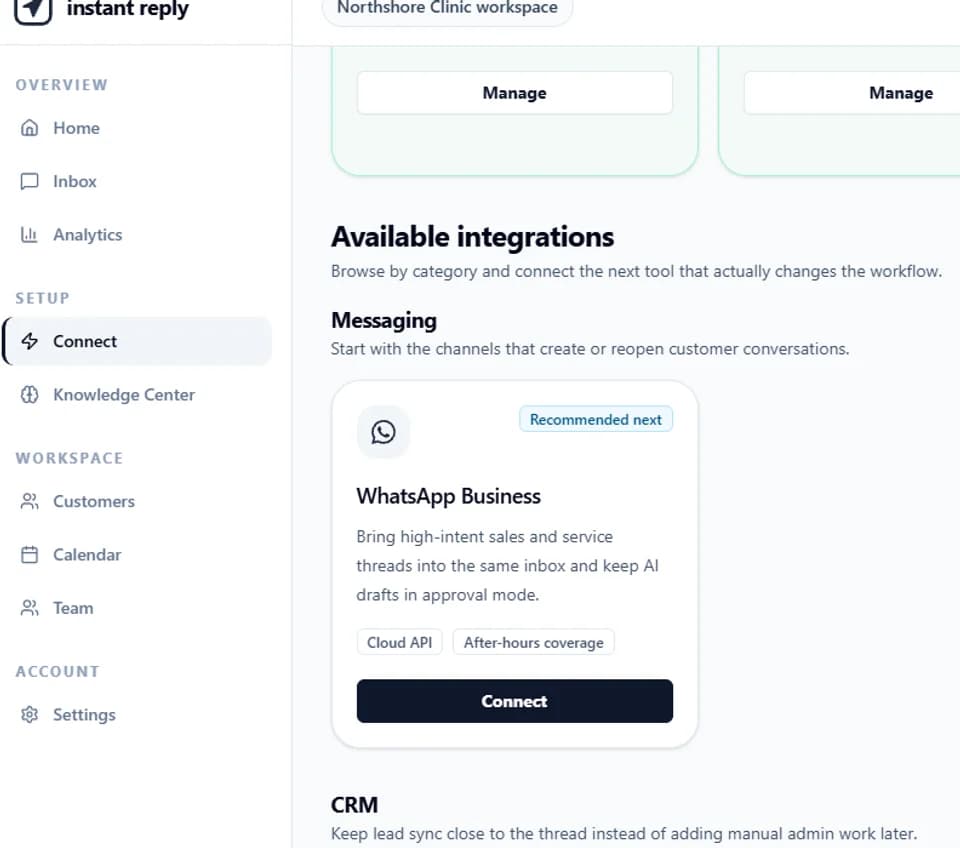
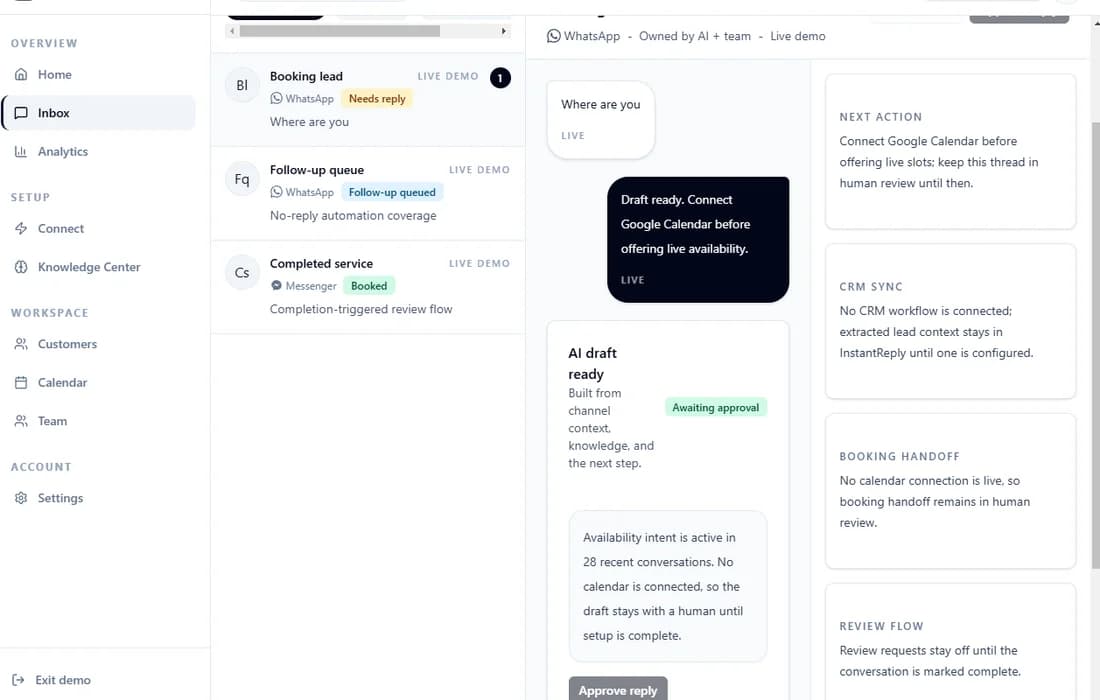
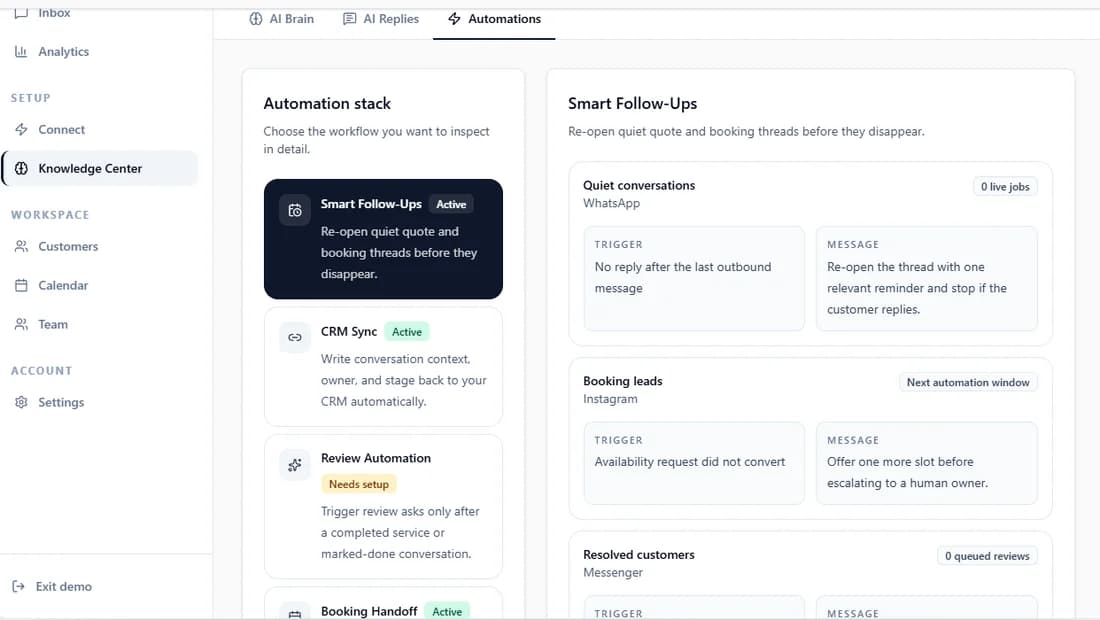
Auto-send only the cases your team has tested: acknowledgements, business hours, required intake details, simple status directions, and other low-risk facts. Keep refunds, complaints, custom prices, sensitive advice, account security, and uncertain answers in review. Instant Reply's AI reply workflow starts with human approval, while the shared inbox keeps the owner, notes, and channel history beside the draft.
How to test an auto response before publishing#
- Send it from a second account on the actual channel.
- Check the first line without expanding the message.
- Open every link and confirm it uses the intended account or page.
- Test a missing detail, a complaint, an image, and a voice note.
- Confirm the response window matches staffed hours and timezone.
- Verify a person can take ownership without asking the customer to start again.
For social DMs, compare the reply review controls, inspect the interactive inbox demo, or browse WhatsApp-specific message samples.