Reviewed August 11, 2026. The hardest WhatsApp CRM decision is not the logo. It is ownership: should agents work inside the CRM, inside a WhatsApp-led inbox, or across two systems with a controlled sync?
Quick answer: choose one of three operating models#
- WhatsApp-led workspace: the inbox owns the conversation, assignment, and reply. The CRM receives selected lead or deal data.
- Native CRM channel: HubSpot, Salesforce, Zoho, or another CRM receives and sends WhatsApp messages inside its own record and service workflow.
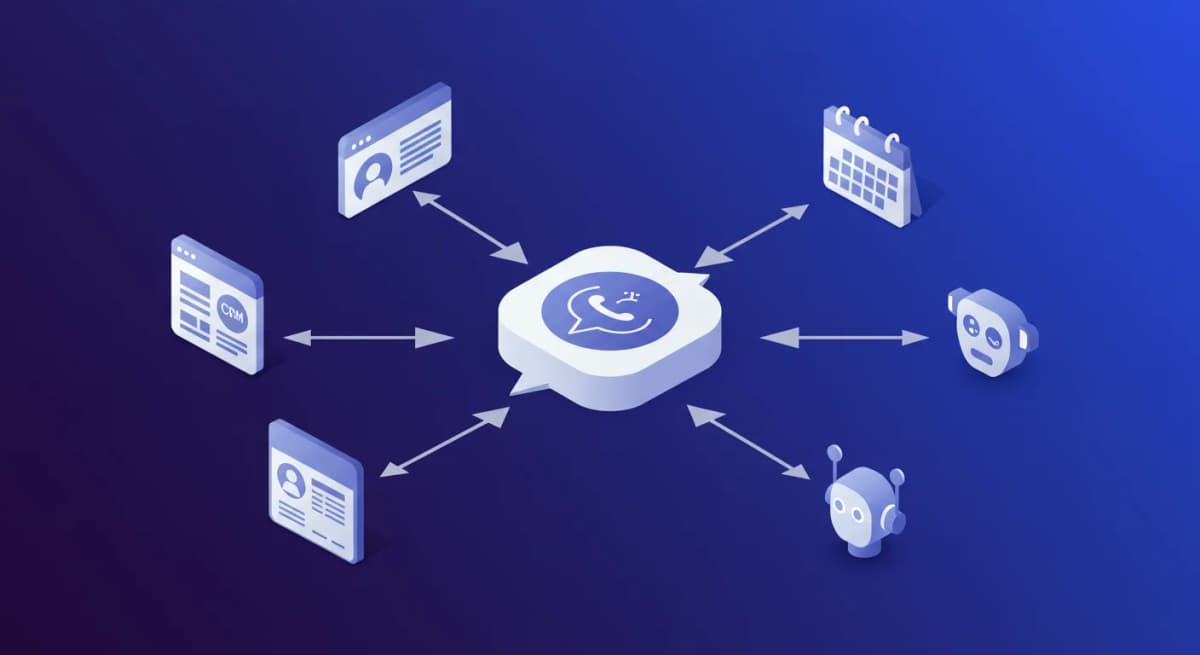
- Integration layer: a provider, connector, middleware, or custom API moves data between WhatsApp operations and the CRM.
Pick one primary writer for the conversation and one source of truth for each field. A vague “two-way sync” promise is not enough; ask which object, field, direction, trigger, retry, and conflict rule applies.
Instant Reply: WhatsApp-led inbox with selected CRM pushes#
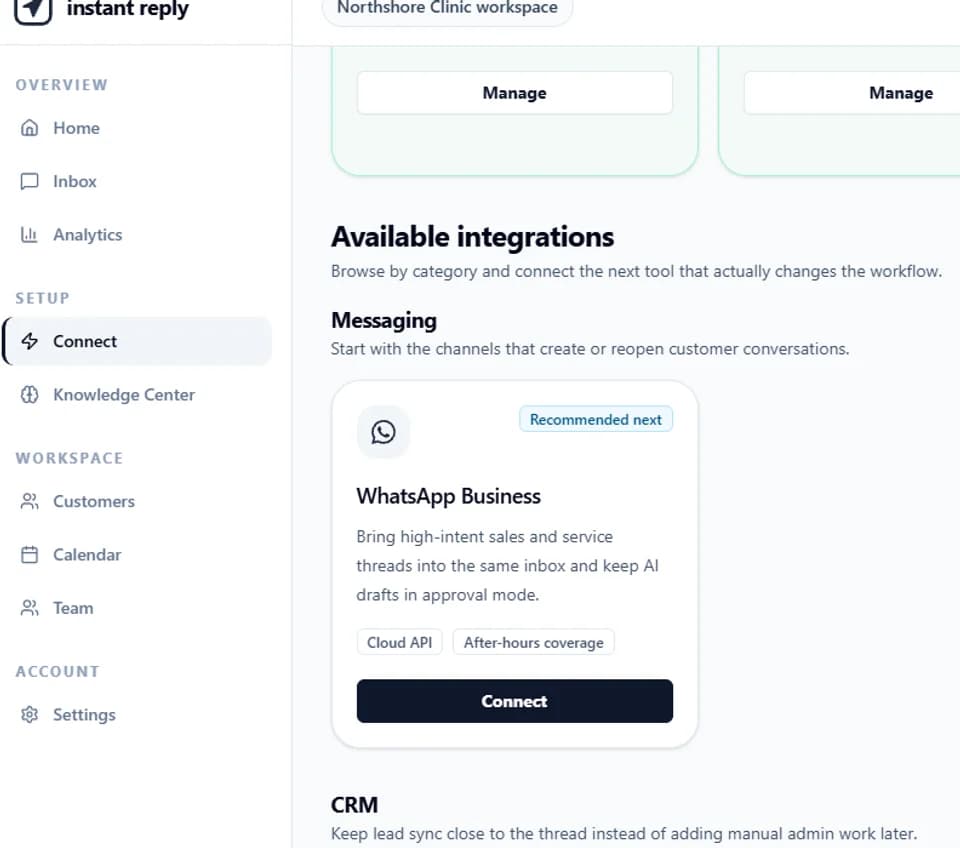
Instant Reply Growth and Pro keep eligible Instagram, WhatsApp, and Messenger conversations in one sales workflow with assignment, notes, AI-assisted replies, and follow-up. Pro can push selected captured-lead fields one way to HubSpot or Pipedrive contacts. It is not positioned as a full two-way CRM inbox.
Choose this model when the live DM thread is the team's daily workspace and the CRM needs selected lead context. Review the current integration scope and shared inbox workflow, then test a create, update, duplicate, missing field, and failed write.
HubSpot: native WhatsApp in the conversations inbox#
HubSpot's May 2026 documentation says a WhatsApp Business Account can connect as a channel in the conversations inbox on eligible Marketing Hub or Service Hub Professional and Enterprise subscriptions. New messages create inbox threads; historical conversations do not sync. Its documentation also lists supported inbound media and current number or coexistence considerations.
Use HubSpot's current connection guide. Verify subscription, Meta Business permissions, number state, historical-data needs, conversation allowance, template behavior, and whether the same number can remain in the app for your setup.
Salesforce: enterprise messaging with edition and add-on requirements#
Salesforce supports WhatsApp across current Messaging and Marketing Cloud paths. Eligibility depends on edition and add-ons; Salesforce's 2026 documentation also describes WhatsApp message credits for relevant Agentforce Contact Center Digital configurations and separate outbound requirements for Digital Engagement.
Read the supported editions and WhatsApp channel considerations. Confirm the specific Salesforce product, org, WABA, number, message credits, templates, sandbox path, and consent model.
Zoho CRM: WhatsApp interaction inside CRM#
Zoho's official WhatsApp integration page describes customer conversations in CRM, filters, notifications, predefined business messages, templates, and workflow-based notifications. It fits teams that want WhatsApp activity attached to the Zoho customer record and automation model.
Use Zoho's current WhatsApp integration page. Check the eligible edition and region in the live account, then test message history, template approval, assignment, consent, and workflow failures.
Kommo: messenger-first CRM and pipeline#
Kommo combines messaging channels, sales pipeline, CRM automation, and plan-dependent AI agents. Current Pro materials include voice-message handling, booking calendars, booking automation, and AI appointment booking. This makes it a shortlist candidate when the team wants the inbox and sales pipeline in one product.
Check current per-user pricing, the minimum commitment, lead limits, AI credits, channel allowances, agents, and booking behavior.
WATI: WhatsApp-led provider and campaign operations#
WATI is a WhatsApp-led BSP and campaign platform with an inbox, templates, calling, integrations, and plan-dependent Astra AI. Current documentation also describes eligible Instagram, Messenger, and RCS access. It fits teams whose main CRM requirement is organizing WhatsApp operations rather than replacing a deep enterprise CRM.
Use regional pricing and the Inbox guide. Test CRM object mapping, owner changes, opt-out, template state, and failed actions.
The seven checks that expose a weak WhatsApp CRM#
- Primary writer: which system is allowed to send and which is read-only?
- Identity: how are phone numbers normalized, merged, reassigned, and deduplicated?
- Direction: which fields move one way or two ways, and on what trigger?
- Conflict: what happens when both systems edit the same verified field?
- Consent: where is opt-in, opt-out, source, timestamp, and purpose stored?
- Failure: who sees a failed write, what retries, and how is it replayed safely?
- Audit: can the team trace the message, owner, field change, source, and action?
Run one record from message to recovery#
Send an opted-in test message, create the contact, assign an owner, update one selected field, move the deal, send an approved reply, then deliberately fail the downstream write. Repeat with a duplicate number and an existing verified contact. Record which system wins each conflict and who receives the failure.
The best WhatsApp CRM is the one whose ownership model remains clear during that failure. Keep the test record with the selected plan, account region, data fields, consent source, and recovery owner so the decision remains auditable after launch.
Compare the wider inbox options in the 18-platform review and estimate the messaging layer with the WhatsApp API calculator.