Direct answer: HubSpot has two WhatsApp connection paths worth comparing in 2026. Coexistence can keep the same number active in the WhatsApp Business App and HubSpot. A direct WhatsApp channel moves new messages into HubSpot and does not preserve app operation in the same way. The correct path depends on history, media, consent, ticketing, and recovery requirements.
This is not a cosmetic setup choice. The two paths produce different operating behavior. Use the decision matrix and test pack below before connecting the live number.
Verified requirements before you start#
HubSpot's current documentation lists the WhatsApp channel for Marketing Hub Professional or Enterprise and Service Hub Professional or Enterprise. Account permissions and Meta Business access are also required. Check the live HubSpot channel requirements because subscription packaging can change.
Prepare these inputs before opening the connection flow:
- The legal business name, website, business email, and WhatsApp display name.
- Admin access to the relevant Meta Business account.
- Access to the phone number and its current WhatsApp setup.
- A decision on whether conversations belong in the conversations inbox or help desk.
- A consent model for WhatsApp marketing and transactional communication.
- An identity rule for matching phone numbers to HubSpot contacts.
Path A: WhatsApp coexistence#
HubSpot's coexistence documentation, updated in May 2026, says the same WhatsApp Business App number can send, receive, and manage messages in both the app and HubSpot. It also documents a recent-history import.
That continuity is useful for a team that cannot move every operator into HubSpot at once. It also creates a governance question: if a person can reply from the app and another can reply from HubSpot, which surface owns conversation assignment?
HubSpot lists limitations that belong in the migration plan:
- Recent conversation history can be backfilled, while historical media appears as placeholders.
- Template messages are sent from HubSpot rather than a device.
- Voice notes can be sent from a device but not from the HubSpot inbox at the time of the documented update.
- If coexistence is connected to help desk, backfilled conversations can create tickets.
Do not turn coexistence on until you decide how imported conversations and tickets will be triaged. A successful sync can still create a poor operating day if the queue fills with ownerless historical work.
Path B: direct WhatsApp channel#
HubSpot separately documents a direct WhatsApp Business Account connection. For that path, only new messages after connection synchronize, and the connected number no longer behaves as an inbox in the mobile or web app. This is a cleaner cutover, but it makes rollback and agent readiness more important.
The direct path is a reasonable fit when:
- Every operator will work in HubSpot from the cutover point.
- A clean start for conversation history is acceptable.
- Help desk or conversations inbox is the agreed system for ownership.
- The team has rehearsed outage and disconnection procedures.
Path comparison#
| Decision point | Coexistence | Direct connection |
|---|---|---|
| WhatsApp Business App remains active | Documented as the purpose of the path | No; HubSpot becomes the inbox |
| Conversation history | Recent history import is documented | New messages only |
| Historical media | Placeholders may appear | No historical import |
| Voice-note sending | Device path remains; HubSpot limitation documented | Test the required behavior |
| Cutover style | Gradual, but dual-surface governance needed | Clearer operational cut |
| Rollback dependency | App continuity may reduce disruption | Requires a rehearsed reconnect plan |
Use the table as a test agenda, not as a permanent feature guarantee. HubSpot and Meta can change capabilities after this article's review date.
Consent is a data model, not a checkbox#
HubSpot's WhatsApp consent documentation describes separate marketing and transactional subscription types, consent history, and workflow-based updates for qualifying subscriptions.
Define four fields before automation sends anything:
| Field | Example meaning | Owner |
|---|---|---|
| WhatsApp marketing status | Subscribed, unsubscribed, or unknown | Marketing operations |
| WhatsApp transactional status | Permitted state for utility communication | Service operations |
| Evidence | Source, wording, timestamp, and legal basis | Privacy owner |
| Suppression state | Global or channel-specific opt-out | CRM administrator |
Do not overwrite an opt-out because a later import lacks a value. "Unknown" is not the same state as "subscribed."
The contact and conversation data contract#
HubSpot's Contacts API guide explains contact creation, retrieval, updates, associations, and custom properties. Use that model to write an explicit contract for the integration.
| Object | System of record | Matching key | Conflict rule |
|---|---|---|---|
| Contact identity | Choose HubSpot or the messaging platform | Normalized international phone plus provider ID | Pause on ambiguous matches |
| Name and email | Define per field | Contact ID | Newest verified value or manual review |
| Consent | One authoritative ledger | Contact and channel | Most restrictive state wins |
| Conversation summary | Messaging system | Conversation ID | Append versioned summaries |
| Ticket | HubSpot help desk | Ticket association | One open ticket per defined issue |
| Deal stage | HubSpot | Deal association | Messaging automation reads; it does not invent stages |
Nine-test migration pack#
- Inbound identity: send from a known contact and verify the correct record is matched.
- Unknown identity: send from a new number and inspect the created contact, owner, and source fields.
- Duplicate identity: prepare two contacts with phone-format variants and verify the conflict rule.
- Consent: test subscribed, unsubscribed, and unknown states for each message type.
- History: for coexistence, count imported threads and inspect media placeholders; for direct setup, confirm the clean-start boundary.
- Ownership: assign, transfer, and close a conversation or ticket while a second agent is active.
- Cross-surface reply: for coexistence, reply from the app and HubSpot and confirm ordering, attribution, and automation cancellation.
- Disconnect: interrupt the connection and document message behavior, alerting, and recovery ownership.
- Deletion/export: run the documented privacy workflow and verify every downstream copy.
For each test, record the expected result, actual result, screenshot or event ID, owner, and remediation. Repeat the failure tests after any provider, workflow, or permission change.
When a separate messaging layer makes sense#
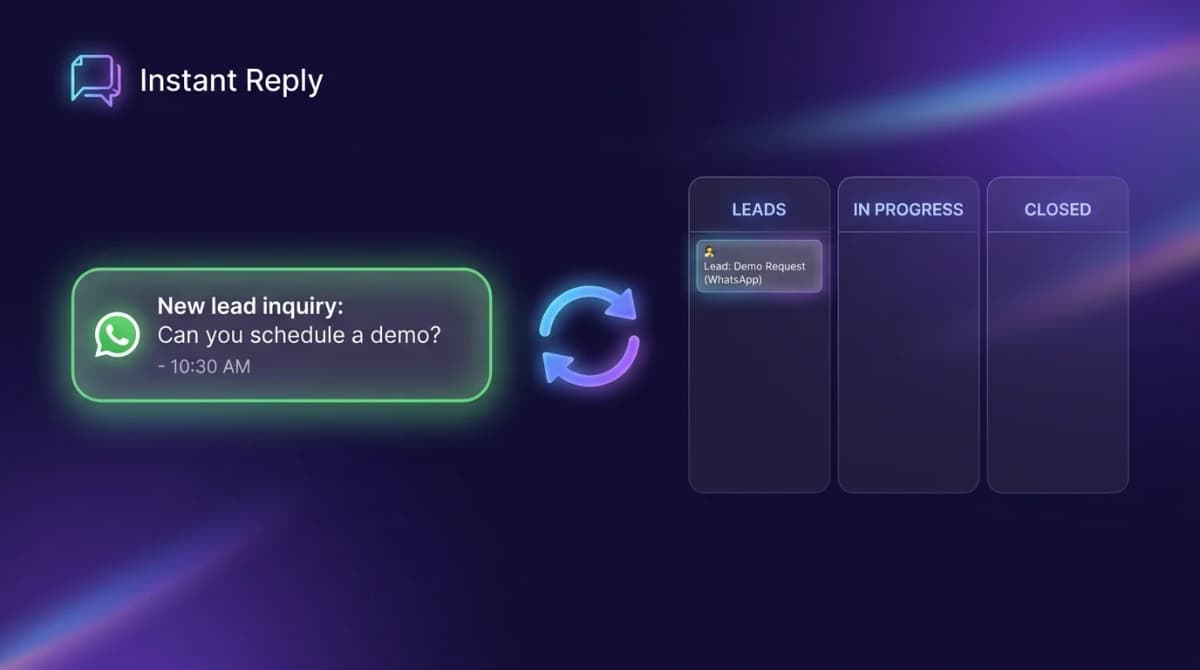
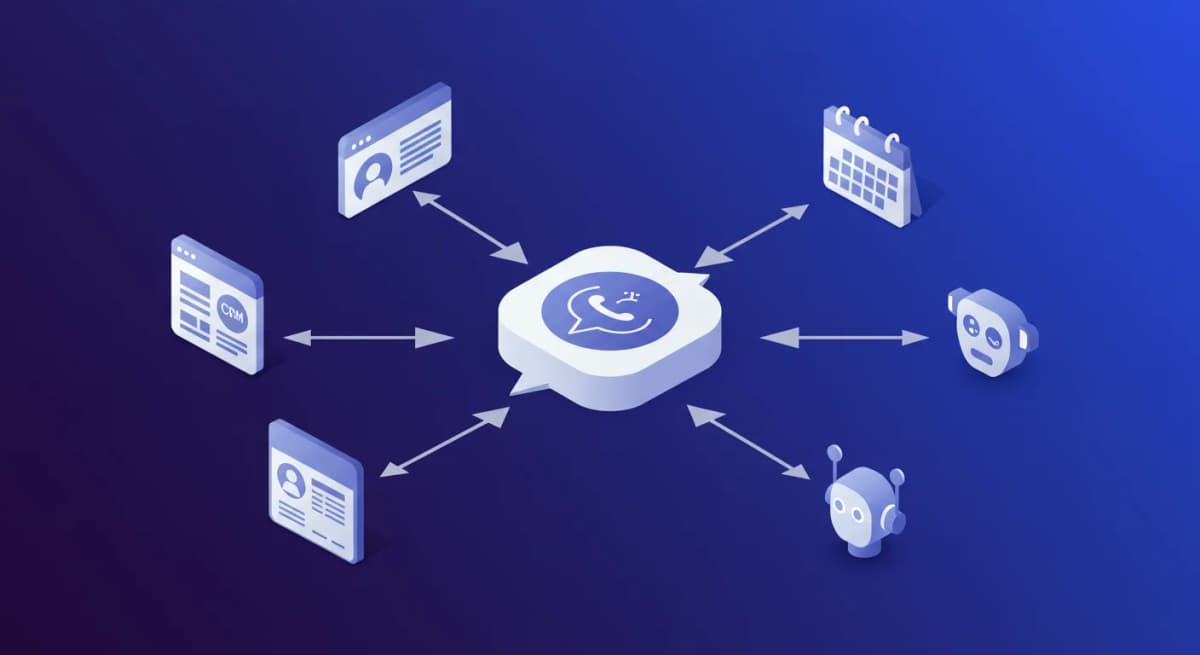
HubSpot can remain the CRM system of record while a purpose-built inbox handles messaging. That architecture is useful only when responsibilities are explicit: identity and consent have one owner, conversation events are idempotent, and failures enter a visible retry queue.
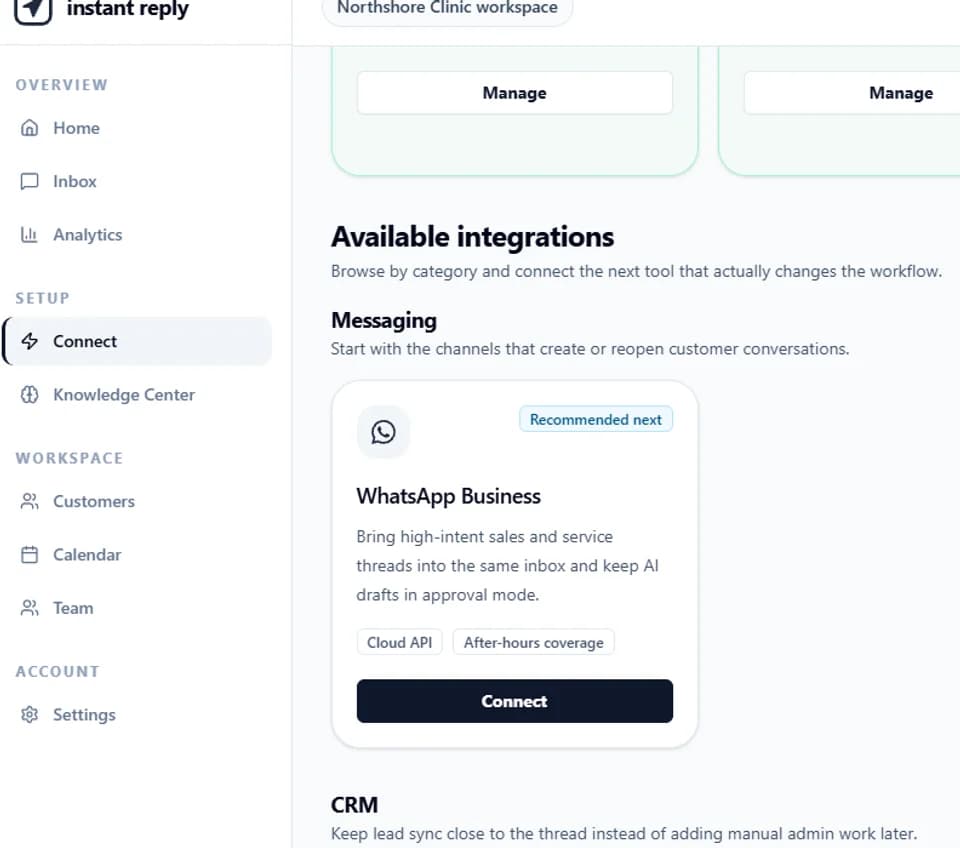
Use the WhatsApp CRM architecture worksheet to design that contract, review the Instant Reply CRM integration, and compare the resulting workflow with the native HubSpot paths above. The best integration is the smallest one that passes the test pack.
Continue the WhatsApp CRM evaluation#
Compare the WhatsApp CRM options, review the current CRM integration scope, and price the messaging layer with the WhatsApp API calculator.