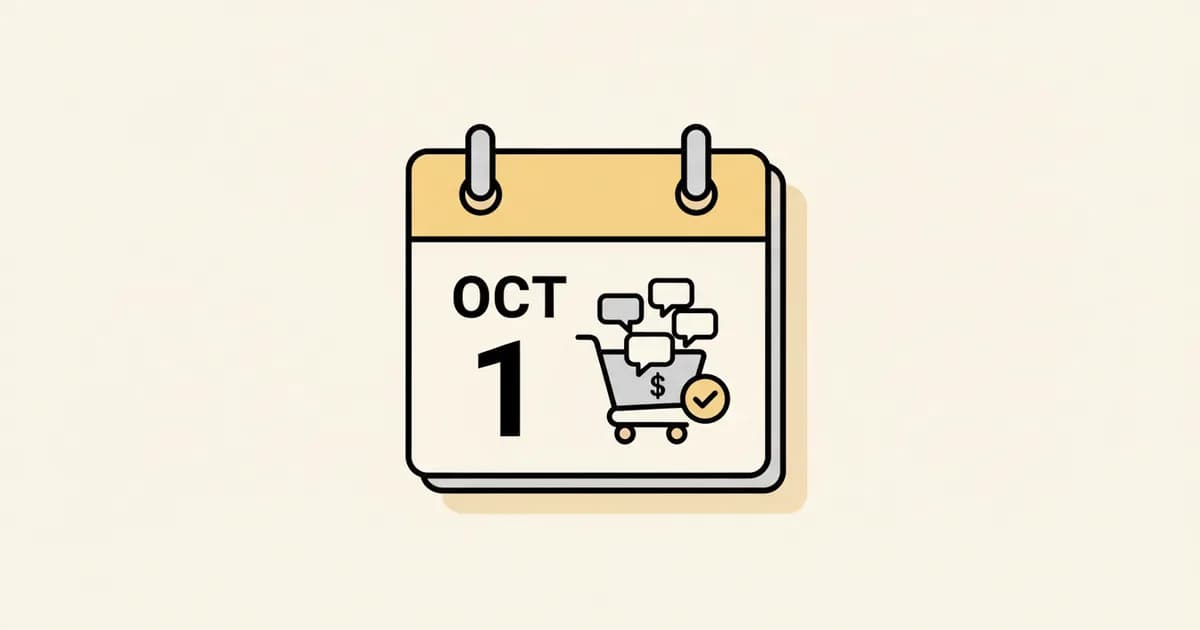
Meta charges businesses per delivered message on the WhatsApp Business Platform, not per conversation. The rate depends on the message category (marketing, utility, authentication or service) and the recipient's country. Since October 1, 2026, service messages and in-window utility templates are billable too. Meta publishes the exact rates as country rate cards.
Most of what a search for Meta's WhatsApp pricing returns is stale. Meta changed this model twice: on July 1, 2025, when it dropped conversation-based billing for per-message billing, and on October 1, 2026, when service messages and in-window utility templates became billable. Here is how the platform charges, verified against Meta's own developer documentation on October 1, 2026, and the real levers you have to bring the bill down.
How Meta actually prices WhatsApp messages#
Per Meta's own developer documentation, "effective July 1, 2025, Meta charges on a per-message basis" for messages delivered through the WhatsApp Business Platform. That replaced an older conversation-based model, where Meta billed once per 24-hour conversation window no matter how many messages you sent inside it. Meta's own deprecated documentation for that old model still describes it directly: "charges are applied per conversation, not per individual message sent or received."
That distinction matters for anyone still following older cost-cutting advice built around it (see the batching section below). Today, "you are only charged when a template message is delivered," per message, and the rate depends on two things: the template's category, and the recipient's country calling code.
The four message categories, and what sets the price#
Every WhatsApp message falls into one of four categories:
- Marketing -- per Meta's own template categorization documentation, marketing templates "enable businesses to achieve a wide range of goals, from generating awareness to driving sales and retargeting customers." It's the most expensive category almost everywhere Meta allows it, and Meta has restricted marketing templates to some destinations, so check Meta's current rules for U.S. recipients before planning a campaign.
- Utility -- templates that "enable businesses to follow up on user actions or requests," per Meta. Order updates, appointment reminders, account alerts. Usually cheaper than marketing; check Meta's rate card for your markets.
- Authentication -- one-time passcodes and identity verification, priced the same as utility by market, per Meta.
- Service -- free-form replies inside the 24-hour customer service window. Free through September 30, 2026. Billable since October 1, 2026, at the utility/authentication rate (more below).
Getting the category right isn't just bookkeeping. Meta sets a specific test for utility: a template qualifies only if it is "non-promotional, not containing any promotional or persuasive intent," and it is either "specific to or requested by the user" or "essential or critical to the user." Mix in promotional content, like an order update with a discount code, and Meta classifies the whole template as marketing, at the marketing rate. Since April 9, 2025, per Meta's documentation, WhatsApp also auto-recategorizes utility templates it judges should be marketing, normally with advance notice. Businesses already warned for categorization misuse lose that notice: as of April 16, 2025, their utility-to-marketing changes apply instantly. Repeated misuse escalates further, per Meta's documentation: warnings, rate limiting (minimum 7 days), a utility-sending restriction (7 days, 30 for repeat violations), then portfolio-level restrictions (30 days).
What a message actually costs, by country#
Rates vary a lot by destination country, not by where your business is based. Meta publishes them as downloadable rate cards (USD and other currencies) on its pricing page, so this guide does not reprint per-country numbers that would go stale. The structure is what stays stable: marketing costs more than utility or authentication to the same destination, and utility and authentication are priced the same as each other by market. Run your own volume and country mix through the calculator, using the current rate card as the source of truth.
What stays free, and for how long#
Through September 30, 2026, three things did not show up in the per-message rate card at all. Only the third is still free:
- The 24-hour customer service window. When a user messages your business, per Meta's documentation, "this opens a 24 hour customer service window." Any free-form reply you send inside it was free through September 30, 2026, and has been billable since October 1, 2026.
- Utility templates sent inside an open service window. Meta's documentation states: "Utility templates delivered within an open customer service window are free." That applies through September 30, 2026. Since October 1, 2026, Meta charges per message for utility messages sent in response to users inside an open window.
- Free Entry Point (FEP) windows from ads. If a user messages you via a Click to WhatsApp ad or a Facebook Page call-to-action button, and you respond within 24 hours, per Meta's documentation, "a Free Entry Point ('FEP') window will be opened" that "remains open for 72 hours," during which "you can send any type of message to the user at no charge" -- marketing templates included.
Real ways to cut your WhatsApp bill#
None of this requires a workaround. It requires using the categories and windows Meta already built.
1. Keep the conversation inside the window instead of sending a template cold#
If a customer opened the service window by messaging first, a fast reply keeps the exchange inside that window, so you avoid a separate business-initiated template later. Through September 30, 2026 that reply was free; since October 1, 2026 it is billable at the utility and authentication rate for the market, but it can still be cheaper than an extra marketing template.
2. Get the template category right the first time#
Don't write a utility template with a promotional line in it hoping it slips through at the utility rate. Per Meta's own criteria above, mixed content gets classified as marketing, at the marketing rate, and repeated attempts to game the category trigger escalating restrictions, not just a price bump. If a message genuinely serves both purposes, split it: send the transactional part as utility, and a separate, honestly labeled marketing follow-up if you want to add an offer.
3. Use ad-driven conversations for their 72-hour free window#
If you already run Click to WhatsApp ads, respond to the first inbound message within 24 hours to open the 72-hour FEP window, then schedule anything else that customer needs, including marketing content, inside that window instead of as a separate billed send afterward.
4. Stop batching for the old reason. Consolidate for the new one.#
Some cost-cutting advice still floating around the internet says to batch messages into one daily send. That made sense under conversation-based pricing, which ended July 1, 2025. It does nothing for you now, since Meta bills every delivered template message individually, regardless of how many share a conversation window. What still works: reducing the number of separate template messages you send per customer per event. Three thin utility templates (order confirmed, then shipped, then tracking number ready) cost three times what one combined template costs, at the same rate. Combine them where the workflow allows it.
5. Know your volume tier#
Per Meta's documentation, utility and authentication rates unlock lower tiers "based on the number of messages you send in a month," and tiers reset monthly. This isn't something you can game by timing sends, but it's worth checking your actual monthly volume against Meta's published thresholds before assuming you're stuck paying the base rate.
6. Re-run your numbers with the October 1, 2026 rules#
Since October 1, 2026, per Meta's documentation, service messages, plus utility messages sent inside an already-open window, are billed on a per-message basis, "consistent with how Meta charges for template messages." The rate mechanism is specific: "by market, rates for service messages are the same as the rates for utility and authentication messages." That also ends the utility-in-window exception described above, so tactic #1 no longer makes replies free. See the full breakdown in what changed on October 1, 2026, and use the "From Oct 1, 2026" mode in the pricing calculator to see what your current volume would cost under the new rules.
The lever per-message optimization can't touch#
Everything above optimizes Meta's own bill. None of it touches the second bill most businesses running WhatsApp through a third-party platform also pay: the platform's own markup on top of Meta's rate.
Meta's per-message fee is unavoidable no matter which platform you use. It's Meta's own rate, billed through your own Meta account regardless of who sends the message. What varies enormously is what a platform charges on top of it. Some platforms bill a plan plus per-message charges, some bill per seat or per contact; see how WATI's pricing model works for one example.
Instant Reply's own pricing works differently, and it's worth stating exactly rather than vaguely: Growth ($129/month) includes two WhatsApp numbers and unlimited inbox conversations with no per-message or per-contact fee from Instant Reply itself; Pro ($349/month) includes five numbers, with additional numbers at $19/month on either plan. Meta's own delivery fee still applies and is billed straight through your own Meta account -- Instant Reply doesn't touch that money or mark it up. What the flat fee removes is the second layer: there's no per-message optimization problem to manage on Instant Reply's own side of the bill, because there's no per-message charge there to optimize.
That's a genuinely different shape of bill than a pass-through-billing platform, not automatically a cheaper one at every volume. Run your actual monthly conversation volume through the calculator for the Meta side, and compare it against a flat plan for the platform side, rather than assuming either model wins for your numbers without checking.
Verify before you budget#
Meta changes this pricing model periodically and only on the first day of a quarter. Before locking in a monthly budget, confirm current rates directly against Meta's own pricing documentation, since a rate card anyone publishes, including this site's, is a snapshot, not a live feed. Then run your actual numbers through the WhatsApp API pricing calculator, in both the current and post-October-1 modes. Last checked against Meta's pages on October 1, 2026.