Over 2 billion people use WhatsApp. A large portion of them are your customers.
A business whatsapp account is Meta's answer to a simple question: how should a business communicate with those customers professionally?
This guide covers everything - what WhatsApp Business actually is, what it does, how it differs from regular WhatsApp, and when the free app is enough versus when you need the API.
What is WhatsApp Business?#
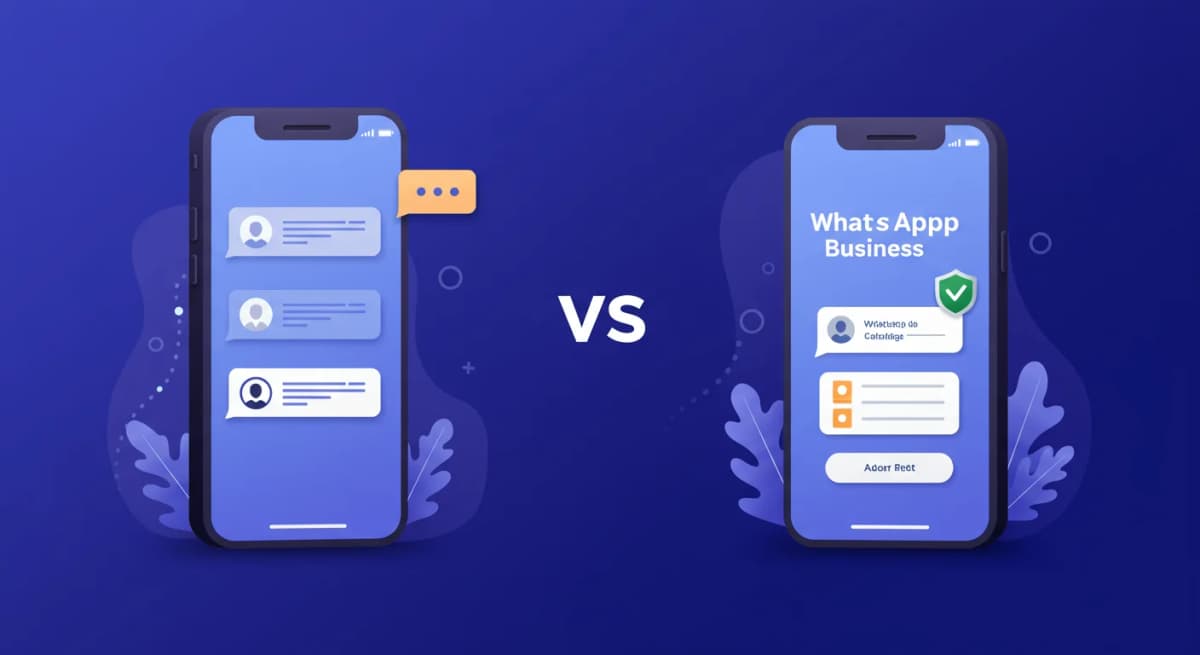
WhatsApp Business is a free mobile app built specifically for businesses. Meta released it in 2018 after seeing millions of businesses already using the regular WhatsApp app to communicate with customers - without any business-specific features.
The app looks and works like regular WhatsApp, but adds a layer of business tools on top:
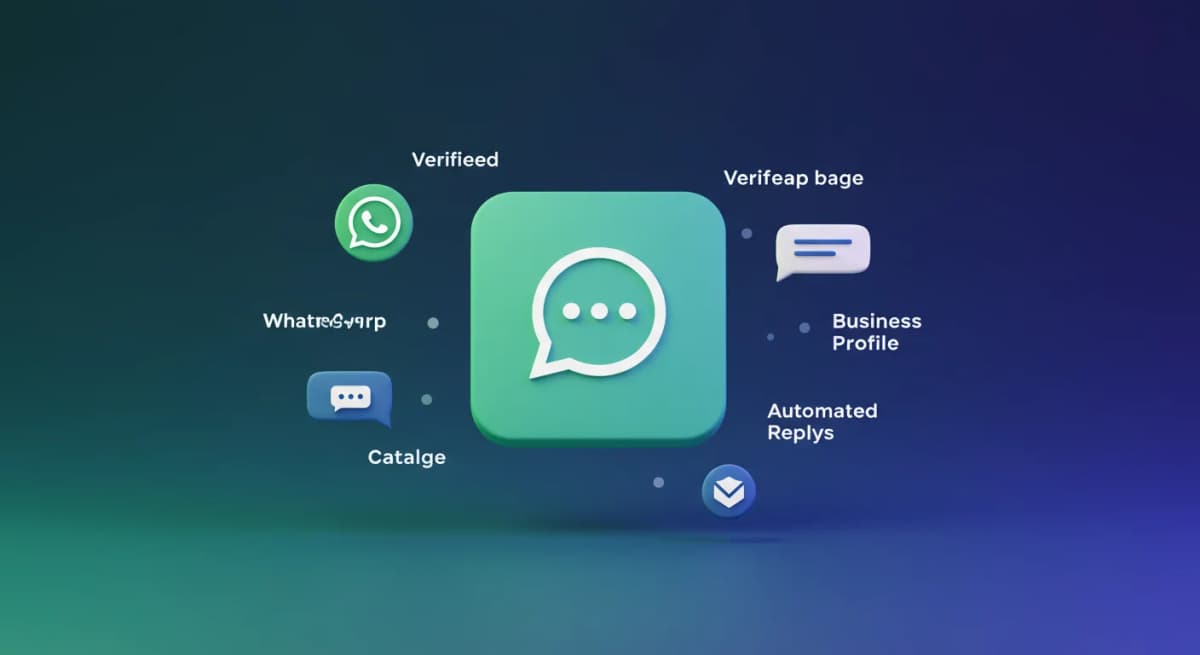
- A verified business profile with your name, category, address, website, and hours
- A product and service catalog that customers can browse in-chat
- Automated greeting messages for new contacts
- Away messages when your business is closed
- Quick replies for frequently asked questions
- Labels to organize conversations (new lead, pending payment, resolved)
That's it. It is a free app. No API, no coding, no monthly fee.
Who is WhatsApp Business for?#
The WhatsApp Business app is designed for small and medium-sized businesses where one person (or a very small team using linked devices) handles customer communication.
Think: a freelancer, a local retail store, a restaurant, a small agency, a real estate agent. Anyone who talks to customers on WhatsApp but wants to do it more professionally than using a personal number.
If your business gets more messages than one person can handle, or if you need multiple agents responding simultaneously, you are looking at the WhatsApp Business API - a different product.
WhatsApp Business features explained#
Business profile#
When a customer opens a chat with your business, they see a full profile before they even send a message: your business name, verified category, description, website, address, and business hours. This is the difference between looking like a random phone number and looking like an actual business.
Catalog#
You can list up to 500 products or services with photos, descriptions, prices, and links. Customers can browse your catalog without leaving WhatsApp. This works particularly well for e-commerce and food businesses - customers can ask "do you have X?" and you can simply send them the catalog item.
Automated greeting message#
Set a message that automatically sends to any customer who contacts you for the first time, or after 14 days of inactivity. A good greeting message sets expectations: "Hi, thanks for reaching out to [Business Name]. We respond within 2 hours during business hours (Mon-Fri, 9am-6pm)."
Away message#
Set a message that automatically sends when someone contacts you outside your business hours. This stops customers from wondering if you received their message. You can customize when it triggers and who receives it.
Quick replies#
Create shortcuts for your most common responses. Type "/" in the message box to pull up your quick reply library. This saves significant time when you are answering the same 10 questions every day.
Labels#
Color-coded labels to organize your contacts and conversations: New Customer, Pending Payment, Order Complete, Follow Up. This is a basic CRM system built directly into WhatsApp.
Statistics#
Basic metrics: how many messages you have sent, delivered, read, and received. Not sophisticated analytics, but useful for understanding your message volume.
WhatsApp Business vs regular WhatsApp#
| Feature | WhatsApp (Personal) | WhatsApp Business |
|---|---|---|
| Cost | Free | Free |
| Business profile | No | Yes |
| Product catalog | No | Yes (up to 500 items) |
| Greeting message | No | Yes |
| Away message | No | Yes |
| Quick replies | No | Yes |
| Labels | No | Yes |
| Linked devices | Up to 4 | Up to 4 |
| Multi-agent inbox | No | No (needs API) |
| Automation/API | No | No (needs API) |
WhatsApp Business vs WhatsApp Business API#
This is the most common confusion. They are two completely different products.
WhatsApp Business (app) - Free mobile app. Designed for one user. No automation beyond the built-in tools. No team access. No third-party integration beyond Meta's own tools.
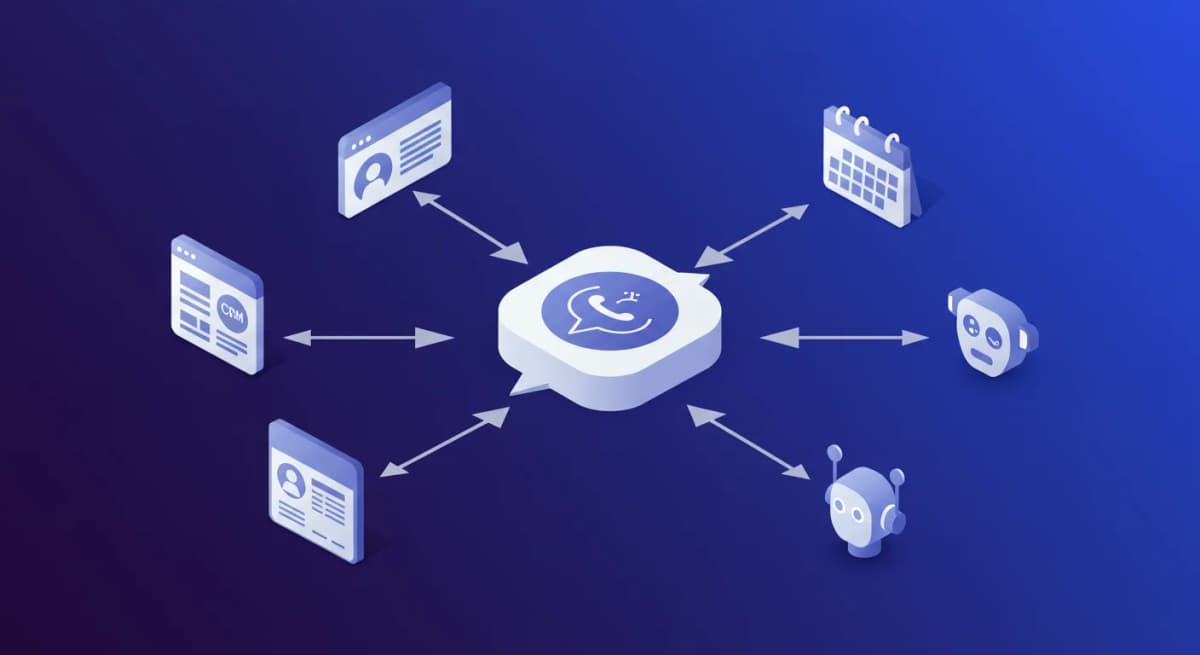
WhatsApp Business API - A developer interface. No app interface - you connect it to third-party platforms (CRM, helpdesk, inbox tools). Enables: multiple agents on one number, automation and chatbots, bulk messaging to opted-in customers, CRM integration, advanced analytics. Has message fees from Meta plus platform/BSP fees.
| WhatsApp Business App | WhatsApp Business API | |
|---|---|---|
| Cost | Free | Meta per-message charges + platform fee |
| Users | 1 (+ 4 linked devices) | Unlimited agents |
| Setup | Download the app and verify your number | Via a BSP or platform; timing depends on Meta verification |
| Automation | Basic (greeting/away) | Full (flows, chatbots, AI) |
| Broadcasts | Up to 256 contacts | Unlimited (opted-in) |
| Integration | None | CRM, helpdesk, e-commerce |
When should you upgrade from WhatsApp Business to the API?#
Three signals tell you it is time to switch:
1. You have more messages than one person can handle. If you are missing conversations or responding hours later because of volume, you need a team inbox. The API enables multiple agents.
2. You want to send broadcasts to more than 256 contacts. The app caps broadcasts at 256 recipients. The API supports unlimited opted-in contacts.
3. You want to automate responses. The built-in greeting and away messages are fixed text. For AI replies, keyword-triggered flows, or chatbot journeys, you need the API.
If none of these apply, the free WhatsApp Business app is sufficient. Start there and upgrade when you hit the ceiling.
How to verify your WhatsApp Business account#
There are two tiers of verification:
Business account (grey checkmark). Available on the WhatsApp Business app. Meta verifies that your business name matches public business information. No formal application needed - it typically happens automatically as your business profile gets engagement.
Official business account (green checkmark). This is the green verified badge visible to all users. It requires notable brand recognition and a formal Meta review. Most small businesses will not qualify. Enterprise brands and major companies are the typical candidates.
The grey checkmark is sufficient for most businesses. The green one is a nice-to-have, not a requirement.
Is WhatsApp Business right for your business?#
If you serve customers in any market where WhatsApp is popular (India, Southeast Asia, the Middle East, Latin America, much of Europe), the answer is almost certainly yes.
The app is free. Setup takes 10 minutes. The professional profile alone - showing customers your actual business name and hours before they message - is worth it.
Start with the free app. When you outgrow it, the WhatsApp Business API and a platform like InstantReply get you set up with a full team inbox and AI replies. Setup time depends on Meta's verification of your business.
Choose the next setup#
Compare WhatsApp and WhatsApp Business, learn when the Business Platform is needed, and review the shared team inbox workflow.