The names are almost identical. Both are free. Both are made by Meta. Most people assume they are basically the same thing.
They are not.
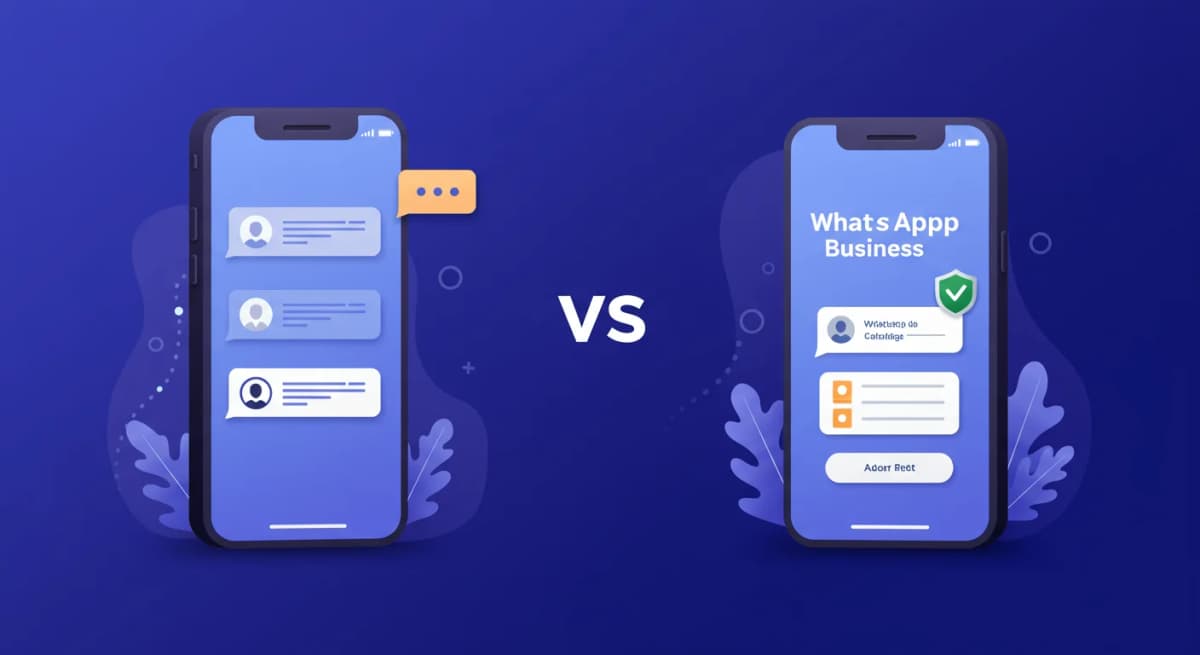
WhatsApp and WhatsApp Business have the same messaging core. But they were built for different purposes, for different users, with different features on top.
Here is the clear-cut breakdown.
The core difference in one sentence#
WhatsApp is for people talking to people. WhatsApp Business is for businesses talking to customers.
That distinction drives everything else.
What WhatsApp does#
WhatsApp is a personal messaging app. You add contacts by phone number. You send text, voice messages, images, documents, and make video calls. Messages are end-to-end encrypted. There are groups. There are statuses. That is essentially it.
It has no concept of a "business." There is no business profile, no catalog, no auto-replies, no label system. Your contact name is whatever the other person saved you as.
What WhatsApp Business adds#
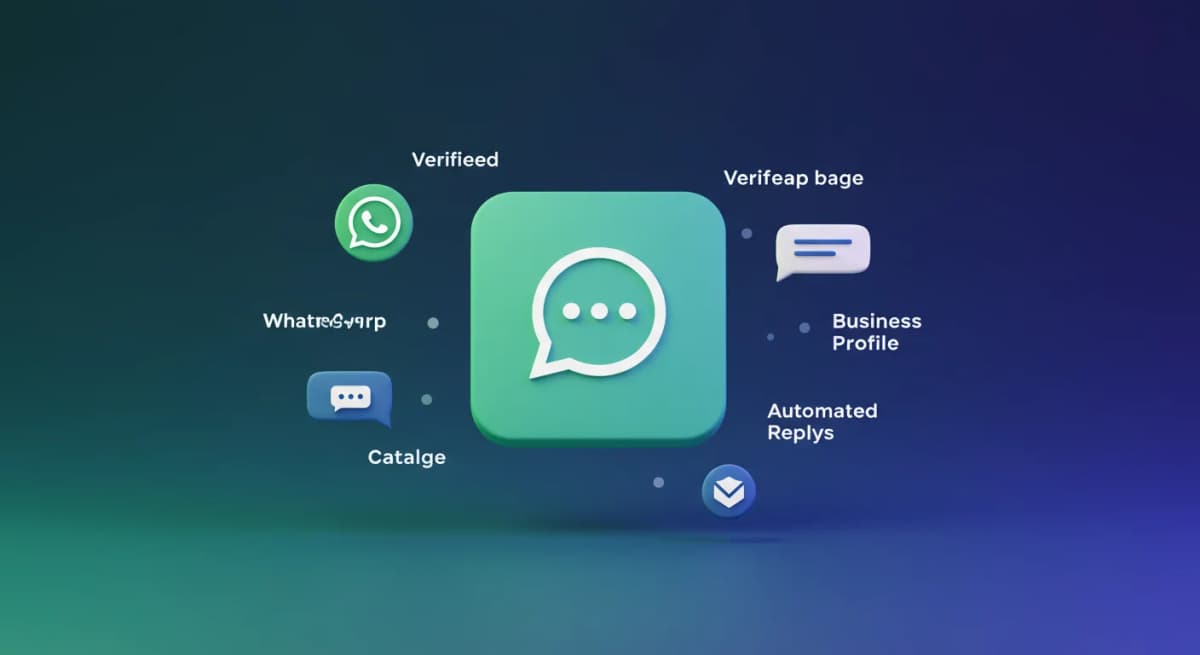
WhatsApp Business builds on the same foundation and adds a layer specifically for businesses:
Business profile#
Instead of showing just a name and photo, your WhatsApp Business account shows customers your verified business name, category (Restaurant, Real Estate, Health & Beauty, etc.), description, website, email, address, and business hours.
Customers see this before they even send you a message. It answers the basic trust question: is this a real business?
Product catalog#
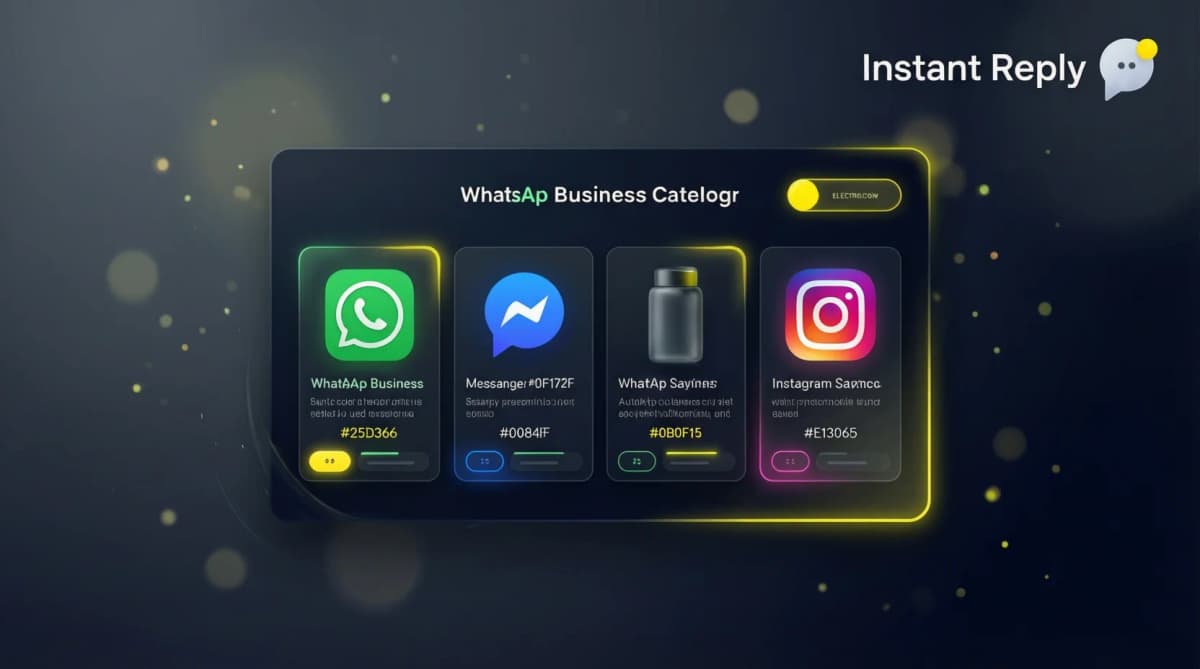
Add up to 500 products or services with names, photos, descriptions, prices, and links. Customers can browse your catalog and inquire about specific items directly from the chat. You can share individual catalog items in any conversation.
Automated messages#
Three types you cannot get in regular WhatsApp:
- Greeting message: Sent automatically to any customer who messages you for the first time
- Away message: Sent automatically when a customer messages outside your business hours
- Quick replies: Saved responses you can send with a "/" shortcut
Labels#
Color-coded tags to organize your contacts and conversations: New Order, Pending Payment, Paid, Order Complete, New Lead. Essentially a basic CRM layer built into WhatsApp.
Statistics#
Basic message metrics: sent, delivered, read, received. Not advanced analytics, but more than the zero data you get in regular WhatsApp.
Feature comparison: WhatsApp vs WhatsApp Business#
| Feature | WhatsApp Business | |
|---|---|---|
| Messaging (text, voice, images, docs) | Yes | Yes |
| End-to-end encryption | Yes | Yes |
| Groups | Yes | Yes |
| Voice and video calls | Yes | Yes |
| Status updates | Yes | Yes |
| Business profile | No | Yes |
| Product catalog | No | Yes |
| Greeting message | No | Yes |
| Away message | No | Yes |
| Quick replies | No | Yes |
| Labels / organization | No | Yes |
| Statistics | No | Basic |
| Cost | Free | Free |
What both apps cannot do#
Important to understand: neither app is designed for business at scale. Both have the same fundamental limitations:
- Only one primary user (plus up to 4 linked devices on the same account)
- No way for a team to simultaneously handle different conversations
- No CRM integration
- No AI-powered replies
- Broadcast limited to 256 contacts
- No automation beyond basic auto-replies
For those capabilities, you need the WhatsApp Business API - a separate, paid product.
Can I run both on the same phone?#
Yes. You can have both WhatsApp and WhatsApp Business installed on the same device. They are separate apps with separate phone numbers. You cannot run both on the same number.
This is useful if you want to keep your personal WhatsApp number and add a dedicated business number. Many small business owners do exactly this.
Should I switch from WhatsApp to WhatsApp Business?#
If you use WhatsApp to communicate with customers in any capacity, yes. The switch takes 5 minutes, it is free, and you get a professional profile plus auto-replies immediately.
The only reason to stay on regular WhatsApp for business communications is if you have already invested significantly in a personal number that customers know - and even then, you can migrate that number to WhatsApp Business.
When to go beyond WhatsApp Business (to the API)#
The free app hits its limits fast. You need the WhatsApp Business API when:
- Multiple people need to reply to customers at the same time
- You want AI to draft replies or handle common questions automatically
- You need to send bulk messages to more than 256 contacts
- You want WhatsApp integrated with your CRM or e-commerce platform
- You need reporting beyond basic message counts
The API requires a platform partner (called a BSP). InstantReply handles the setup and gives you a shared team inbox, AI replies, broadcasts, and CRM sync - on top of the WhatsApp Business API.
The bottom line#
If you are a business: use WhatsApp Business. It is free, takes 10 minutes to set up, and immediately makes you look more professional to customers.
If you are an individual: use regular WhatsApp. The business profile and auto-replies are not features you need.
If you are a growing business with real volume: both apps will eventually be too limited. The API is the path forward.
Choose the next setup#
Read the WhatsApp Business guide, compare the Business Platform, and see how a multi-agent inbox works.