More businesses are asking about verification as WhatsApp matures, and Meta's criteria are worth reading before you apply.
Most articles online tell you to "apply through your provider." The real game is understanding what Meta is actually grading you on so you don't waste an application slot.
What the Green Tick Actually Is#
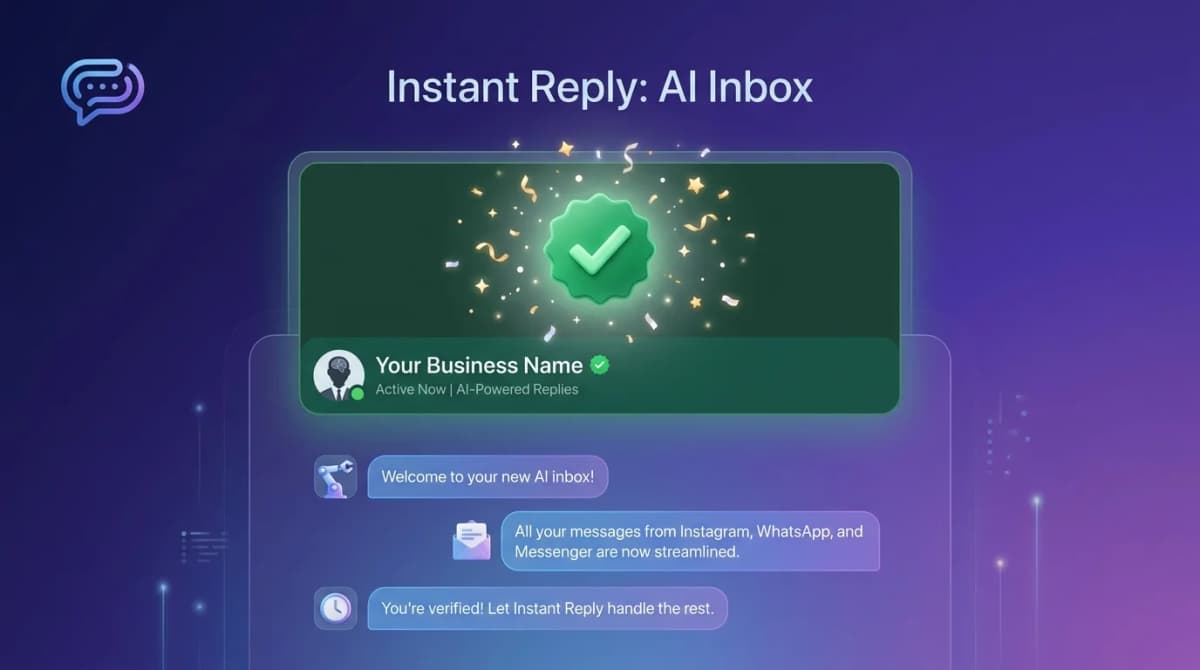
The green tick (Meta calls it the Official Business Account badge) appears next to your business name in the WhatsApp chat header. It signals two things to your customer:
- This account belongs to a real, established brand.
- Meta has verified the brand's identity.
Visually it's a small green check next to your business display name. Functionally it does nothing else -- no higher rate limits, no pricing change, no new features. The value is pure trust.
What It Does NOT Do#
- Does not increase your messaging quota.
- Does not change template approval times.
- Does not give priority Meta support.
- Does not unlock additional WhatsApp features.
- Does not cost anything (be careful of scams here).
What It Does Do#
Meta does not publish figures on the effect of verification, so treat the benefits as trust signals rather than guaranteed lifts:
- A verified badge next to your business name can make first-time customers more comfortable replying.
- Customers who recognize the brand may be less likely to report messages as spam.
- It does not change message limits, pricing, or template approval.
If you want to know whether it moves your numbers, compare your own reply and click rates before and after verification.
The Three Things Meta Actually Grades#
1. Business Verification (Required)#
Your Meta Business account must be verified. This means uploading legal business documents (incorporation, tax ID, utility bills with matching address) and getting approved.
This step can take a while, and Meta sets the timing. Without it, the green tick application doesn't start.
2. Notability (The Hard Part)#
Meta is looking for evidence that your brand is established and recognizable. They check:
- News coverage: Articles in major or industry publications. The more domain authority, the better.
- Search volume: Are people searching your brand name? Use Google Trends or Ubersuggest to check.
- Social presence: Established Instagram, Facebook, LinkedIn, or X accounts with real followers.
- Domain authority: Your website's age, backlinks, and traffic.
- Wikipedia: Helpful if you have a page (not required, but strong signal).
Meta does not publish exact thresholds, and approval depends on Meta's review of your business. Strong, independent signals of a notable brand (press coverage, an established multi-platform presence, and a clear public footprint) help; a thin online presence does not. Check Meta's Official Business Account requirements for the current criteria.
3. Policy Compliance#
Your WhatsApp Business Account must have a clean record:
- No policy violations or warnings
- Quality rating "High" or "Medium"
- No reports of spam or unsolicited messaging
If your account has had any quality issues, fix them first. Wait 30 days of clean operation before applying.
How to Apply for the WhatsApp Green Tick#
- Verify your Meta Business account. Settings > Business Info > Verification. Upload legal documents matching your business name and address.
- Connect a WhatsApp Business API number. Through a provider like Instant Reply, WATI, or Twilio. The consumer WhatsApp Business app does NOT qualify.
- Build your notability dossier. A simple Google Doc with: brand summary, press links, social links, domain stats, and key launches. You don't submit this directly, but it helps you self-assess.
- Submit the application. Go to Meta Business Manager > Account Quality > WhatsApp Manager > Phone Numbers > Settings > Business Profile > Request Verification.
- Wait for Meta's review. There is no guaranteed timeline. Approval comes as a Meta notification. Rejection comes the same way -- usually without a detailed reason.
If You Get Rejected#
You're not banned forever. Steps to take:
- Wait 30 days minimum. Meta does not like rapid re-applications.
- Boost your notability. Press release, podcast appearance, industry mention. Anything that strengthens your dossier.
- Maintain a clean quality rating. Stop any borderline messaging campaigns.
- Re-apply with the same Meta Business account. Don't create a new one -- Meta tracks the application history.
The Common Scams to Avoid#
- "Pay $500 and we'll get you verified." No third party can directly approve verification. Some providers help with paperwork (legitimate), but no one can buy the badge.
- "Buy press for verification." Pay-to-publish placements are usually ignored by Meta's notability reviewers. Real coverage is what matters.
- "Get verified in 24 hours." Meta controls the review and publishes no guaranteed turnaround. Anyone promising a fixed timeline is guessing.
While You Wait#
Even without the green tick, the WhatsApp Business API gives you many of the trust signals customers care about:
- Verified business display name (set in Meta Business Manager)
- Business profile with website, address, and category
- Catalog and product showcase
- Quick reply buttons and structured templates
If you're not yet on the WhatsApp Business API, start a 7-day Instant Reply trial. Connect your number through the supported embedded signup flow, then complete the Meta checks that apply to your business.
Related: our WhatsApp Business API guide, the pricing breakdown, and the 2026 software roundup.