Around 260 people search "instagram welcome message examples" every month. Most are creators, ecommerce founders, or local businesses who just realized that the first DM a new follower sees is the entire game.
The logic is simple. Active engagement right after a follow beats a passive bio link, because the person is interested right now. But generic "Thanks for following!" messages get ignored or muted.
Below are 50+ welcome message templates organized by industry, plus the rules for picking one and the automation setup to send it.
The Welcome Message Formula#
Every high-converting welcome message has three parts:
- Hook (1 line): Thank them or acknowledge their action. Short.
- Value (1 line): Offer something useful. Discount, freebie, resource, answer.
- Question (1 line): Ask something they can reply to in one tap.
Total length: under 80 characters when possible. Mobile users see the first 1-2 lines in their notification preview. Anything longer than that gets buried.
50+ Welcome Message Examples by Industry#
Ecommerce Brands#
- "Hey {name}! Welcome. Here's 10% off your first order: WELCOME10. What were you eyeing?"
- "Thanks for following! Got a question about sizing, shipping, or styling? Just reply."
- "Welcome! New here? Reply BESTSELLER and I'll send you our top 3."
- "Hey! Saw you followed. Need a recommendation? Tell me your style in 3 words."
- "Thanks for joining! Reply CODE for a free shipping link on your first order."
- "Welcome! What brought you here today -- a specific product or just browsing?"
- "Hey {name}! Drop your favorite color and I'll show you what we have in it."
- "Thanks for following. Looking for something specific or just inspiration?"
Local Service Businesses#
- "Hey! Thanks for the follow. Are you local to {city} or just curious about us?"
- "Welcome! Want to book? Reply 'book' and I'll send you the next 3 open slots."
- "Hi {name}! What service brought you here?"
- "Thanks for following. New clients get $25 off the first visit. Want the link?"
- "Hey! Curious if {service} is right for you? Tell me what you're dealing with."
- "Welcome! Tap 'AVAILABILITY' and I'll send this week's open slots."
- "Hi! What's the main thing you'd want to fix or improve?"
- "Thanks for the follow. Want a free 15-minute consult? Just reply 'YES'."
Creators and Coaches#
- "Welcome! Tap 'GUIDE' for my free starter PDF on {topic}."
- "Hey {name}! Thanks for following. What's the #1 thing you're trying to learn right now?"
- "Thanks for joining. Reply 'CHEATSHEET' for my free resource."
- "Hey! Are you here for the content, the courses, or both?"
- "Welcome. New here? Reply 'START' and I'll send my best 3 posts."
- "Hi! What's the topic you most want me to cover next?"
- "Thanks for the follow! Tap 'FREEBIE' for my starter pack."
- "Hey {name}! Where are you in your journey -- starting out or scaling?"
SaaS and B2B#
- "Hey! Thanks for following. What problem are you trying to solve right now?"
- "Welcome! Want a 5-minute product tour? Reply 'DEMO'."
- "Hi {name}! Are you here to evaluate, or already using us?"
- "Thanks for the follow. What's the bottleneck slowing your team down?"
- "Welcome! Reply 'STARTER' for our free playbook on {topic}."
- "Hey! What size team are you running? I'll send the right resources."
Restaurants and Cafes#
- "Welcome! First-time visitor? Reply 'MENU' and I'll send our top 3 picks."
- "Thanks for following! Want a reservation? Tap 'BOOK'."
- "Hey! Got a favorite cuisine? Tell us and we'll point you to the right dish."
- "Welcome! Reply 'SPECIAL' for this week's chef's tasting menu."
- "Hi! Are you ordering for pickup, delivery, or dining in?"
Fitness and Wellness#
- "Hey! What's your current goal -- strength, endurance, weight, or all three?"
- "Welcome! Reply 'TRIAL' for a free week pass."
- "Thanks for following. New to fitness or returning?"
- "Hi {name}! Tap 'PLAN' for our 4-week starter program."
- "Welcome! What's stopping you from training right now? Time, motivation, plan?"
Real Estate#
- "Hey! Are you buying, selling, or just watching the market in {city}?"
- "Thanks for following. What price range are you exploring?"
- "Welcome! Want listings before they hit Zillow? Reply 'ALERTS'."
- "Hi {name}! First-time buyer or experienced? I'll send the right resources."
- "Thanks for joining! Reply 'TOUR' for this weekend's open houses."
Beauty and Salons#
- "Welcome! New client? Reply 'BOOK' for your first-visit discount."
- "Hey! What service are you most interested in -- hair, nails, lashes, or facials?"
- "Thanks for following! Want this month's special? Tap 'OFFER'."
- "Hi! Are you booking for yourself, a group, or a wedding?"
- "Welcome! Reply 'STYLIST' and I'll match you with the right person on our team."
Online Education#
- "Hey! What topic brought you here?"
- "Welcome! Reply 'SAMPLE' for a free lesson from the course."
- "Thanks for following. Are you a beginner, intermediate, or advanced?"
- "Hi {name}! Want to see what's inside the course? Reply 'PEEK'."
The Five Best-Performing Patterns#
After running thousands of these, five patterns convert highest:
1. The Specific Offer#
"Welcome! Reply CODE for 10% off your first order." Specific. Actionable. One-tap reply.
2. The Curiosity Hook#
"Hey {name}! Got a question I get a lot. Mind if I ask?" People reply because they're curious. Then you ask the qualifying question.
3. The Choose-Your-Own-Adventure#
"Are you here for X, Y, or Z?" Lets the user self-segment. You route the follow-up based on their reply.
4. The Personalized Question#
"What's the #1 thing slowing you down right now?" Open-ended but specific to your category. Great for service businesses and coaches.
5. The Quick-Win Resource#
"Tap 'GUIDE' for my free starter PDF." Creators win with this. Delivers value fast and starts the relationship with a transaction.
What NOT to Do in Welcome Messages#
- "Thanks for the follow!" Too generic. Sounds automated. Gets muted.
- Long paragraphs. Mobile shows the first 1-2 lines. Anything more is wasted.
- Multiple links. One CTA. Always.
- Sales pitches in the first message. Build the conversation first.
- Bots that pretend to be human. Be upfront that it's an auto-reply. Most users prefer it.
- No question at the end. Without a question, the conversation dies in 1 message.
How to Automate Instagram Welcome Messages#
Instagram does not send welcome DMs automatically. You need a tool that connects to Instagram's Messaging API and triggers on specific events.
The four trigger types worth automating:
1. New Follower DM#
Instagram does NOT expose a "new follower" webhook to third parties. So a true "they followed → send DM" automation isn't allowed under Meta's policy. What you CAN do is auto-reply to any first message a user sends to your business account.
2. Story Reply Trigger#
When someone replies to your story, automation kicks in. Use this for product launches, sales, or content drops -- post a story with "Reply X for the link" and automate the response.
3. Keyword Comment Trigger#
Comment-to-DM is the most powerful Instagram automation in 2026. Post a Reel saying "Comment 'GUIDE' for the link." When someone comments the keyword, your tool DMs them automatically. Track how many commenters open the DM and how many convert, then improve the hook and the offer from your own results.
4. Mention or Tag Trigger#
When someone tags your account in a story or post, automation responds in DM. Great for UGC campaigns or thank-you outreach.
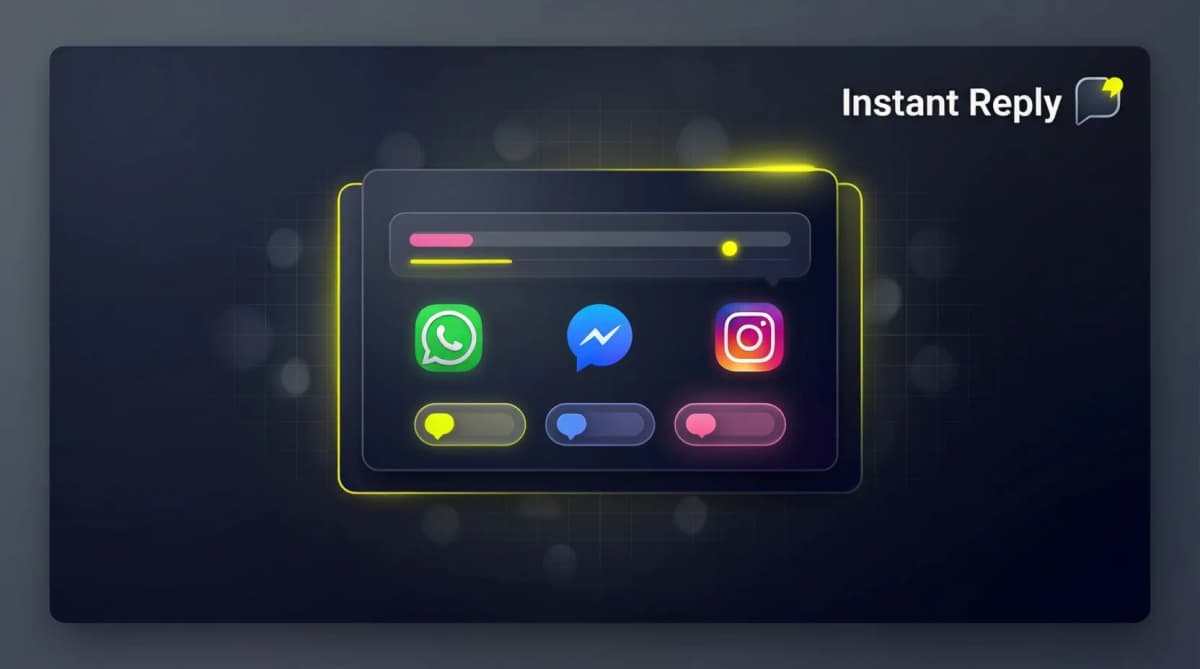
Setting It Up With Instant Reply#
If you use Instant Reply as your Instagram inbox:
- Connect your Instagram Business account via the embedded signup in Settings.
- Go to Automations > Welcome Message.
- Pick a trigger (first DM from a user, story reply, or keyword on a post).
- Paste one of the templates above. Replace {name} with the user's first name token.
- Set a follow-up rule: if they reply, route to a human; if they don't, send a one-line nudge after 24 hours.
The full follow-up automation is what separates a working DM strategy from a one-message ping.
Quick Wins to Run This Week#
- Pick one template above that fits your category.
- Cut it to under 80 characters.
- Set it as your first-DM auto-reply.
- Check the reply rate after 7 days and set a target from your own baseline.
- If the reply rate is low, swap the question. The hook usually isn't the problem -- the ask is.
For the full playbook on closing DM leads, see our Instagram DM sales strategy guide. For automation tools, our best Instagram DM automation tools breakdown covers the alternatives.
Start a free 7-day Instant Reply trial -- no credit card. Set up your first Instagram welcome message in under 5 minutes.