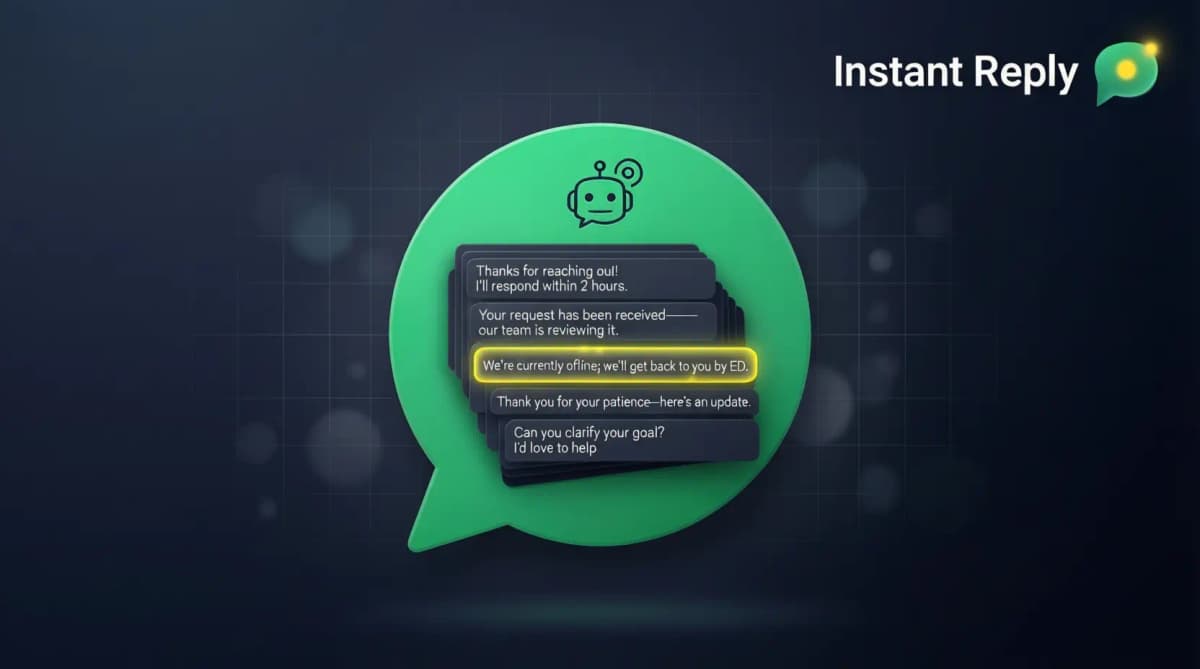
A useful WhatsApp greeting identifies the business, sets an honest response expectation, and asks for the next detail your team needs. Use 12–60 words as a writing guardrail, then test the draft in the checker above.
Most businesses use the default: "Thanks for reaching out, we'll respond ASAP." That tells the customer nothing useful. A better greeting names the response window and asks one clear question.
There are two different setups. The WhatsApp Business app has a Greeting message setting in Business tools. The WhatsApp Business Platform is API infrastructure: your provider or webhook workflow handles the first response. Meta's official WhatsApp Business Platform collection documents Cloud API messages, webhooks, templates, and account management. Do not treat an app greeting and a Platform message template as interchangeable.
The 30 examples below are drafts, not promises. Replace every bracketed field, use a response window your team can meet, and remove medical, legal, emergency, confidentiality, availability, or pricing claims your business cannot support.
If the greeting needs to route sales, support, booking, and order questions to different people, pair the template with a shared WhatsApp inbox and lead routing rules. The greeting should collect the next useful detail, then the inbox should show who owns the reply.
What is the best WhatsApp greeting message for a small business?#
The best WhatsApp greeting message for a small business is short, specific, and easy to answer. It should thank the customer, name the business, set a real response-time expectation, and ask for one detail that moves the conversation forward: service type, order number, budget, date, or location.
Use this structure when you are writing from scratch: "Hi, thanks for messaging [Business Name]. We reply within [time window]. To help fast, please send [one useful detail]." If you manage WhatsApp with a team, send the reply from a shared WhatsApp inbox so the next person can see the same context.
What makes a good WhatsApp greeting message#
A good greeting answers three questions without making the customer decode a paragraph:
- Who are you? Business name + 1-line description.
- When will they hear back? Specific response time (not "ASAP").
- What should they do next? A clear next action - a qualifying question, a calendar link, or a quick info request.
The third one is where most weak greetings fail. A greeting that asks for service type, budget, timing, order number, or location gives your team something useful to answer.
Service business greetings (10 examples)#
1. Hair salon / beauty#
Hi 👋 Thanks for messaging [Salon Name]!

We're open Tue-Sat, 9am-7pm. We typically reply within 30 minutes during business hours.

To help us schedule fast: which service are you interested in (cut, color, treatment, other) and your preferred day?

You can also book directly: [booking link]
2. Dental clinic#
Welcome to [Clinic Name] 🦷

We respond to messages weekdays 8am-5pm. For after-hours emergencies, please call [phone].

To get you scheduled: are you looking for (1) cleaning, (2) consultation for a specific concern, or (3) emergency appointment?

Reply 1, 2, or 3 and we'll take it from there.
3. Medical spa#
Hi! Welcome to [Spa Name] 💎

Quick reply during business hours (Mon-Sat, 10am-7pm). After hours, we reply first thing the next day.

Which service are you exploring? Botox, fillers, skincare, body contouring, or something else? Reply with the service and we'll send pricing + open slots this week.
4. Law firm#
Thank you for contacting [Firm Name]. We respond to inquiries within 2 business hours, Mon-Fri 9am-5pm.

To route your matter correctly, please reply with: (1) brief description of your situation and (2) preferred contact method for the initial consultation.

Please do not send confidential documents in chat. We will explain the secure intake process if the matter is a fit.
For automating that routing decision instead of copy-pasting a template, see legal intake automation.
5. Cleaning service#
Hi! Thanks for reaching out to [Service Name] 🧹

We typically reply within an hour, 7 days a week.

To prepare the quote, please share: (1) home/office size in sq ft, (2) ZIP code, and (3) one-time or recurring service.
6. Personal trainer#
Hey! Thanks for messaging 💪

I reply within 30 minutes during the day. For coaching info: what's your main goal - fat loss, muscle, performance, or general fitness? And how many days/week are you training now?

I'll reply with the coaching options and current pricing that fit those details.
7. Photographer#
Hi! Thanks for reaching out 📸

I reply within a few hours. To send you a quote and check date availability, please share:
- Event type (wedding, family, brand shoot, other)
- Date
- Location

If you have a Pinterest board or reference photos, send those too.
8. Tutoring service#
Hi! Welcome to [Tutoring Name] 📚

We reply Mon-Fri, 9am-7pm, usually within the hour.

To match you with the right tutor: (1) subject, (2) student grade level, (3) goal (test prep, homework help, advanced concepts). Reply and we'll send tutor profiles + open times.
9. Real estate agent#
Hi! Thanks for messaging 🏡

I reply within 15 minutes during business hours.

To find the right home for you: are you looking to (1) buy, (2) sell, (3) rent? And which area are you focused on?
10. Auto repair shop#
Hi! Thanks for messaging [Shop Name] 🔧

We're open Mon-Sat 8am-6pm and reply within the hour.

To get you a fast quote: vehicle make/model/year + what's going on with it. Photos of warning lights or damage help too.
Ecommerce greetings (10 examples)#
11. Generic ecom store#
Hi! Welcome to [Brand Name] 👋

Quick reply Mon-Fri 9am-6pm. Weekends within 12 hours.

How can we help? Reply with (1) order status, (2) product question, (3) returns, or (4) something else. We'll route you to the right person fast.
12. Fashion / apparel#
Hi 💕 Welcome to [Brand Name]!

We reply within 30 min during business hours.

If you have a question about: sizing → reply SIZE, returns → reply RETURN, shipping → reply SHIP, style advice → reply STYLE. Or just describe what you're looking for and we'll help.
13. Skincare / beauty#
Welcome to [Brand Name] ✨

Reply within the hour during business hours.

Looking for a product recommendation? Share your skin type (oily, dry, combination, sensitive) and main concern (acne, aging, pigmentation, hydration). We'll send a personalized routine.
14. Home goods#
Hi! Welcome to [Brand Name] 🏠

Quick reply during business hours.

Looking for something specific? Send a photo or describe what you need. If you have a room you're decorating, share the dimensions and we'll suggest pieces that fit.
15. Electronics store#
Hi! Thanks for reaching out 🛠

We reply Mon-Sat 10am-8pm.

How can we help? (1) Pre-purchase question, (2) Order status, (3) Warranty/return, (4) Technical support. Reply with the number that matches.
16. Food / restaurant#
Hi! Thanks for messaging [Restaurant Name] 🍴

We reply during open hours: [days/times].

To help fast: (1) reservations, (2) catering, (3) menu question, (4) delivery/takeout. Or just tell us what you need.
17. Coffee shop#
Hey! ☕ Welcome to [Coffee Shop]!

We're open daily 7am-6pm and reply within minutes during open hours.

Quick orders: reply with what you want and we'll have it ready for pickup. Catering or events? Reply CATER.
18. Pet supplies#
Hi! Welcome to [Brand] 🐾

We reply within the hour, 7 days a week.

What does your pet need? Share species (dog/cat/other), age, and any specific concern (food, training, health). We'll recommend the right product.
19. Subscription box#
Hi! Welcome to [Brand] 📦

For order questions, reply ORDER + your order number. For subscription changes, reply CHANGE. For anything else, just describe what you need.

We reply within 4 hours Mon-Fri.
20. Jewelry store#
Welcome to [Brand Name] 💎

Quick reply during business hours (Tue-Sat 11am-7pm).

Looking for: (1) engagement ring consultation, (2) gift recommendation, (3) custom design, (4) repair/sizing? Reply with the number and we'll route you.
Agency / B2B greetings (5 examples)#
21. Marketing agency#
Hi! Thanks for reaching out to [Agency Name].

We reply within 2 business hours, Mon-Fri 9am-6pm.

To route your inquiry: are you (1) a prospective client, (2) a current client, (3) a partner inquiry, or (4) press/media? Reply with the number and we'll get you to the right person.
22. Web design agency#
Hi! Thanks for messaging [Agency].

We respond within 2 hours during business hours.

To send you a proposal fast: (1) project type (website, redesign, ongoing), (2) timeline, (3) budget range. Reply with these and we'll send next steps + sample work within 24 hours.
23. SaaS sales#
Hi! Thanks for reaching out to [Product Name] sales.

We reply within 30 minutes Mon-Fri 9am-6pm PT.

To match you with the right rep: (1) team size, (2) primary use case, (3) current solution if any. We'll send a tailored demo invite and pricing within the hour.
24. Consulting firm#
Thanks for contacting [Firm Name].

We respond to inquiries within 4 business hours.

Brief description of your project or challenge + ideal start date helps us route you to the right partner. Please do not send confidential materials in the first message.
25. Freelancer (solo)#
Hi! Thanks for reaching out 👋

I reply within 4 hours, Mon-Fri 9am-6pm.

To send a quote: (1) project scope (1-2 sentences), (2) timeline, (3) budget range. If we're a fit I'll send a proposal + portfolio link.
SaaS / product greetings (5 examples)#
26. Product trial signup#
Hey! Welcome to [Product] 🎉

You're in your 7-day free trial. Need help getting set up? Reply SETUP and we'll send a 60-second video walkthrough.

For anything else: pricing, features, integrations, or support - just ask.
27. Customer support (existing customers)#
Hi! This is [Product Name] support.

We reply within [your response time] on [your support hours].

Describe your issue with as much detail as possible (screenshots help). We'll either fix it directly or route you to engineering.
28. SaaS demo booking#
Hi! Thanks for booking a demo with [Product] 🎯

Quick prep so we make the most of your time:
- What's the main problem you're solving?
- How are you handling it today?
- Who else from your team is involved in the decision?

Reply with answers and we'll customize the demo to your situation.
29. SaaS waitlist#
You're on the [Product] waitlist! 🎉

We're inviting 50 new users per week. Your spot: #[X].

Want to jump the line? Share why you need it on Twitter and tag us, or refer a friend (they get priority too). Otherwise, sit tight - we'll DM you when your access is ready.
30. Product launch / pre-order#
Welcome to the [Product] launch list 🚀

You'll get early access on [date]. Until then, here's what you can do:
1. Follow us on [social channels] for behind-the-scenes
2. Refer a friend for priority access
3. Reply with any questions

We respond within a few hours.
How to deploy these greetings#
WhatsApp Business app: open Business tools, choose Greeting message, enable it, paste the final draft, and review the current recipient options. Menu labels can differ by operating system and app version.
WhatsApp Business Platform: configure an inbound first-response workflow in your provider or in the webhook application your team operates. Template-message rules apply to template use; they are not a reason to describe every automated first response as a “greeting template.” Confirm the message type, conversation state, consent, and current Meta policy for the workflow you are building.
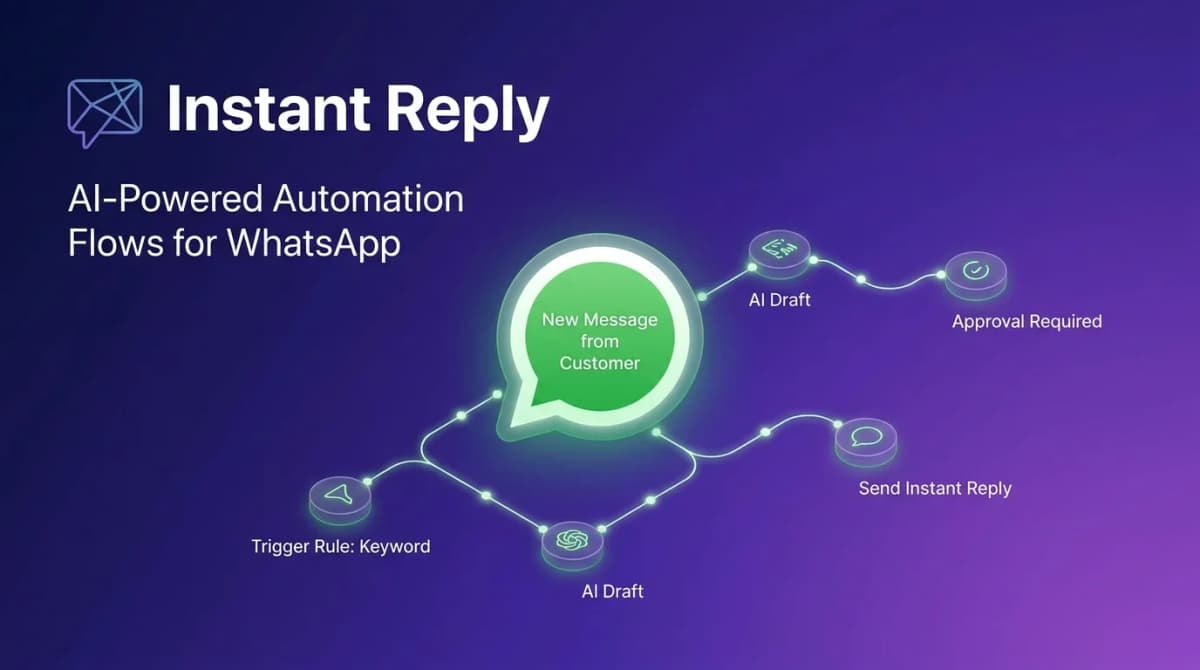
If you use Instant Reply: the AI extends every greeting with contextual follow-up. When a customer asks a follow-up question, the draft can use your approved business data instead of forcing the team to retype the same details.
A/B testing greeting messages#
Test one change at a time and keep the audiences, hours, routing, and offer comparable. Track these events from the greeting through the business outcome:
- Next-message rate - contacts who send another message after the greeting divided by contacts who received it.
- Useful-detail rate - contacts whose next message includes the service, order number, date, location, or other detail requested.
- Qualified handoff rate - conversations routed to the correct owner with enough context to continue.
- Business outcome - booking, resolved request, qualified lead, sale, or another result defined before the test.
Use the test to learn which greeting gets cleaner replies, not just more replies. The winning message should help the customer answer with the detail your team needs next.
Bottom line#
Your first WhatsApp response should do a real job. Identify the business, use a response-time expectation the team can meet, and ask for one useful next detail. The checker on this page makes that standard repeatable.
Want greetings that adapt to each customer using AI drafts, voice-note context, and product-photo context? Try Instant Reply free for 7 days. Connect WhatsApp through the guided setup and keep the follow-up in the same inbox.