Teams searching for a WhatsApp helpdesk usually have a real problem: customers are reaching them on WhatsApp, and the existing tools can't keep up.
This is the 2026 playbook for building a WhatsApp helpdesk that actually scales.
Why WhatsApp Helpdesks Exist Now#
Three forces hit at once:
- Customers prefer messaging. Many customers would rather message a business than call or email, and WhatsApp is the dominant messaging channel in many markets.
- WhatsApp Business API matured. Meta opened the API with proper SLAs, templates, and verification flow. Building enterprise-grade support on it is now viable.
- Legacy helpdesks are slow to adapt. Zendesk, Freshdesk, and others have bolted WhatsApp on top, but the UX still treats it like email. Native WhatsApp helpdesks are catching up fast.
What Makes a WhatsApp Helpdesk Different From an Email Helpdesk#
Six things break if you just point an email-style helpdesk at WhatsApp:
1. The 24-Hour Window#
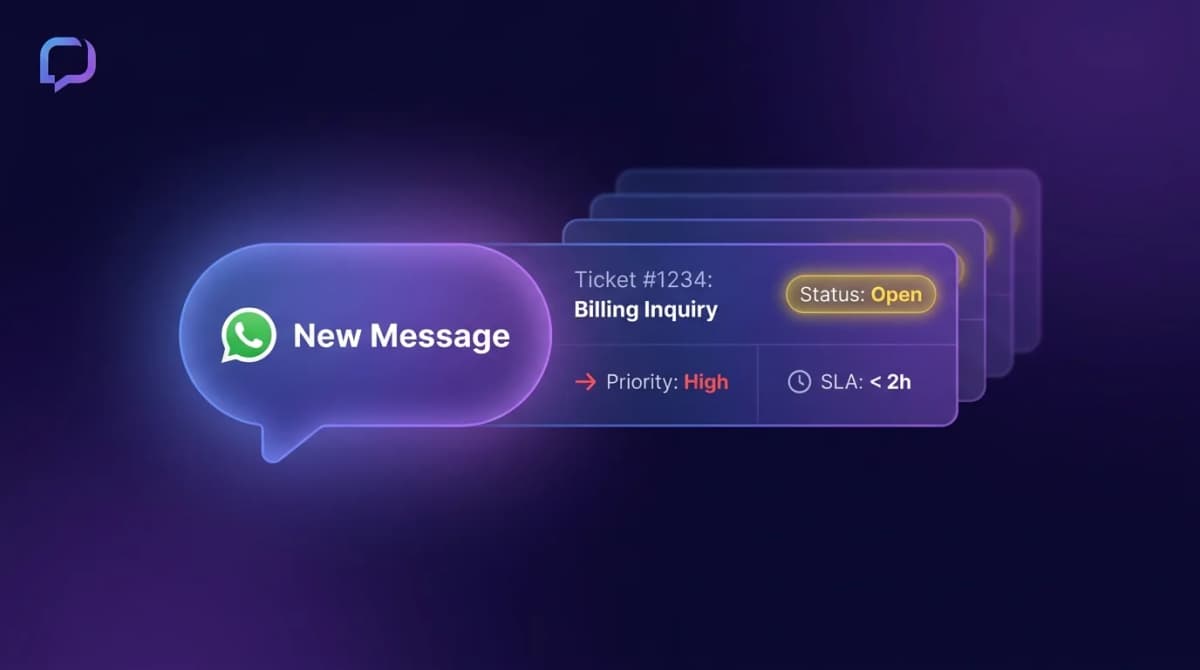
WhatsApp lets businesses reply free-form for 24 hours after a customer message. After that, you need an approved template message to restart the conversation. An email helpdesk has no concept of this. Your tool needs to surface "this ticket expires in 4 hours" warnings or your team will get stuck.
2. One Number, Many Agents#
WhatsApp Business app caps at one main device + 4 linked devices, and it's flaky beyond that. A real helpdesk needs the WhatsApp Business API and a tool that lets unlimited agents share one number with proper assignment. Our shared inbox vs separate apps comparison covers why this breaks down once more than one person owns the number.
3. Voice Notes#
Voice notes are common in WhatsApp support in many markets. Your agents shouldn't have to play each one. A modern helpdesk transcribes voice notes automatically and can even auto-draft responses.
4. Real-Time Expectations#
WhatsApp often creates a stronger expectation of a prompt reply than email. Set an SLA your team can actually staff, and surface aging conversations before they become missed opportunities.
5. No Subject Lines#
Every email has a subject. WhatsApp messages don't. So your helpdesk has to auto-classify conversations by topic (refund, shipping question, technical issue) using NLP or your agents will fumble routing.
6. Status Persistence Across Conversations#
A customer might message you 3 times over a week about the same issue. Each message comes in as part of the same WhatsApp thread, but a smart helpdesk recognizes when a new ticket should be opened versus when the existing one should be reopened.
The Best WhatsApp Helpdesk Tools in 2026#
1. Instant Reply -- Best for Multi-Channel Teams#
Pricing: $129/month Growth plan (includes WhatsApp + Instagram + Messenger, 5 team members); Pro is $349/month with unlimited members.
Strengths:
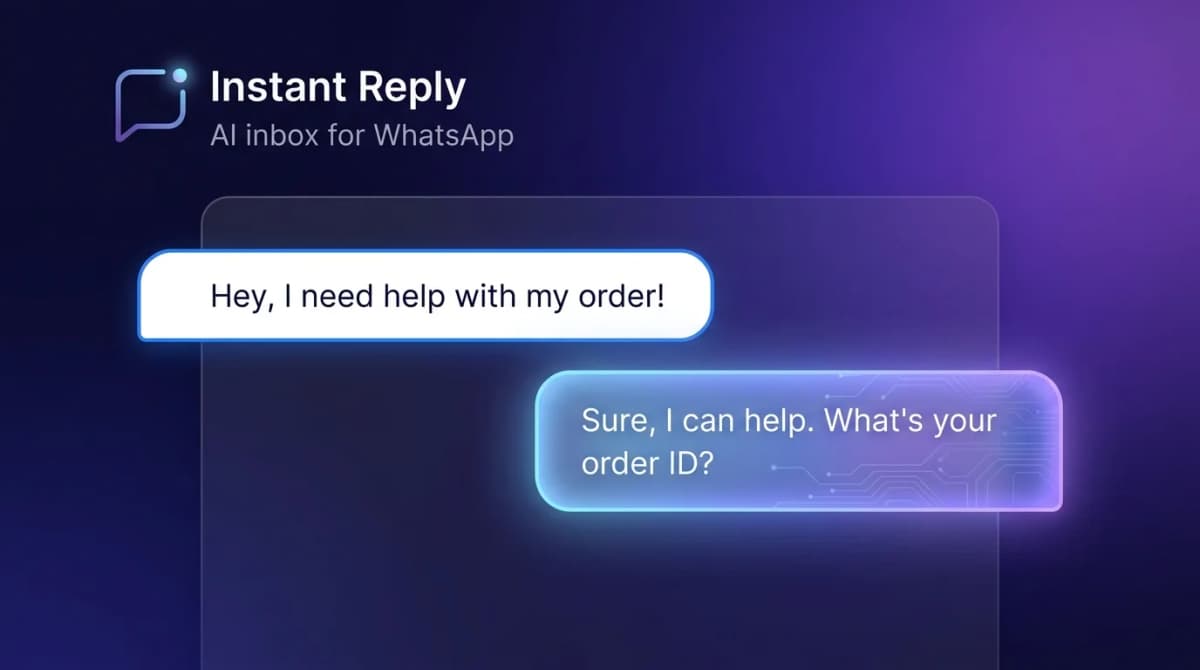
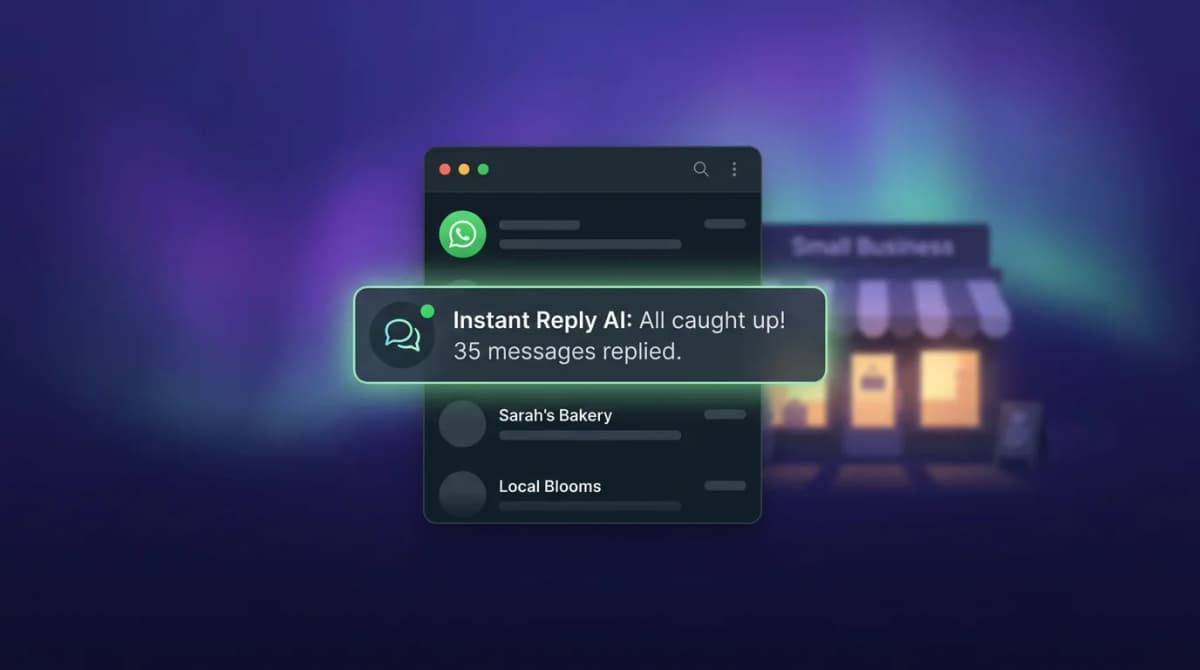
- Native WhatsApp Business API connection with AI-driven replies
- Ticket assignment, SLA timers, and 24-hour window surfacing
- Voice note transcription baked in
- Auto-classification by intent (refund, shipping, tech, etc.)
- Instagram and Messenger in the same inbox -- customers don't always choose WhatsApp
- HubSpot and Pipedrive sync for customer history
Weaknesses: Younger than legacy helpdesks. Doesn't have the deep ITSM features (asset management, change requests) some enterprise teams need.
Best for: Growing support teams handling 500-10,000 WhatsApp conversations/month who also field Instagram and Messenger.
2. Zendesk + WhatsApp -- Best for Enterprise ITSM#
Pricing: per-agent subscription plus a WhatsApp channel setup; check Zendesk's pricing page for current plans.
Strengths:
- Mature ticketing engine, workflows, automations
- Strong analytics and reporting
- Best for teams that need formal ITIL processes
Weaknesses: WhatsApp feels like a bolt-on. No native AI replies for WhatsApp, no voice transcription, expensive per agent.
Best for: Enterprise teams (100+ agents) already on Zendesk who need WhatsApp as one of many channels.
3. Freshdesk + WhatsApp -- Best for Cost-Conscious Mid-Market#
Pricing: per-agent subscription with WhatsApp on selected plans; check Freshdesk's pricing page for current plans.
Strengths:
- Cheaper per agent than Zendesk
- Decent ticketing UX
- Reasonable WhatsApp integration
Weaknesses: Still email-shaped. WhatsApp feels secondary. No AI auto-reply tuned to chat.
Best for: Mid-market teams already on Freshdesk who don't want a separate WhatsApp tool.
4. HubSpot Service Hub -- Best if Already on HubSpot#
Pricing: per-user subscription with WhatsApp on selected tiers; check HubSpot's pricing page for current plans.
Strengths:
- Tight integration with HubSpot CRM
- Single source of truth for sales and support
Weaknesses: One WhatsApp number per portal. No native AI WhatsApp replies. Requires Service Hub Pro (expensive entry).
Best for: HubSpot-native teams where support and sales use the same contact records.
5. WATI -- Best WhatsApp-Only Helpdesk#
Pricing: tiered subscription with included users, per-message charges on top, and metered AI credits; check WATI's pricing page for current plans.
Strengths:
- WhatsApp-focused, mature template management
- Multi-agent inbox with assignment
Weaknesses: No Instagram or Messenger. Limited AI. See our WATI alternatives guide.
How to Set Up a WhatsApp Helpdesk in 5 Steps#
- Get the WhatsApp Business API: Through a verified provider (Instant Reply, WATI, Twilio, 360dialog, etc.). Embedded signup is quicker if your Meta Business account is already verified.
- Build your template library: Approval messages, ticket received, ticket resolved, satisfaction survey. Each requires Meta review, and timing varies.
- Define your routing rules: Round-robin, skill-based (language, product), or topic-based using AI auto-classification.
- Set SLAs: Pick a first-response target your team can actually staff. Tier your SLAs by ticket priority.
- Wire reporting: Track first-response time, time-to-resolution, CSAT, and 24-hour window expiration rate.
What to Track on Day One#
- First response time -- set a target that matches your staffing and customer expectations
- Time to resolution -- target under 4 hours for routine tickets
- 24-hour window expirations -- if this is above 5%, your team is missing reply windows
- CSAT score -- run a 1-question survey at ticket close
- Tickets per agent per day -- benchmark against industry: 40-80 for chat support
- Reopen rate -- target under 10%; high reopens mean tickets are being closed prematurely
The Mistakes That Sink WhatsApp Helpdesks#
- Closing tickets to hit metrics. If reopens spike, agents are forcing closures. Fix the SLA, not the agent.
- One agent per ticket forever. Tickets should rotate to whoever is available. Letting "their" agent own it slows everything down.
- No template library. Without templates, agents type the same response 50 times a day. Hurts speed and consistency.
- Ignoring the 24-hour window. Conversations expire silently. Surface them on the agent dashboard or you'll lose customers.
- Mixing sales and support on one number. If your WhatsApp number does both, ticket data gets messy. Either separate numbers or use clear inbox segmentation.
Next Step#
If WhatsApp is your primary or secondary support channel and you're hitting limits, the next step is to start a 7-day Instant Reply trial -- no credit card. Connect your WhatsApp Business number, set ticket routing, and see what a WhatsApp-first helpdesk feels like.
Also useful: our WhatsApp Business API page for the technical setup, the omnichannel support guide, and the 2026 WhatsApp software roundup.