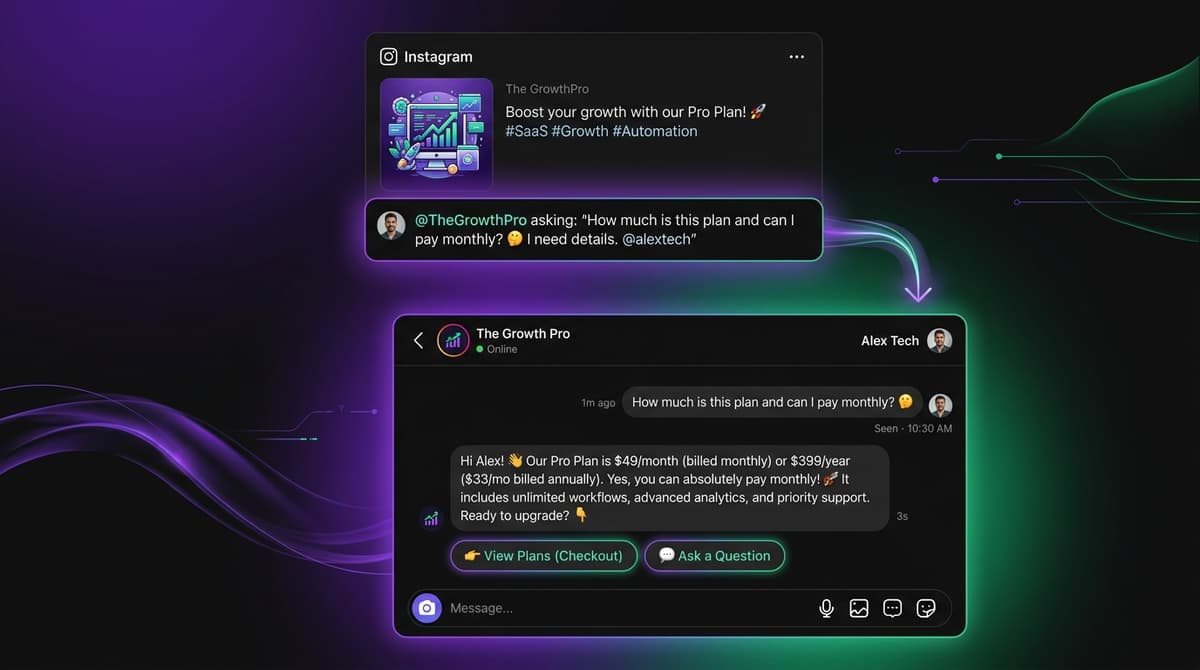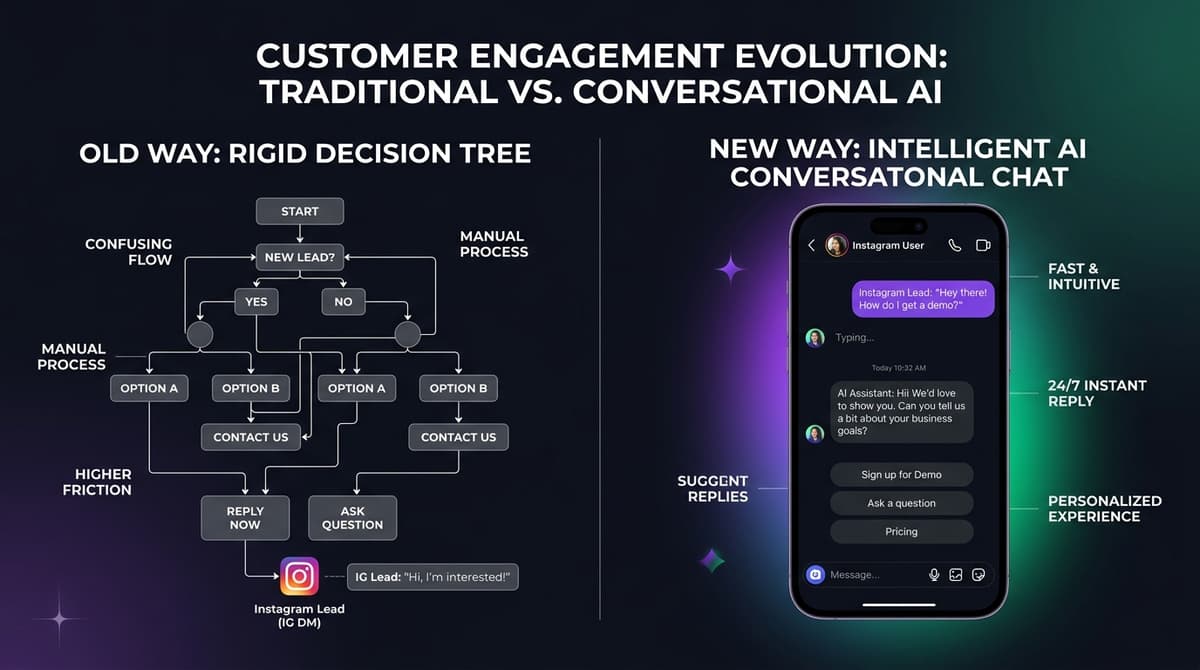
The short version: ManyChat is built for flows, and an AI inbox is built for conversations. If your Instagram work is a comment or keyword that starts a defined path, ManyChat is the better tool. If customers ask open-ended questions, send voice notes and photos, and a person should review replies, an AI inbox fits better. The bills differ in kind too.
Where each one wins#
| Task | ManyChat | AI inbox (Instant Reply) |
|---|---|---|
| Comment-to-DM giveaway or lead magnet | Built for it: visual flow, 60+ templates | Supported (Growth: comment-to-DM with intent detection), but no visual canvas |
| "Does this come in a medium, and when does it ship?" | Manychat AI from Pro, taught by text and public links | The AI answers from your FAQs, docs and links, and escalates when unsure |
| Voice note from a customer | Media arrives as a file URL; audio needs an external tool per ManyChat's community guide | Transcribed and used as reply context |
| Photo of a product | Image processing is possible in flows | Described before the AI replies |
| Team review before send | Inbox seats by plan; shared team Inbox on Business | Draft mode: the AI drafts, a person approves |
| Other channels | TikTok, SMS, email as well | Instagram, Messenger, WhatsApp, Telegram |
On Instagram, ManyChat's AI has a knowledge base you can teach, so the gap there is smaller than on WhatsApp, where that knowledge base is not available yet.
What each costs#
ManyChat bills Active Contacts: anyone who interacts with you in the billing month. Month-to-month, Pro is $39 for 2,500, then $0.05 each. At 10,000 active contacts the cheapest ManyChat plan with AI is Business at $161.50 ($99 + 2,500 x $0.025); staying on Pro would be $414. Instant Reply bills a flat plan and meters AI replies: Starter $59 for 10,000, Growth $129 for 35,000, Pro $349 for 100,000, and the AI pauses at the cap instead of invoicing. At 10,000 contacts that is $59 if each contact needs one AI reply and $129 at three.
It flips at the edges. At 2,500 contacts ManyChat is cheaper ($39 against $59), and at 50,000 ManyChat Advanced is $299 against $349 or more here. Put your own numbers into the cost calculator.
Ten conversations to run before you switch#
- A plain price question your FAQ answers.
- A question that mixes size, price and delivery.
- A voice note in the customer's language.
- A photo of a product they want.
- A question your knowledge does not cover.
- An angry message that must reach a person.
- A comment on a post with your trigger keyword.
- A booking request for a time you are not free.
- A returning customer who last wrote two weeks ago.
- An opt-out request.
Score accuracy, tone, handoff and cost for each, in both products. That beats a feature table.
When ManyChat is the better pick#
Stay with, or choose, ManyChat when your Instagram growth runs on comments, stories and keywords; when you have under about 2,500 active contacts and the Free or Pro plans fit; when you also need TikTok, SMS or email; or when you rely on its integrations and Zapier connections. Its G2 rating is 4.5 from 165 reviews. Its Trustpilot rating is 2.1 from 303, mostly about billing and support, so set the overage cap before a big post. The details are in Instant Reply vs ManyChat.
When an AI inbox is the better pick#
Choose an AI inbox when the conversation is the product: people ask about price, availability and delivery, send voice notes and photos, and your team wants to review, follow up and take over. Start in draft mode, run the ten conversations above, and move the live channel only when the answers are right. For the wider field, see the seven best ManyChat alternatives, and for the WhatsApp side read ManyChat WhatsApp pricing.