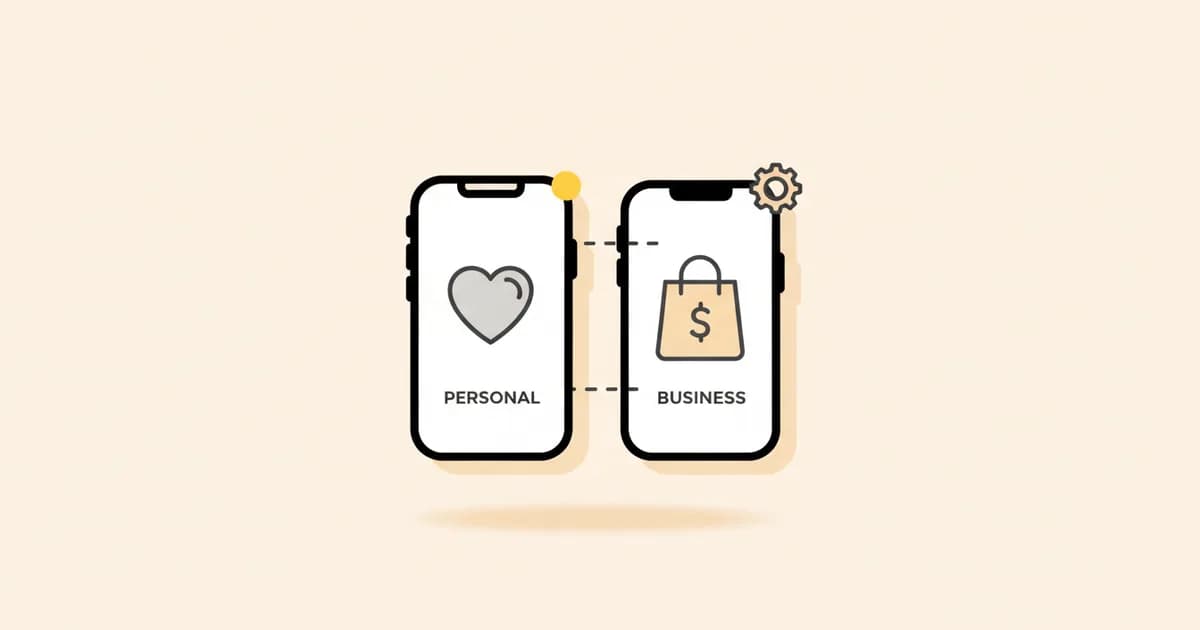
Personal vs business Instagram is a three-way choice, not two: Personal, Creator, and Business. The differences matter - especially if you're using Instagram to get customers, not just followers.
What each account type gives you#
| Feature | Personal | Creator | Business |
|---|---|---|---|
| Instagram Insights (analytics) | Basic | Full (creator-focused) | Full (business-focused) |
| Instagram Ads | No | Yes | Yes |
| Contact buttons (Call, Email, Directions) | No | No | Yes |
| Category label on profile | No | Yes (flexible) | Yes (business type) |
| Instagram Shopping | No | No | Yes |
| Messenger API access (DM automation) | No | Limited | Full |
| Scheduled posts (via third-party) | No | Yes | Yes |
| Creator monetization tools | No | Yes | No |
| Primary/General inbox folders | No | Yes | No (single inbox) |
Personal Instagram account#
A Personal account is what everyone starts with. It's private by default (you can switch to public), shows basic reach and engagement stats, and has no advertising or API features.
Who should keep a Personal account:
- Private individuals not using Instagram for business purposes
- Casual creators who don't need analytics or ads
- Accounts with fewer than 1,000 followers where business features aren't needed yet
Limitation: You cannot access the Instagram Messenger Platform API on a Personal account. This means no DM automation tools, no AI reply platforms, no CRM integration with Instagram DMs. If you're getting business inquiries in Instagram DMs, a Personal account is already costing you customers.
Business Instagram account#
Switching to a Business account is free and takes 30 seconds. It unlocks:
- Instagram Insights - reach, impressions, follower demographics, post performance, story performance by hour
- Contact buttons - Call, Email, and Directions buttons on your profile
- Instagram Ads - full access to Meta Ads Manager to run photo, video, story, and Reels ads
- Instagram Shopping - product tags in posts and stories, Shop tab on your profile
- Messenger API access - lets third-party tools like Instant Reply read and respond to DMs automatically
- Scheduled posts - via Meta Business Suite or third-party tools
Who should use a Business account:
- Any company, brand, or service provider using Instagram to attract customers
- Freelancers, coaches, and consultants who get inquiries via DM
- Ecommerce brands that want Instagram Shopping
- Anyone running or planning to run Instagram Ads
- Businesses that want to automate or scale DM responses
Creator Instagram account#
Creator accounts sit between Personal and Business. They're designed for individual influencers, public figures, and artists who want analytics and monetization tools without the full business commerce suite.
Key differences from Business:
- Inbox has Primary and General folders (better for high-volume DMs from fans)
- Creator analytics focuses on follower growth and content performance by type
- No contact buttons (Call, Email, Directions) - but you can set a category label
- Creator monetization: Subscriptions, badges in Live, branded content tools
- Messenger API access is more limited than Business
Who should use Creator:
- Influencers and content creators monetizing through sponsorships and brand deals
- Public figures, musicians, athletes
- Anyone building an audience around a personal brand (not selling products or services directly from the account)
How to switch from Personal to Business#
- Open Instagram on your phone
- Go to your profile → tap the three-line menu → Settings and Privacy
- Tap Account type and tools
- Tap Switch to Professional Account
- Choose Business
- Select your business category and add contact info
- Done - the switch is instant and reversible
You keep all your existing posts, followers, and DMs. Nothing changes visually for your followers except the contact buttons and category label that appear on your profile.
What Business accounts unlock for DM automation#
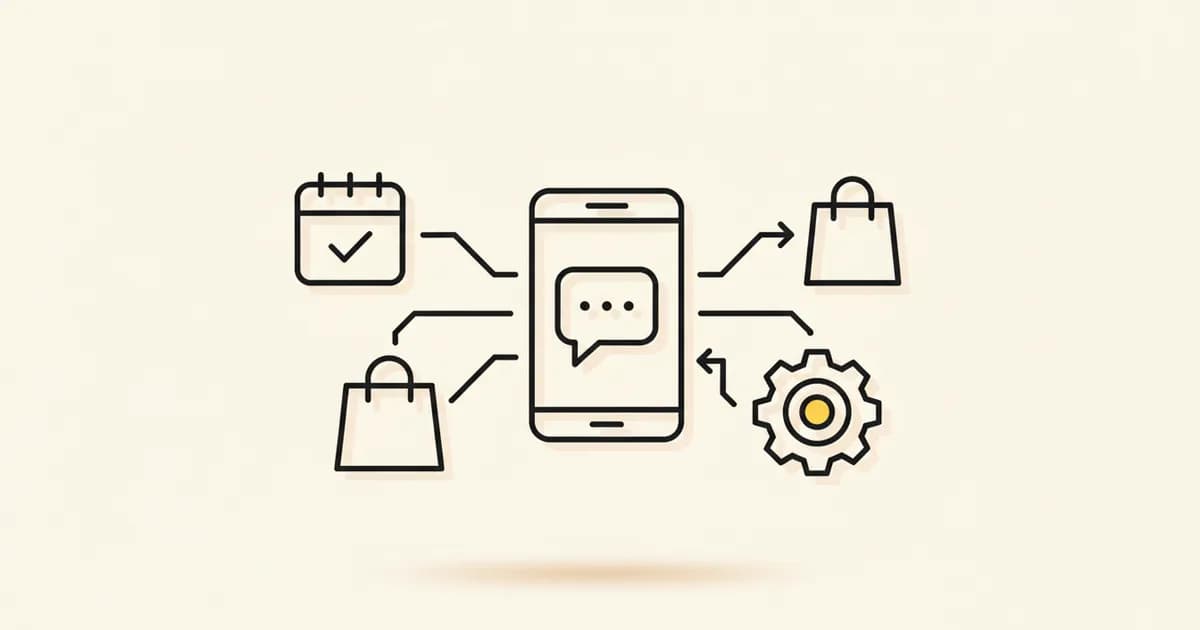
The biggest practical difference between Personal and Business for most companies is Messenger API access. This API lets approved platforms connect to your Instagram inbox and read, respond to, and organize DMs programmatically.
What this enables:
- AI auto-replies - the AI reads the DM and responds with a contextual answer, not a keyword-triggered script
- Shared team inbox - multiple people manage one Instagram DM inbox without sharing the login
- CRM sync - every new DM contact is automatically created in HubSpot or Pipedrive
- Follow-up sequences - timed follow-ups sent automatically if a lead doesn't respond
- Intent routing - pricing questions go to sales, support issues go to the support queue
Instant Reply connects to your Instagram Business account via the official Messenger API. The AI handles inbound DMs in real time - reading voice notes (if sent via WhatsApp), understanding product images, and booking appointments inside the chat.
Setup takes 60 seconds via Meta's embedded signup. Start a 7-day free trial to see it with a live account.
Related: Instagram DM automation guide · Instagram welcome message examples · Instagram DM sales strategy
Check eligibility before switching#
List the tools you actually need—insights, ads, contact buttons, music, branded content, shopping, or API access—then check current Meta eligibility for your account and region. Save the existing profile details, switch during a quiet period, and verify links, permissions, and connected business assets afterward.