WhatsApp has 2 billion active users. Your customers are on it. The question is whether your WhatsApp chat bot helps them or annoys them into leaving. In 2026 the bar has risen. Here is what separates chatbots that work from chatbots that cost you sales.
Rule-Based vs AI-Powered WhatsApp Chatbots#
Every WhatsApp chatbot falls into one of two categories. Knowing the difference will save you months of frustration.
Rule-Based WhatsApp Chatbots#
These follow a decision tree. The customer picks from numbered options. The bot goes down a branch. It works like a phone tree.
Good for: structured onboarding flows, appointment booking where every step is defined, support ticket triage.
Bad for: anything a customer asks that isn't in the tree. "What's the difference between your Starter and Growth plan?" If that question is not in the flow, the bot either says "I don't understand" or routes to a human. Every time that happens, you have burned a customer's patience.
AI-Powered WhatsApp Chatbots#
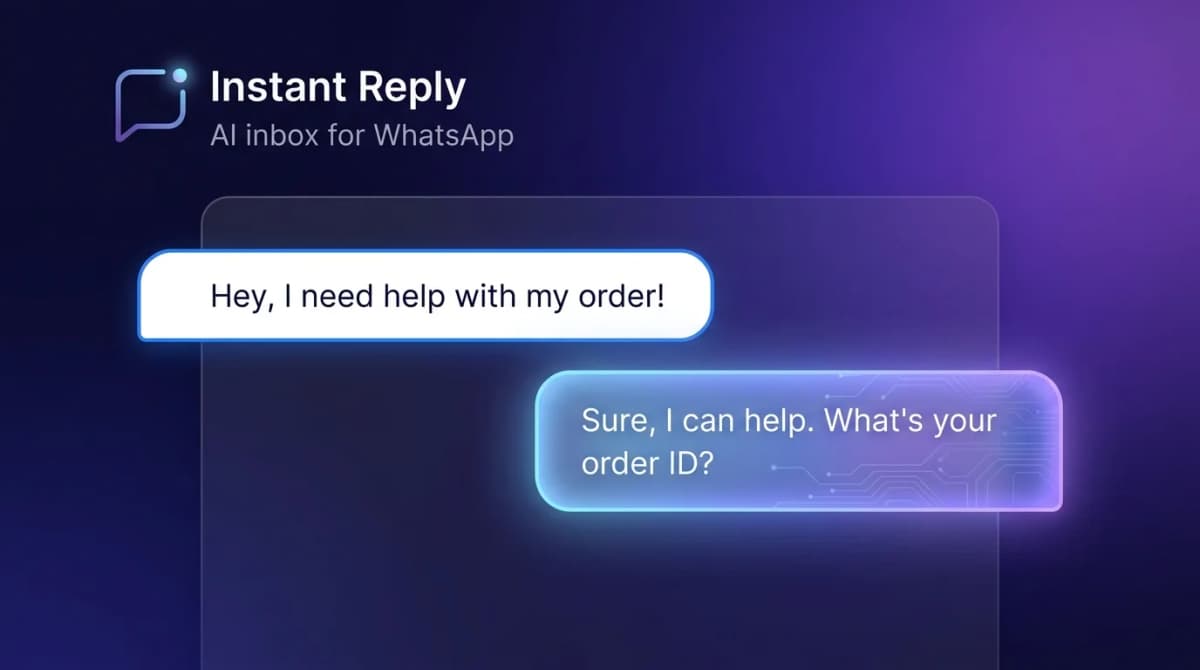
These use large language models to read the customer's message and generate a contextual reply. The bot is not following a script. It is generating a response based on your business knowledge and the conversation history.
Good for: open-ended sales conversations, product questions, support queries, lead qualification where the customer might ask anything.
Bad for: highly regulated industries where every word matters (legal, medical) and strict compliance over conversation quality is the priority.
For most businesses, AI-powered wins on open-ended questions, because it answers from your real business data instead of forcing every customer through a fixed menu. Track first-contact resolution in your own account to confirm it.
What You Need to Run a WhatsApp Chatbot#
This is not like setting up a website form. WhatsApp requires:
- WhatsApp Business API access via a Business Solution Provider (BSP) or Meta's Cloud API
- A verified Meta Business Account -- your business name, website, and category reviewed by Meta
- A dedicated phone number not already registered with WhatsApp Business app
- Pre-approved message templates for business-initiated messages (the ones you send first)
- A BSP or platform that handles the API connection and gives you a chat interface
The fastest path in 2026 is Meta's embedded signup flow. You verify your business account, connect your phone number, and get API access through a platform like Instant Reply. No developer required.
Setting Up Your WhatsApp Chatbot: The 5-Step Playbook#
- Get API access: Use a BSP's embedded signup flow. Timing depends on Meta and your business verification status; you need a Meta Business Account and a phone number that is not already registered with WhatsApp.
- Build your knowledge base: Document your top 30 customer questions and your exact answers. Include product specs, pricing, policies, and return process. This is your AI training data.
- Set your brand voice: Write 5-10 example replies in your ideal tone. Casual, professional, or somewhere in between. The AI matches your style.
- Configure escalation rules: Define which topics should always go to a human. Complaints. Refund requests. Legal questions. Anything with real stakes.
- Launch in review mode: First 1-2 weeks, an agent reviews every AI draft before sending. You see exactly what the bot would say, correct anything wrong, and the AI learns from your edits.
WhatsApp Chatbot Pricing Breakdown#
Two cost layers:
Platform fees#
You pay the software company for the bot platform. Pricing models range from basic per-contact flow builders to AI platforms with team inboxes. Instant Reply's Growth plan at $129/month covers WhatsApp API access, AI replies, team inbox, and lead management.
Meta messaging fees#
Meta charges eligible outbound template messages by category and recipient market and, since October 1, 2026, service replies as well:
- Marketing templates: paid per delivered message; rates vary by market
- Utility templates: paid per delivered message; rates vary by market and category
- Authentication templates: paid per delivered message; rates vary by market
- Service replies inside the 24-hour customer-care window: free through September 30, 2026; billed per message since October 1, 2026, at the market's utility and authentication rate
Your Meta bill depends on the number of delivered messages, their category, and the recipient countries (see Meta's rate card or the pricing calculator). Add the platform fee to get your total.
5 High-Performing WhatsApp Chatbot Use Cases#
1. E-Commerce Order Queries#
Order status, tracking, return initiation. High volume, predictable questions. AI handles the routine questions without escalation. Frees up customer service teams for the complex cases.
2. Real Estate Lead Qualification#
AI asks about budget, timeline, location preferences, and number of bedrooms. Qualifies leads 24/7. Only routes to an agent when a prospect meets your criteria. Teams using this double their qualified lead volume without adding headcount.
3. Appointment Booking#
AI handles scheduling, reschedules, and reminders. Integrates with calendar systems. Reminders that never get skipped help reduce no-shows; track your own no-show rate before and after.
4. Product Recommendation#
Customer describes what they need. AI asks clarifying questions. Recommends the right product with pricing and a buy link. Converts like a knowledgeable salesperson on duty 24/7.
5. Post-Sale Support and Feedback#
AI follows up 3 days after purchase to check satisfaction, offer help, and collect a review. Automated but personal. Compare the review rate against your email requests.
The One Mistake That Kills WhatsApp Chatbot Conversions#
Launching without training data. Every platform has this problem. Out of the box, an AI has no idea who you are, what you sell, or how you talk. It defaults to generic non-answers.
Invest two hours before launch: write your top 30 questions and answers, list your products and prices, paste in your policies. That two hours pays back in every conversation the AI handles correctly from day one.
Start Your WhatsApp Chatbot Today#
The setup barrier is lower than most people think. With Meta's embedded signup, you can connect a WhatsApp Business API number through guided steps. With a solid knowledge base, your AI bot is answering customer questions accurately on day one.
Start a free 7-day Instant Reply trial and connect your WhatsApp number today. The Growth plan trial includes AI replies, team inbox, and lead management so you can see your full WhatsApp chatbot in action before any commitment. Or take the product tour to see how the AI inbox handles real customer conversations.
WhatsApp chatbots that know your business close sales. The ones that don't frustrate customers away. The difference is training data and a careful setup.