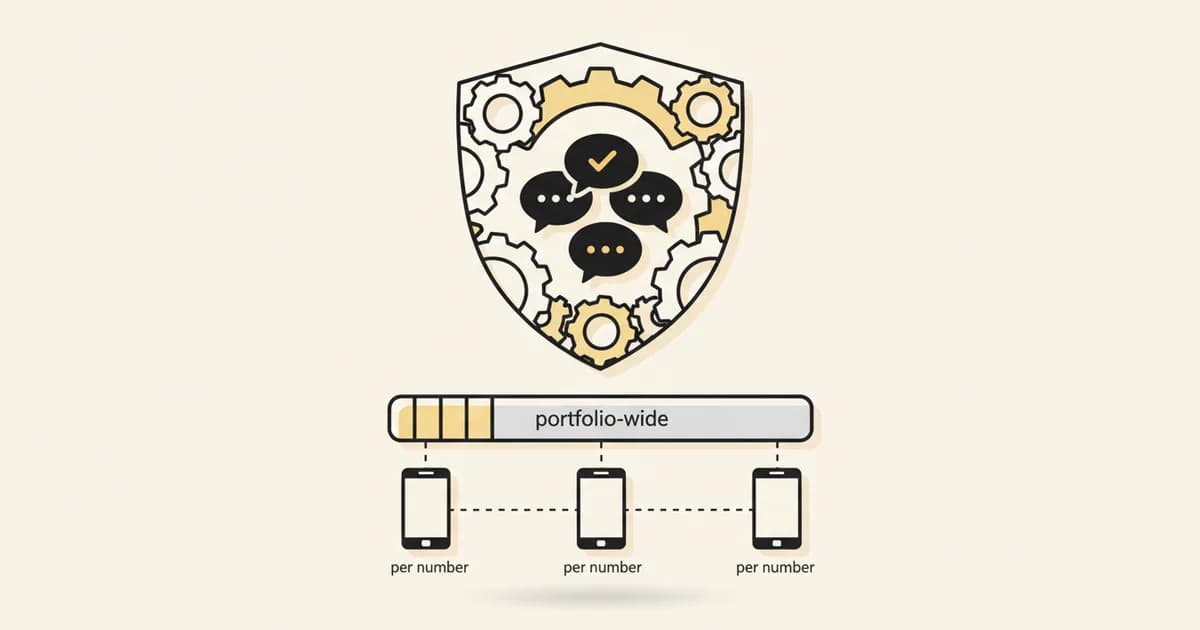
If a tool or dashboard is showing you a WhatsApp messaging limit tied to a single phone number, check what field it's reading. Meta has already deprecated it.
The old model: one number, one limit#
Messaging limits have always governed how many unique WhatsApp users a business can message outside the 24-hour customer service window, in a rolling 24-hour period. Historically, that limit was returned per phone number, through a field called messaging_limit_tier. Each number climbed its own tier ladder, from an initial 250 up through higher tiers as it built a track record.
The new model: shared across the portfolio#
Per Meta's own developer documentation, that per-number model is gone. Messaging limits "are calculated and set at the business portfolio level and are shared by all business phone numbers within a portfolio." Meta's Graph API reference confirms the replacement field directly: whatsapp_business_manager_messaging_limit is the "maximum number of unique WhatsApp user phone numbers that your Business Manager account can message, outside of a customer service window, within a moving 24-hour period." The word to notice is "account," not "number."
The old field isn't just superseded, it's formally retired. Meta's documentation states: "The messaging_limit_tier field, which used to return a business phone number's messaging limit, has been deprecated," and directs API consumers to request whatsapp_business_manager_messaging_limit instead, available on API v24.0 and newer.
The scaling path number changed too#
New portfolios still start at 250. But the first increase along the documented scaling path is now, per Meta, "2,000" -- double the 1,000 that used to mark the first step up. If you're planning outreach volume against an old reference that says "the next tier is 1,000," that number is stale.
Why this matters if you run more than one WhatsApp number#
The practical shift is for anyone managing several numbers inside one Meta Business Portfolio: an agency running numbers for multiple clients under a shared portfolio, or a business splitting numbers by region or brand. The limit is no longer N independent per-number allowances. It's one pooled number, shared across everything in that portfolio. Before assuming a new number you add will start with its own fresh 250, check what your actual portfolio-level limit shows, because that's the number that governs all of them together now.
If you built any internal reporting, alerting, or a client-facing dashboard that reads messaging_limit_tier per number, that data is reading a deprecated field and should be pointed at whatsapp_business_manager_messaging_limit instead, on API v24.0 or later, before Meta stops returning the old field entirely.
Where this fits if you're planning outreach volume#
Messaging limits set the ceiling on how many new conversations you can start outside the service window in a day, which directly shapes what a broadcast or campaign send can realistically cover. The WhatsApp API pricing calculator is built around the current cost side of that math; pair it with your actual portfolio-level limit, not a stale per-number figure, when planning send volume. For the setup side of running a business number at all, see the current WhatsApp API integration path.