A WhatsApp newsletter lands in the same inbox where subscribers talk to friends and family. So why do most businesses still default to email?
Because they think WhatsApp newsletters are just broadcast lists in the consumer app -- the same thing they tried in 2017 with 256-contact lists and got nothing from. They are not. A WhatsApp newsletter in 2026 is a serious marketing channel, run through the WhatsApp Business API, with opt-in compliance, analytics, and unlimited list size.
Here is exactly how it works, what it costs, and how to launch one without getting banned.
What a WhatsApp Newsletter Actually Is#
A WhatsApp newsletter is a recurring marketing broadcast sent to subscribers who have explicitly opted in. It runs through the WhatsApp Business API, not the consumer Business app.
The mechanics:
- List size: Unlimited. No 256-contact ceiling.
- Delivery: Direct to the recipient's main WhatsApp inbox -- not a group, not a list.
- Format: Template messages approved by Meta. Text, images, video, documents, and buttons all supported.
- Compliance: Subscribers must opt in. You must offer unsubscribe. Lists cannot be bought or scraped.
- Cost: Meta message pricing varies by category and recipient market.
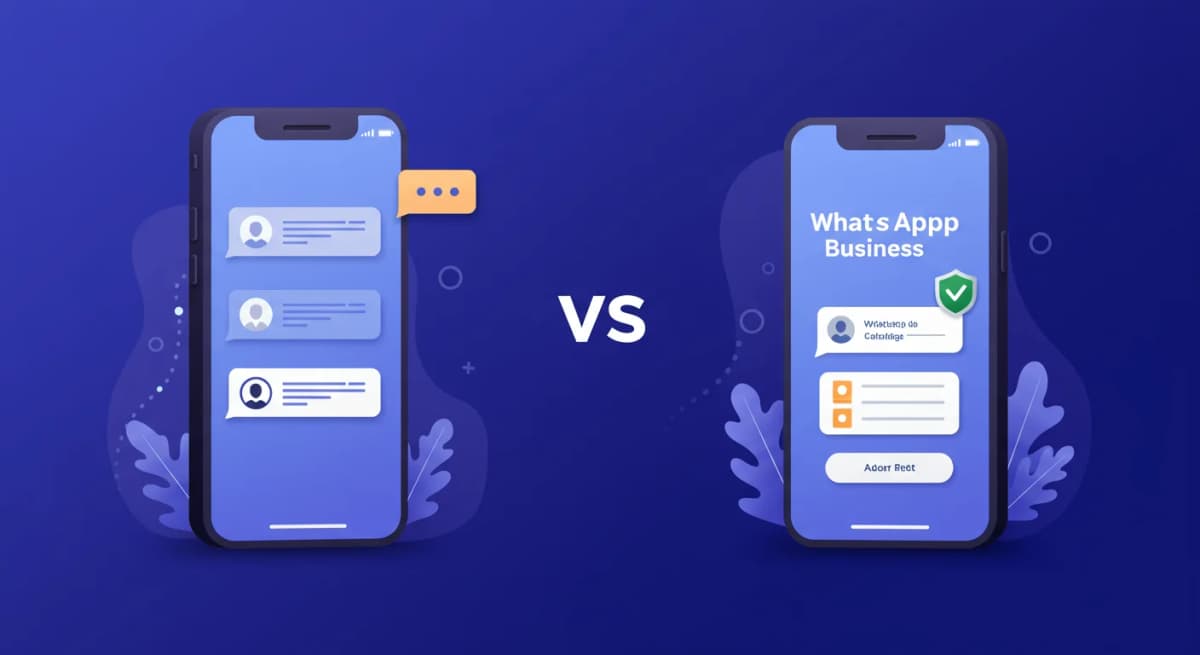
Broadcast List vs. Newsletter: The Difference That Matters#
Most "how to send a WhatsApp newsletter" guides confuse two completely different things.
Broadcast list (consumer app):
- 256-contact maximum
- Only contacts who have you saved in their phone will receive it
- No analytics
- No opt-in tracking
- Manual to manage
Newsletter (WhatsApp Business API):
- Unlimited list size
- Sends to any opted-in number, no save required
- Open, click, and read receipts tracked
- Opt-in source recorded per contact
- Sent and segmented from a dashboard
If you read advice that mentions broadcast lists, archive it. That is 2018 advice. The API path is the standard production channel.
The Setup: 5 Steps to First Send#
1. Get WhatsApp Business API Access#
You need a WhatsApp Business Account (WABA) and an approved phone number. Two paths:
Path A: Meta Cloud API direct. Free platform access. You build the integration yourself or hire a developer. Best for engineering-heavy teams.
Path B: Use a Business Solution Provider (BSP). A BSP handles WABA setup, template approval, and the sending infrastructure. Instant Reply is one. Wati, Respond.io, and Gallabox are others. Best for non-technical teams.
Setup time depends on Meta's number verification and business verification status; the embedded signup flow guides you through it.
2. Capture Opt-Ins#
The opt-in is the legal and operational foundation of your newsletter. Three high-converting capture patterns:
- Web form: "Get our weekly WhatsApp updates -- enter your phone number." Confirms via a "click to chat" link or a verification message.
- QR code: In-store, on packaging, on print. Scanning opens WhatsApp pre-filled with "JOIN" or similar.
- Checkout opt-in: Pre-checked checkbox in your e-commerce flow (where legal) or a separate opt-in field for "send my order updates via WhatsApp."
Every opt-in must record: phone number, timestamp, source (which form/page), and the exact consent text shown. If you ever get audited or reported, this log is your defense.
3. Get Templates Approved#
You cannot freely write marketing messages. Meta requires you to submit templates for approval before sending. A template is a structured message with placeholders for personalization (name, order number, etc).
Approval rules:
- No promotional copy that lies, exaggerates, or manipulates urgency falsely
- No financial or health claims without proof
- No links to phishing or low-quality landing pages
- Marketing templates must be clearly opt-in-based
Approval time: minutes to 24 hours for most templates. Rejections are common on the first try -- expect to revise.
4. Segment Before You Send#
The biggest mistake in WhatsApp newsletters: sending the same message to everyone. WhatsApp is more personal than email. Generic content trains subscribers to mute or unsubscribe quickly.
Segment by:
- Opt-in source (product page subscribers want product news, support subscribers want feature updates)
- Country (so you can send in the right language and respect local pricing)
- Last engagement (re-engagement flow for cold subscribers)
- Purchase history (post-purchase tips vs. pre-purchase nurture)
5. Send and Monitor#
First send: 10-25% of your list, watch for issues, then expand. New numbers have messaging limits set by Meta, based on quality rating and business verification; see how portfolio-based messaging limits work.
Watch the metrics:
- Delivery rate: A low rate means dead or unreachable numbers in your list.
- Read rate: A falling read rate means timing or content is off.
- Block and report rate: Watch your quality rating in WhatsApp Manager; high block rates can lower your number's quality rating and messaging limit.
What It Costs in 2026#
Meta bills each delivered template message individually (per-message billing since July 1, 2025, not per 24-hour conversation). The rate depends on the template category and the recipient's country; a newsletter is usually a marketing template. Check the current rate card on Meta's pricing page for your subscribers' countries.
Estimate the annual cost with this formula: subscribers x issues per year x the marketing rate for their country (checked on Meta's rate card), plus your platform fee. Use the pricing calculator to run your own numbers. Marketing templates to some destinations are restricted by Meta, so check the current rules for your audience first.
For full per-country pricing, see our WhatsApp Business API pricing breakdown.
How to Avoid Getting Banned#
Five rules. Break any one and Meta will throttle, suspend, or permanently ban your number.
- Opt-in only. Do not buy a list. Do not scrape. Do not assume that "they gave me their number for support" is opt-in for marketing -- it is not.
- Match content to template category. A "utility" template cannot carry promotional content. Meta will downgrade or revoke.
- One-click unsubscribe. Every send. Make it easy. A high unsubscribe rate is better than a high block rate -- Meta only penalizes blocks.
- Respect the 24-hour rule. If a subscriber replies, you have 24 hours to respond freely. After that, you need a new marketing template to message them.
- Ramp slowly. Going from 0 to 10,000 sends on a new number is a red flag. Start at 250/day and double weekly as your quality rating holds at "High."
The Tools That Actually Work#
You need three things to run a WhatsApp newsletter properly: a BSP for API access, an opt-in capture system, and a sending dashboard.
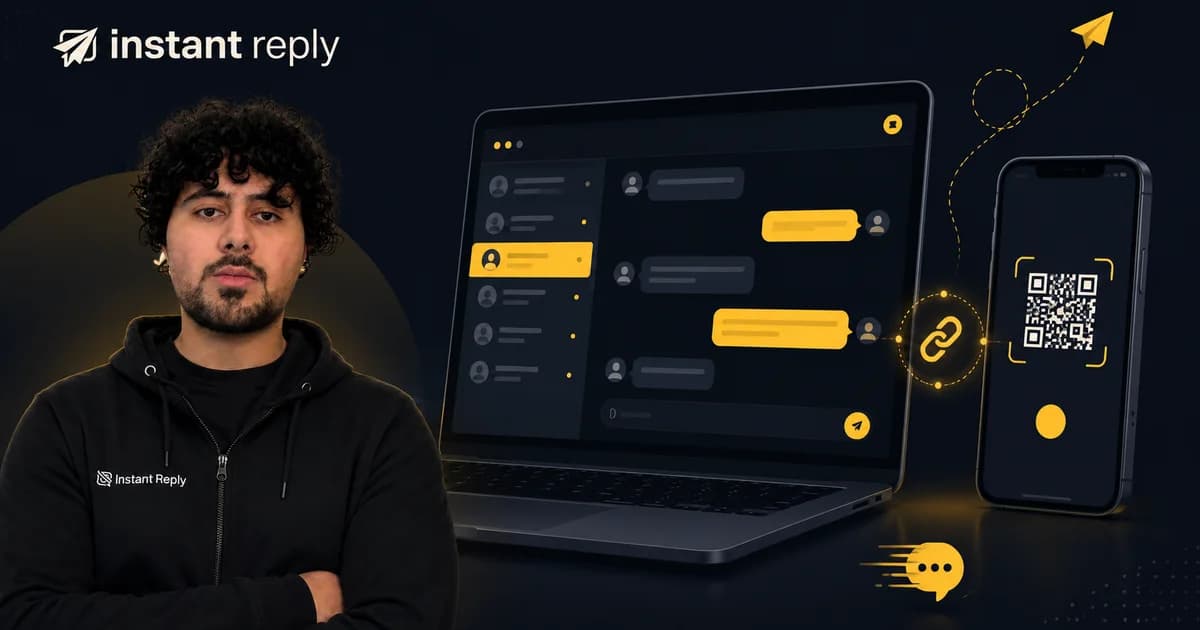
Instant Reply bundles all three: embedded Meta signup that gets your number live in minutes, an opt-in form generator, template manager, segmentation, send scheduling, and per-subscriber delivery analytics. WhatsApp starts on the Growth plan ($129/mo monthly, $107.50/mo billed yearly); Starter ($59/mo) covers Instagram and Messenger only. 7-day Pro trial with no credit card.
For developers building from scratch: our Python tutorial walks through Meta Cloud API direct integration. You will still need to build the opt-in flow, segmentation, and dashboard yourself, which is a substantial engineering project.
What to Send#
WhatsApp newsletters work best when they feel personal, not bulk. Three formats that tend to work well:
- One link, one CTA, no fluff. Email-style "here are 10 things this week" doesn't work. One thing per send, with a clear "tap here" button.
- Voice notes. 30-60 second audio from a real person. Wildly higher engagement than text.
- Question-led copy. Open with a yes/no question that the subscriber can reply to. Replies open the 24-hour service window and help show Meta that your number is high-quality; replies you send inside that window are billed per message since October 1, 2026.
Avoid: long blocks of text, all-caps, multiple CTAs in one send, generic "happy Monday" intros.
Quick Start#
If you want a WhatsApp newsletter running by end of week:
- Sign up at Instant Reply -- 7-day Pro trial, no credit card
- Connect your WhatsApp Business number via embedded signup (5 minutes)
- Submit your first marketing template for approval (15 minutes)
- Drop the opt-in form on your site (10 minutes)
- Send your first newsletter to your initial 100-250 subscribers
By week two, you will know from your own open and click rates whether the channel justifies itself for your business.
Start your 7-day Pro trial and ship your first WhatsApp newsletter this week.