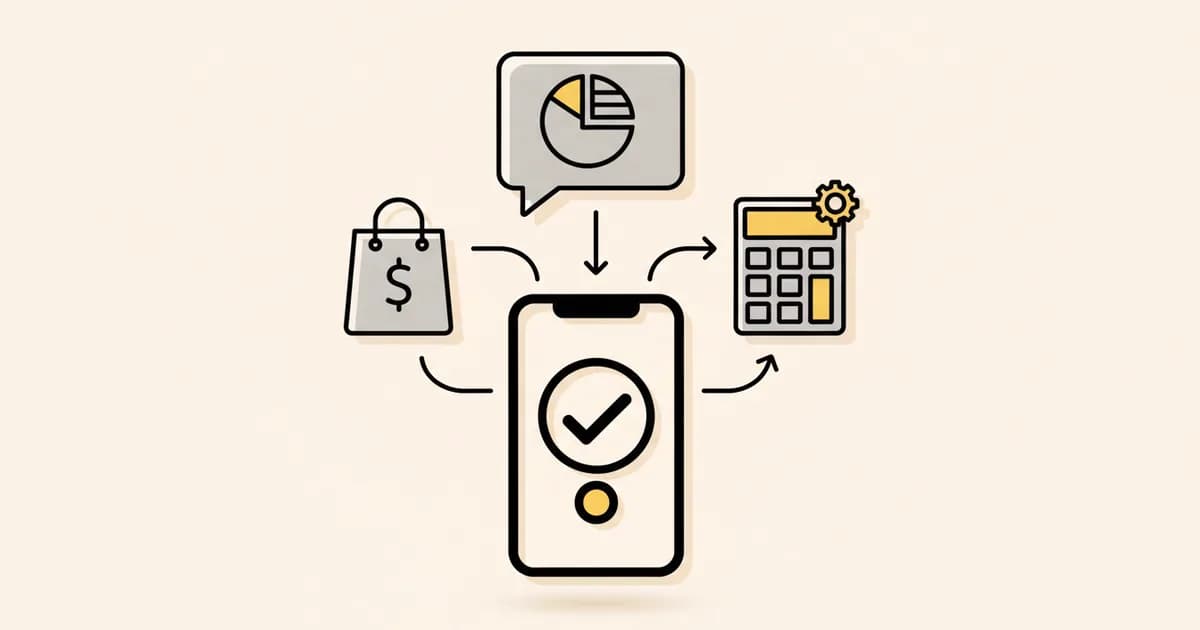
A Click to WhatsApp ad has two bills. Meta Ads charges you when the ad is shown. WhatsApp charges per message once the chat starts. Reply inside 24 hours and Meta opens a free window. Meta's pricing page now says it can stay open for up to 7 days. Many guides still say 72 hours.
See your AI answer your customers
The two bills#
People mix these up, so here they are side by side. The ad rule comes from Meta's guide to ads that click to WhatsApp.
| Bill | Who sends it | What you pay for |
|---|---|---|
| The ad | Meta Ads | Showing the ad. Meta's guide says to set billing to impressions: "Meta bills you when your ad is shown to people." |
| The chat | WhatsApp Business Platform | Each message you send that gets delivered. Messages from the customer to you are never charged. |
The ad bill depends on your budget and your market. Meta does not publish a fixed price for it. The chat bill follows a public rate card, so the rest of this guide covers that one.
How the free window opens#
Meta calls it the free entry point window. These steps follow the pricing page.
- A person taps your ad in the WhatsApp app on Android or iPhone. Meta says its desktop and web apps are not supported.
- The person sends you a message. A 24-hour customer service window starts.
- You reply inside those 24 hours. The reply can be a template or a normal typed message.
- Meta does not charge for that reply. The free window starts at the time you replied.
- The free window "may remain open for up to 7 days."
While the window is open, Meta does not charge for marketing, utility, authentication or service messages.
| Message you send | Inside the free window | Outside it |
|---|---|---|
| Typed reply (service) | Free | First 1,000 a month per number are free, then charged |
| Utility template | Free | Charged, even inside the 24-hour window, since October 1, 2026 |
| Marketing template | Free | Charged |
| Authentication template | Free | Charged |
| Meta Business Agent message | Charged | Charged |
Important: if you miss the first 24 hours, no free window opens. You then need a paid template to reach that person.
Is it 7 days or 72 hours?#
We read Meta's pricing page on November 13, 2026. The sentence is: "The FEP window may remain open for up to 7 days." We found no line on that page that says 72 hours.
Plan with care, because "up to" is a ceiling. Meta does not say what would close the window sooner. Send your most important follow-up early in the week.
Meta's rates in India, the Gulf and Brazil#
The rate depends on two things: the message category and the country code of the person you message. These rates come from Meta's rate card files, effective October 1, 2026. Meta links them from the pricing page, and shows the same rates on its platform pricing page.
| Person's country | Marketing | Utility | Service | Same rates in US dollars |
|---|---|---|---|---|
| India | ₹0.8631 | ₹0.115 | ₹0.115 | $0.0118, $0.0014, $0.0014 |
| United Arab Emirates | AED 0.2115 | AED 0.0576 | AED 0.0576 | $0.0576, $0.0157, $0.0157 |
| Saudi Arabia | SAR 0.2159 | SAR 0.0401 | SAR 0.0401 | $0.0576, $0.0107, $0.0107 |
| Brazil | R$0.3217 | R$0.035 | R$0.035 | $0.0625, $0.0068, $0.0068 |
A marketing template to a UAE number costs about 5 times what one costs to an Indian number: $0.0576 against $0.0118. So the free window is worth more in the Gulf and Brazil than in India.
For other countries, use the WhatsApp API pricing calculator. For the October rule change, read what changed on October 1, 2026.
Worked example: 500 chats a month#
Say 500 people message you in a month. Each chat gets the same messages from you:
- 6 typed replies, which Meta counts as service messages
- 1 utility template, such as a booking confirmation
- 1 marketing template on day 5, such as an offer
That is 3,000 service messages, 500 utility templates and 500 marketing templates. You use one WhatsApp number.
First, price it as if the chats came from a link or a QR code. No free window applies. The first 1,000 service messages are free, so 2,000 are charged.
| Person's country | 2,000 service | 500 utility | 500 marketing | Month total | In US dollars |
|---|---|---|---|---|---|
| India | ₹230.00 | ₹57.50 | ₹431.55 | ₹719.05 | $9.40 |
| United Arab Emirates | AED 115.20 | AED 28.80 | AED 105.75 | AED 249.75 | $68.05 |
| Saudi Arabia | SAR 80.20 | SAR 20.05 | SAR 107.95 | SAR 208.20 | $55.55 |
| Brazil | R$70.00 | R$17.50 | R$160.85 | R$248.35 | $48.25 |
Now price the same 500 chats from a Click to WhatsApp ad. You reply to each one inside 24 hours. Every message above lands inside the free window. If each window stays open the full 7 days, the message bill is zero.
So the window saves about ₹1.44 a chat in India and about AED 0.50 a chat in the UAE. That is real money, and it is small next to what the ads cost. Treat the free window as a discount on follow-up. It does not make the ad cheap.
Tip: the saving comes mostly from the marketing template. If you plan one offer or reminder per lead, send it inside the 7 days.
A 7-point checklist before you spend#
- Check who replies at night and on weekends. A lead that waits past 24 hours gets no free window.
- Make the first reply useful. It is free, and it starts the clock.
- Send the booking or order confirmation inside the window. Outside it, a utility template is charged.
- Send your one follow-up offer before day 7. Earlier is safer.
- Do not count on Meta Business Agent replies being free. Meta charges for those in the window too.
- Get opt-in before you send templates later. Meta lets you message only people who agreed to hear from you.
- Save which ad started each chat. The next section shows where that data comes from.
How to see which ad started a chat#
When a chat starts from an ad, Meta adds a referral object to the first message your system receives. Meta's webhook reference lists these fields.
| Field | What it holds |
|---|---|
| source_id | The ad ID |
| source_url | The ad URL |
| headline | The ad headline |
| body | The ad's main text |
| media_type | image or video |
| ctwa_clid | The click ID. Meta leaves it out when the ad ran in WhatsApp Status. |
If the first message has no referral object, the chat did not start from an ad. It may have come from a WhatsApp link or a QR code. Those chats get no free window.
What to send in the 7 days, by business type#
These are plans to adapt. Write them in your own words. The WhatsApp template library has drafts by industry.
| Business | First reply (inside 24 hours) | Later in the window |
|---|---|---|
| Clinic | Answer the price or slot question | Appointment confirmation, then one reminder |
| Salon | Share open times for the service asked about | Booking confirmation, then a reminder the day before |
| Real estate | Ask budget and area, send two listings | Viewing confirmation, then one new listing |
| Restaurant | Send the menu or take the booking | Table confirmation |
| Online store | Answer size, stock or delivery questions | Order confirmation, then one offer |
How Instant Reply handles ad chats#
Instant Reply reads the referral object on the first message. It saves the ad ID and the headline against the contact. If the same person taps a second ad within 7 days, the first ad keeps the credit.
The WhatsApp campaigns page has a panel called Click-to-WhatsApp ad attribution. It lists clicks, contacts and conversions for each ad. Owners and admins can open it.
WhatsApp is part of the Growth plan, which costs $129 a month and includes 2 WhatsApp numbers. Meta bills its message fees to your own Meta account. The plan price does not include them. See the pricing page for the full list, or read about the WhatsApp API feature.
What we could not confirm#
- The date Meta moved from 72 hours to 7 days. The pricing page shows the new number. The changelog entries we could read stop in May 2026.
- What closes a free window before day 7. Meta only says "up to."
- Typical ad costs. They depend on your account, and Meta publishes no rate card for ads.
- The exact Ads Manager menu steps. Meta's help article did not load for us in English, so we left them out.
For how the per-message model works in general, read Meta's WhatsApp pricing explained.
Questions people ask#
Are Click to WhatsApp ads free?
No. Meta Ads bills you when the ad is shown. Only the WhatsApp messages can be free, and only inside the free entry point window.
How long is the free entry point window?
Meta's pricing page says it may remain open for up to 7 days. It starts when you reply, and you must reply within 24 hours of the person's message.
Do chats from a wa.me link get the free window?
No. Meta's pricing page names ads that click to WhatsApp. A link or QR code chat is billed at normal rates.
Does it work if the person clicks on a computer?
Meta says the person must use the Android or iPhone app. Its desktop and web apps are not supported for this window.
Do free window messages count toward volume discounts?
No. Meta says only charged messages count toward volume tiers.