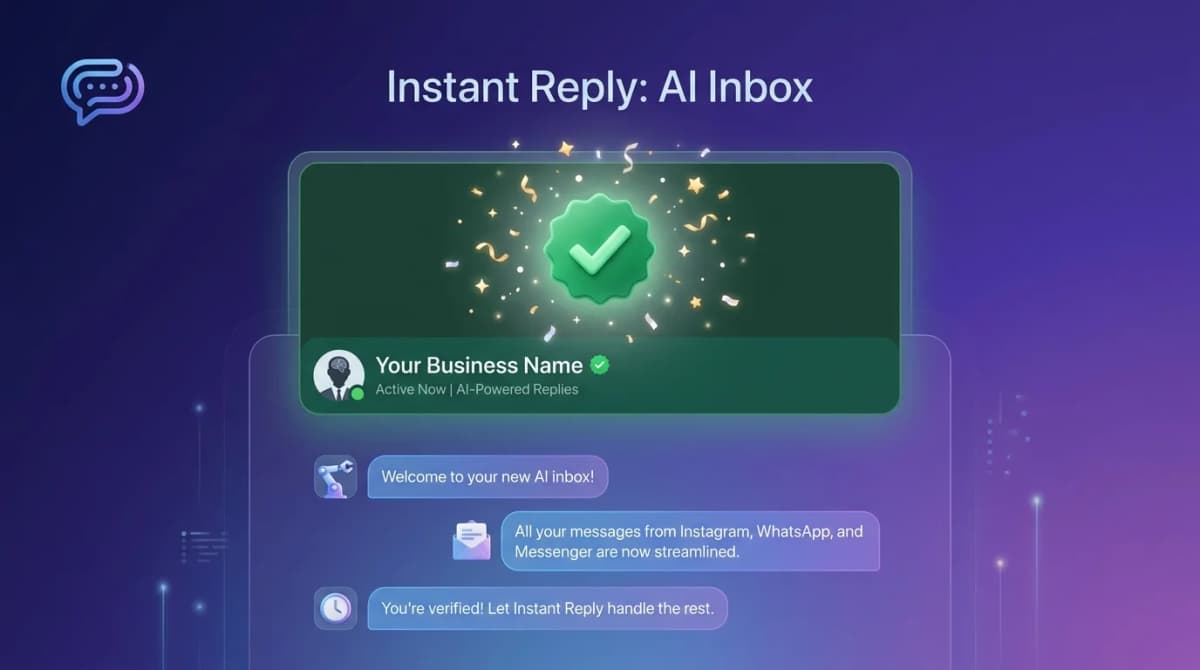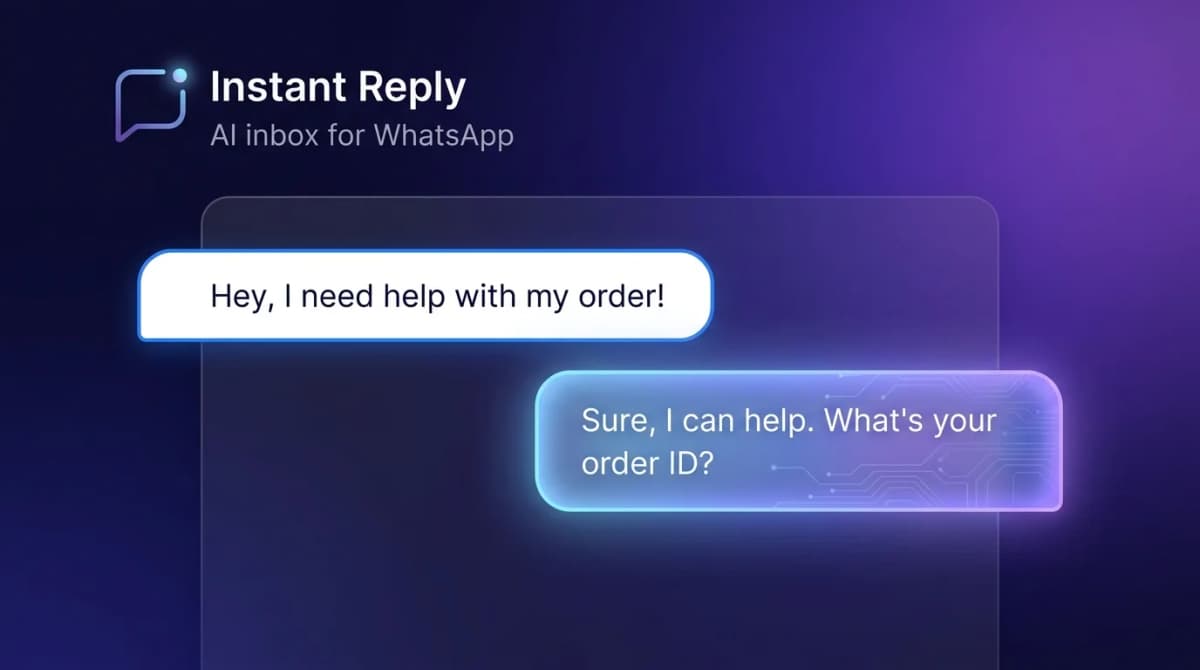
WhatsApp bot numbers are shorthand for a dedicated phone number connected to the WhatsApp Business API, set up to send and receive automated messages -- AI auto-replies, broadcasts, template messages, and integrations with everything from CRM to e-commerce.
This is the number your customers see when an AI assistant answers them at 2am, or when a delivery update arrives, or when a marketing newsletter lands. It is not a personal number, not a Business app number, and not something you can hack together with WhatsApp Web.
Why You Need a Dedicated Bot Number#
Three reasons to keep automation off your personal number:
- Bans cascade. If automation triggers a violation on your personal number, your personal WhatsApp account goes with it. Your contacts, chats, groups -- all gone.
- No API access. Personal and consumer Business app numbers cannot connect to the WhatsApp Business API. No automation, no broadcast scaling, no analytics.
- Brand separation. Customers messaging your business expect a business name and verified checkmark. Your personal number does not provide either.
How to Get a WhatsApp Bot Number in 2026#
The path changed substantially in 2024 when Meta released embedded signup. The current state:
Path A: Meta Cloud API (Direct)#
Sign up at developers.facebook.com, create a WhatsApp Business Account, add a phone number, verify via SMS or voice. Free platform access. You build the bot, the dashboard, the integrations, the analytics -- everything.
Best for: engineering teams that want full control and have time to build.
Setup time: 1-2 days. Code time to a working bot: 1-4 weeks.
Path B: Business Solution Provider (BSP)#
A BSP handles the API setup, template approval, and provides the bot/AI dashboard. You add a number through their embedded signup flow, customers see your brand, and you focus on conversations not infrastructure.
Providers include platforms like Instant Reply (which connects via Meta-approved partners) and BSPs such as Wati, Respond.io, and Gallabox. Each has different strengths -- see our Wati alternatives and Respond.io alternatives for direct comparisons.
Best for: businesses that want to start sending in hours, not weeks.
Setup time: 1-3 hours via embedded signup.
What a Bot Number Actually Does#
The number itself is just the access point. The "bot" is everything behind it. A serious WhatsApp bot number setup includes:
- AI auto-reply. Trained on your knowledge base and historical chats. Handles routine questions without a human, with escalation for the rest.
- Template broadcasts. Send approved templates to opted-in subscribers -- newsletters, order updates, re-engagement.
- Conversation routing. When the AI hits a question it cannot answer, escalate to a human agent based on topic, language, or VIP status.
- Inbox view. Multiple agents share the same number, see each conversation, take over from the bot, and hand back.
- Integrations. Push leads into a supported CRM (HubSpot, Pipedrive, Notion, Airtable, or Zoho on the Pro plan; Salesforce is coming soon). Trigger Stripe charges from a chat. Confirm shipping from Shopify webhooks.
What It Costs#
Two cost layers:
Platform Fee#
- Meta Cloud API direct: $0 platform fee. You build everything.
- Instant Reply Starter: $59/mo ($49/mo billed annually). Instagram + Messenger only, AI auto-reply, shared inbox. No WhatsApp.
- Instant Reply Growth: $129/mo ($107.50/mo billed annually). Adds WhatsApp (two numbers included), Telegram, and 5 team members.
- Instant Reply Pro: $349/mo. Adds CRM sync, calendar booking, unlimited members, and five WhatsApp numbers.
- Other providers: Pricing models differ (per user, per contact, tiered plans); compare the configured total on each vendor's pricing page.
Meta Message Fees#
Set by Meta and billed through your Meta account (or through your provider). Meta bills each delivered message by category and recipient country, not per conversation:
- Marketing, utility, and authentication templates: billed per delivered message at the rate for the recipient's country.
- Service messages (replies inside the 24-hour window) and utility templates inside an open window: free through September 30, 2026, billed per message since October 1, 2026.
- Messages inside the 72-hour free entry point window from click-to-WhatsApp ads: free.
Look up exact rates on Meta's pricing page or in the pricing calculator.
See the full breakdown in our WhatsApp Business API pricing guide.
Dedicated vs Shared: Pick Dedicated#
Some providers offer "shared" numbers where multiple businesses send through the same number. Reasons to avoid:
- Your customers see the provider's name, not yours
- Your quality score is averaged with everyone else on the number
- You cannot port the number out if you switch providers
- Most BSPs have moved away from shared numbers entirely -- it is a legacy model
Common Mistakes#
- Verifying a personal number. Once a number is registered to WhatsApp Business API, you cannot use it on the consumer app anymore. Use a new line or an old line that is no longer in personal use.
- Ignoring the green checkmark. The verified badge can build trust, but Meta approves it on its own criteria (see our green tick guide); do not delay launch for it.
- Sending before warming up. A new number starts with a low messaging limit. Blasting a huge list on day one can hit that limit and hurt your quality rating (see messaging limits).
- Forgetting voice fallback. Verification via SMS sometimes fails on virtual numbers. Always have voice verification available.
The Fastest Path#
If you want a WhatsApp bot number live by end of day:
- Sign up for Instant Reply -- 7-day Pro trial, no credit card
- Click "Connect WhatsApp" -- Meta's embedded signup opens
- Enter your business name and the number you want to use (must not be active on consumer WhatsApp)
- Verify via SMS or voice
- Submit your first template for approval; Meta sets the review time
- Train the AI on your knowledge base and turn on auto-reply
By tomorrow, your bot number is answering inbound questions, scheduling calls, and capturing leads while you sleep.