
WhatsApp Business Multiple Users: How to Share One Number with Your Team (2026)
Published: June 8, 2026
Last updated: July 2, 2026
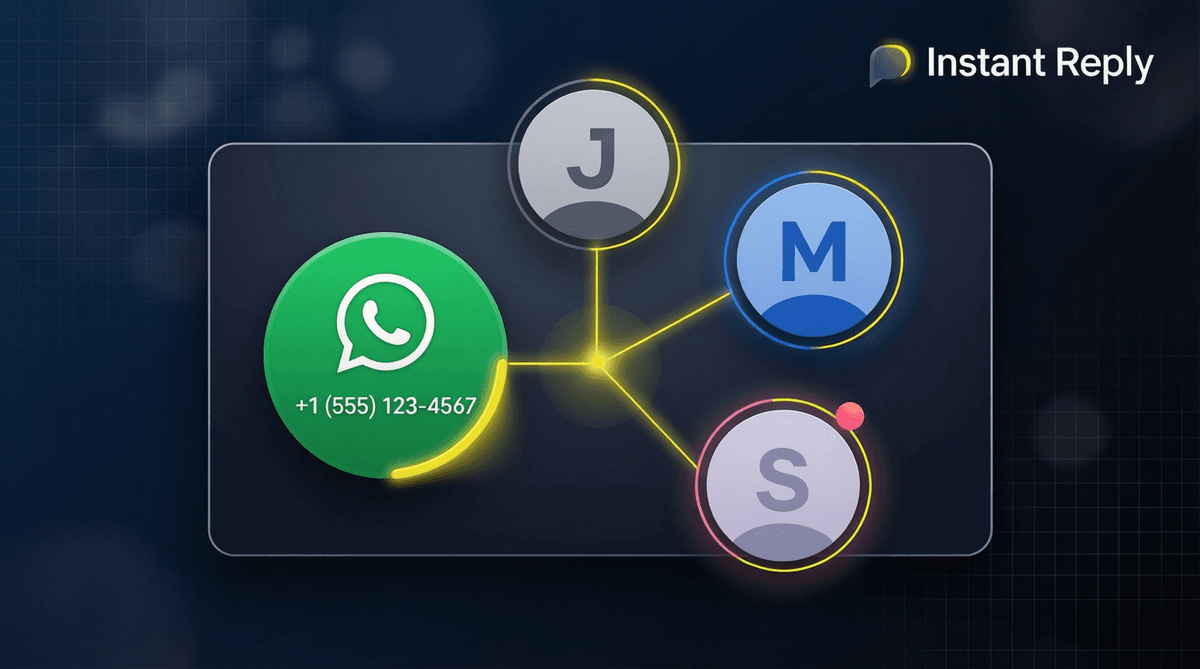
WhatsApp Business multiple users is the most common pain point for growing businesses on WhatsApp: one number, multiple people who need to respond to it. Here is exactly what the WhatsApp Business app allows, where it breaks down, and how teams actually solve this.
When the app is still enough
If your team is one owner plus a backup person, the free app may be enough. Use labels, quick replies, and a simple handoff rule such as "sales owns new inquiries, support owns active orders." Move to the API when you need named logins, private notes, audit history, or a manager who can see which conversations are stuck. The moment two people answer the same customer without knowing it, the app is costing more than it saves.
WhatsApp Business app limits (2026)
The free WhatsApp Business app supports:
- 1 primary phone number - one SIM, one account owner
- Up to 4 linked companion devices - additional phones, tablets, or laptops connected via QR scan
- No agent assignment - all linked devices see the same inbox with no ownership rules
- No routing - you cannot automatically send certain conversations to certain team members
This works fine for a solo operator who switches between a phone and laptop. It breaks down the moment two people need to work the same inbox simultaneously without stepping on each other.
How to link a second device to WhatsApp Business
- Open the WhatsApp Business app on your primary phone
- Go to Settings → Linked Devices → Link a Device
- On the second device, open WhatsApp (or WhatsApp Business) and go to Settings → Link a Device
- Scan the QR code with your primary phone
The second device now has full access to the inbox. Both devices can send and receive messages at the same time. The linked device stays active for up to 14 days even if the primary phone is offline.
Limit: You can link up to 4 companion devices. After that, you must unlink one to add another.
Can you use two phones with the same WhatsApp Business number?
Yes - link the second phone as a companion device using the steps above. Both phones will share the same inbox and can reply simultaneously. The primary phone retains exclusive access to WhatsApp Business calls.
What you cannot do:
- Have two separate WhatsApp Business numbers active on one phone simultaneously (the app only supports one account per phone without third-party workarounds)
- Assign conversations to specific team members
- See who replied to which customer
- Route messages based on topic or agent availability
The real team solution: WhatsApp Business API
For businesses that genuinely need multiple agents on one WhatsApp number - with proper accountability and routing - the WhatsApp Business API is the only official path.
With the API connected to a platform like Instant Reply:
- Unlimited team members - every agent logs into the web dashboard, no device linking needed
- Conversation assignment - assign any chat to a specific agent or let the system auto-route
- Agent ownership - see who is handling what, prevent double-replies
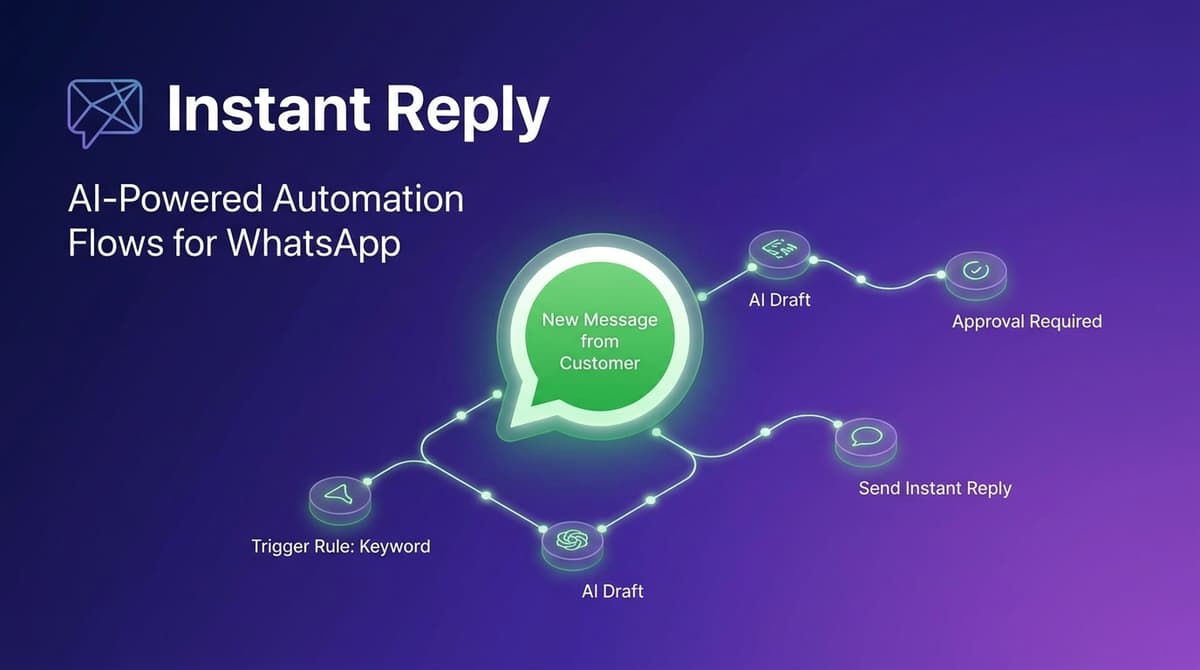
- AI drafts - AI pre-drafts replies from your business knowledge so agents review instead of type
- Analytics - response time, resolution rate, and conversation volume per agent
| Feature | WhatsApp Business App | WhatsApp Business API |
|---|---|---|
| Simultaneous users | Up to 5 (1 primary + 4 linked) | Unlimited |
| Agent assignment | No | Yes |
| Conversation routing | No | Yes |
| AI replies | No | Yes (via platform) |
| CRM sync | No | Yes (HubSpot, Pipedrive) |
| Cost | Free | From $49/mo (via BSP) |
When to upgrade from the app to the API
You need the API when:
- More than 2 people regularly respond to the same WhatsApp inbox
- You are losing track of who replied to which customer
- Response time is suffering because agents don't know which chats are unread
- You want AI to pre-draft replies so your team reviews instead of types from scratch
- You need to sync contacts and conversation history to your CRM automatically
Instant Reply Growth ($107/mo annual) connects your WhatsApp Business number to a shared team inbox with AI replies, routing, and Pipedrive/HubSpot sync. Setup takes under 15 minutes - no developer required.
Related: What is WhatsApp Business API · WhatsApp Business API pricing guide · WhatsApp chatbot guide
Frequently asked questions
Quick answers to what people ask most.
- With the free WhatsApp Business app, only one person can be the primary account holder, but up to 4 additional devices can be linked - giving up to 5 people access. However, this is not true multi-agent support: there are no routing rules, no agent assignment, and no conversation ownership. For a proper team inbox where multiple agents handle conversations independently, you need the WhatsApp Business API connected to a platform like Instant Reply.
- As of 2026, WhatsApp Business allows 1 primary phone and up to 4 linked companion devices (tablets, laptops, or secondary phones). All linked devices share the same account and can send and receive messages simultaneously. Linked devices work even if the primary phone is offline for up to 14 days.
- Yes - you can link a second phone as a companion device via Settings → Linked Devices → Link a Device. Both phones will have full access to the inbox. However, only the primary number can receive calls. To use different phone numbers for the same business, you need the WhatsApp Business API.
- The WhatsApp Business app is designed for small businesses with 1 owner and limited linked devices. The WhatsApp Business API connects your number to a team platform (like Instant Reply) where multiple agents each have their own login, conversations are assigned to specific agents, and AI can draft replies. The API removes device limits and adds analytics, routing, and CRM sync.
10-day Pro trial · no credit card
Give every DM a faster first response.
Instant Reply drafts replies for WhatsApp, Instagram, and Messenger, then keeps humans in control for approvals, exceptions, and booking handoff.
Keep reading

WhatsApp Business Automation: The Small Business Playbook (2026)
12 min read

What is WhatsApp Business API? The 2026 Complete Setup Guide
13 min read

WhatsApp Marketing Guide 2026: Campaigns, Compliance & Conversions
16 min read
WhatsApp Broadcast Messages: The Complete 2026 Guide (5,000+ Recipients)
13 min read
WhatsApp Inbox for Small Business: Setup Guide (2026)
10 min read
ManyChat WhatsApp Automation in 2026: What Works, What Doesn't, and What to Use Instead
9 min read
Explore Instant Reply
More tools and solutions
Industry solutions